
How do I answer a creator's proposal?
Proposals collects every answer to your campaign requests, from first offer to finished work.
Open this page 3 steps
-
Open Market in the left rail and click Proposals.
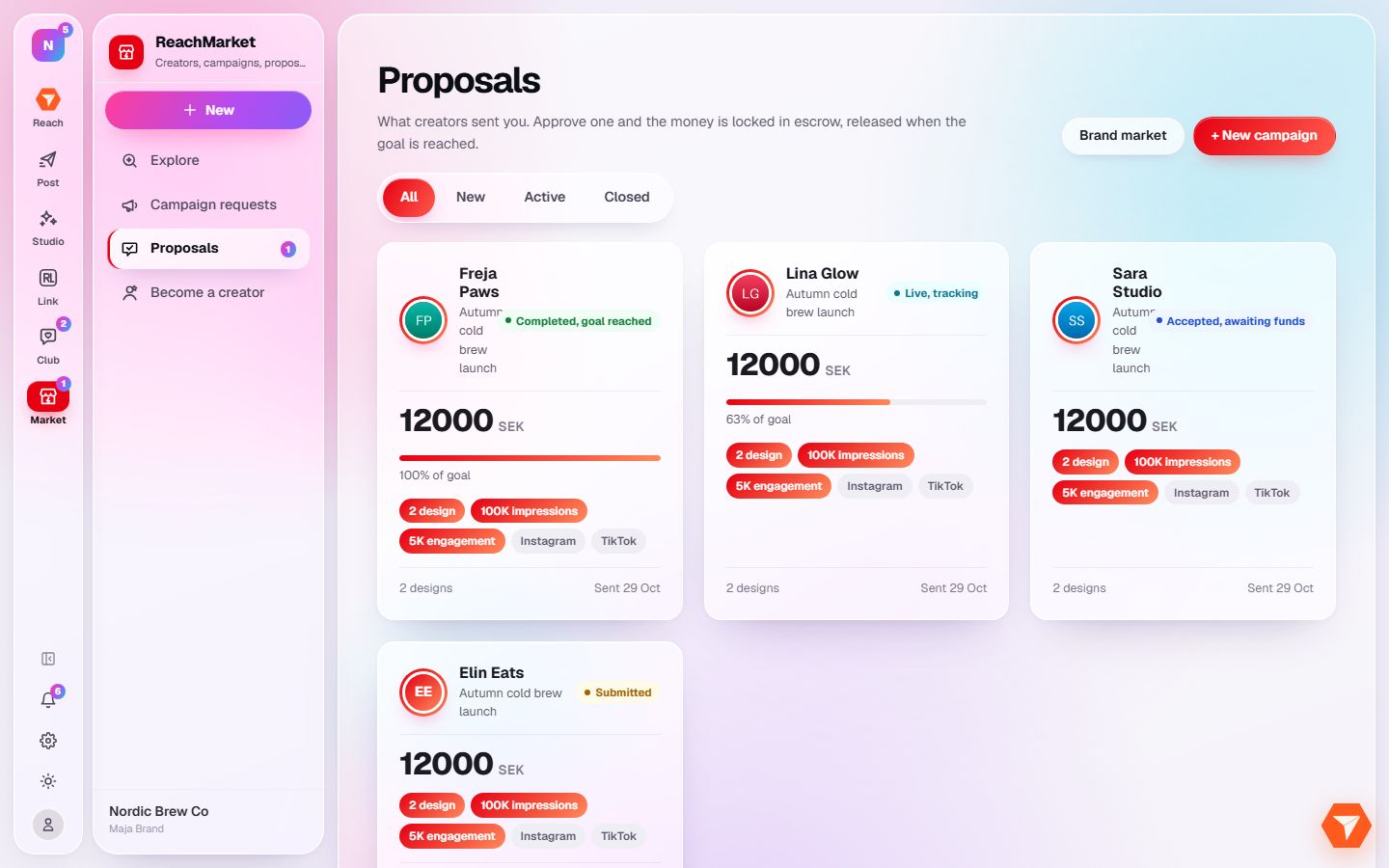
What you should see: Every proposal is shown as a card with its status and price.
-
Click New to see the ones waiting for your answer.
What you should see: Only new proposals are listed.
-
Click a proposal to open it.
What you should see: You see the offer, the price and a chat with the creator. Approve or decline it there.