
How do I require approval before a post goes out?
Choose how strict the workspace is: no approvals, optional, an internal review, or a review followed by the client's approval.
Open this page 3 steps
-
Click the gear in the left rail, then Approvals.
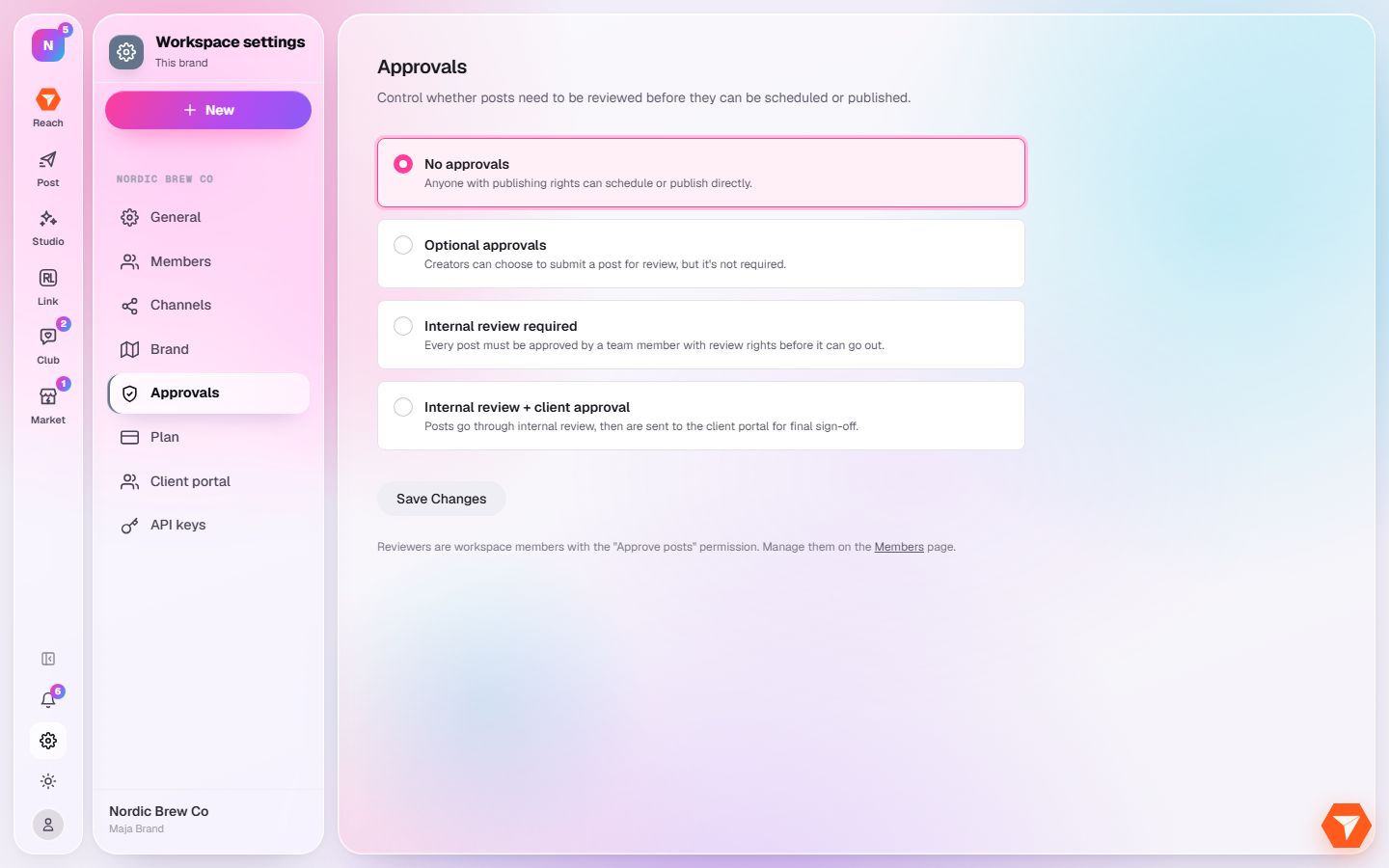
What you should see: The four approval modes are listed.
-
Pick the mode that fits how your team works.
What you should see: The mode is selected.
-
Click Save Changes.
What you should see: New posts follow the mode from now on. Who may approve is set per role under Members.