
How do I choose or change my plan?
Each workspace has its own plan: ReachPost, ReachLink or both.
Open this page 2 steps
-
Click the gear in the left rail, then Plan.
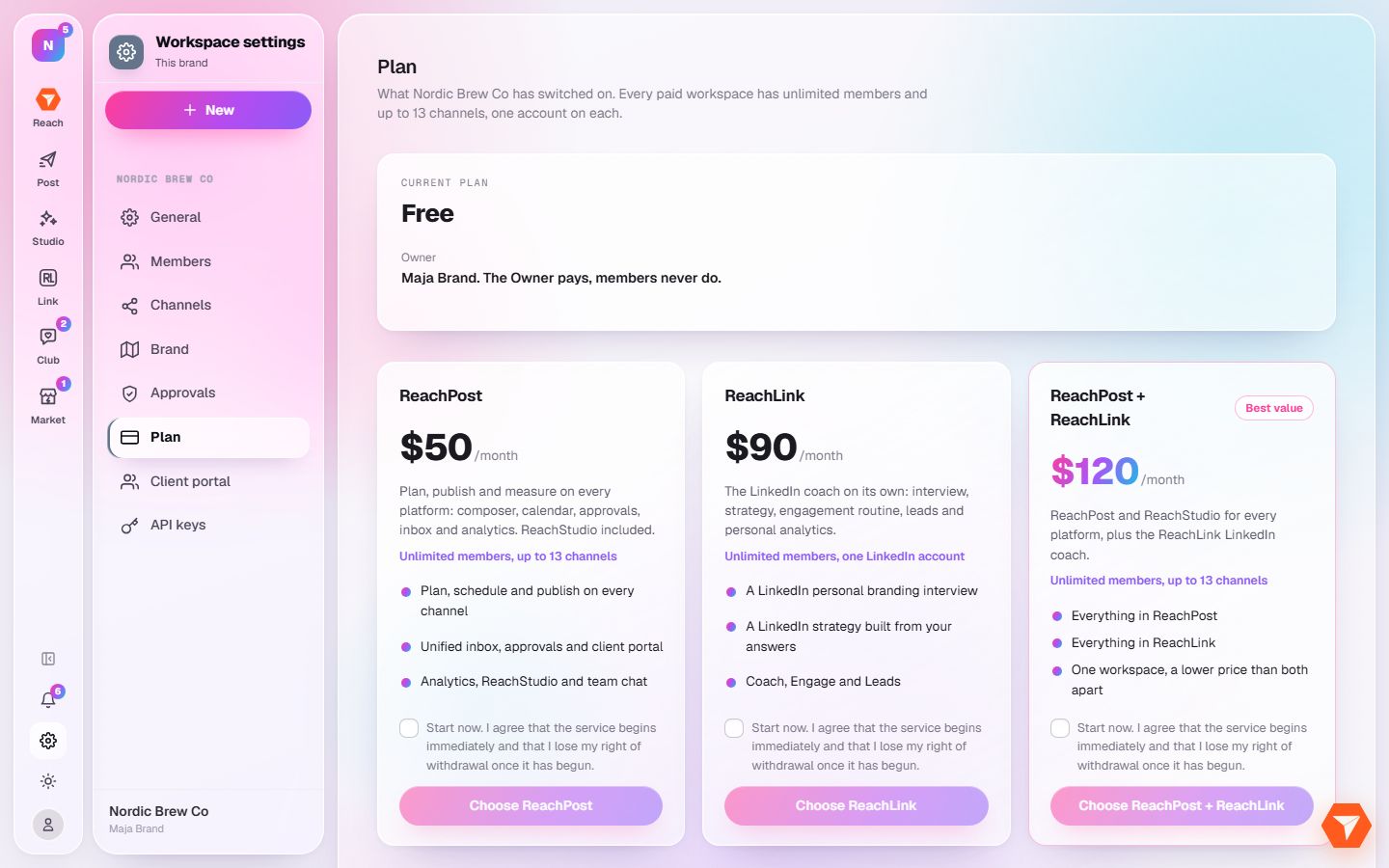
What you should see: The plans are shown side by side with what each includes.
-
Click Choose under the plan you want.
What you should see: A secure checkout opens. After payment the plan is active on this workspace.