
How do I ask Reach to do something for me?
Reach is the assistant inside ReachClub. Tell it what you need in plain words and it writes, plans and looks things up in your account.
Open this page 4 steps
-
Click Reach at the top of the left rail.
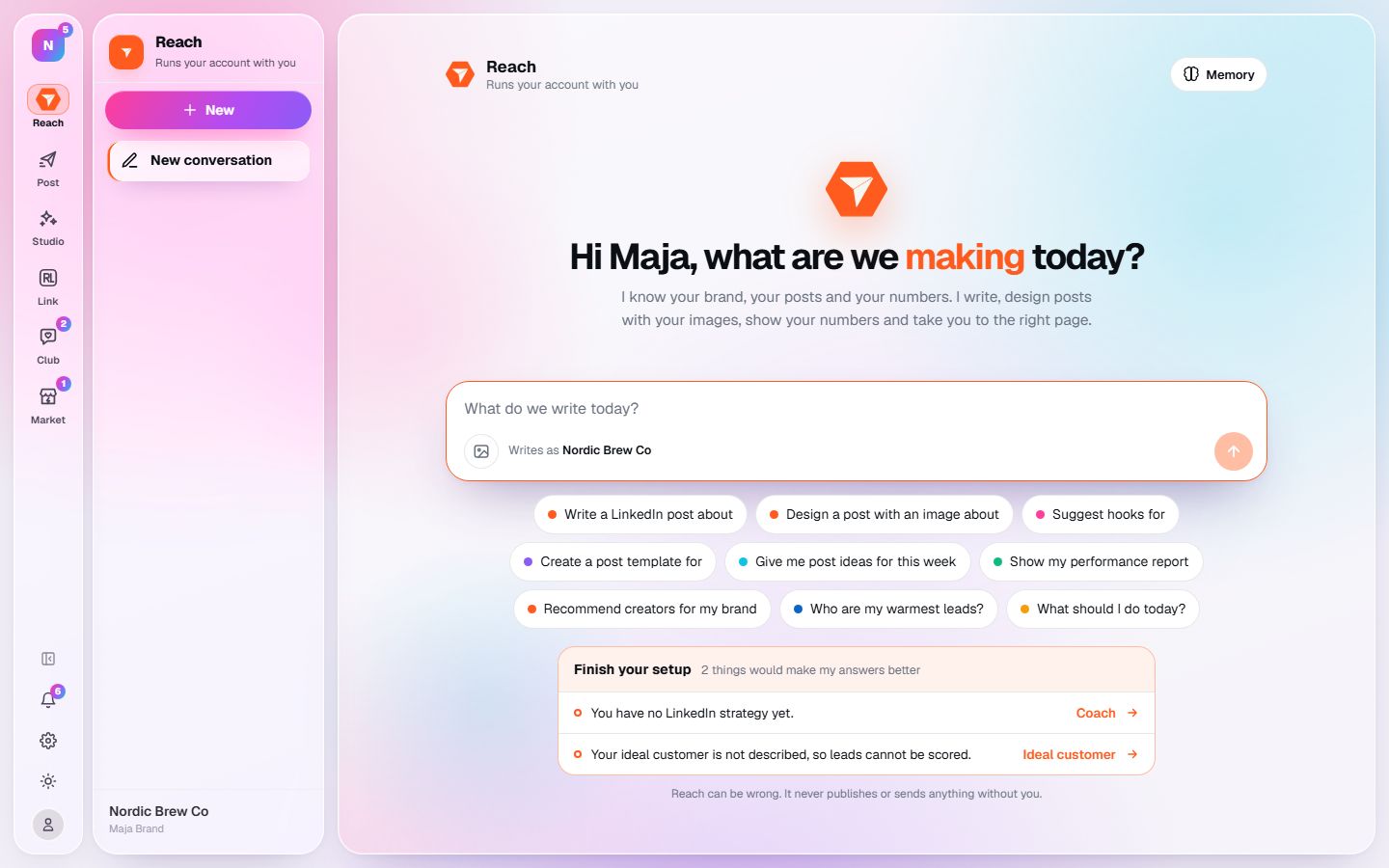
What you should see: A new conversation opens with a message box and a few starter prompts.
-
Type what you need in the message box. A starter prompt under the box fills it in for you.
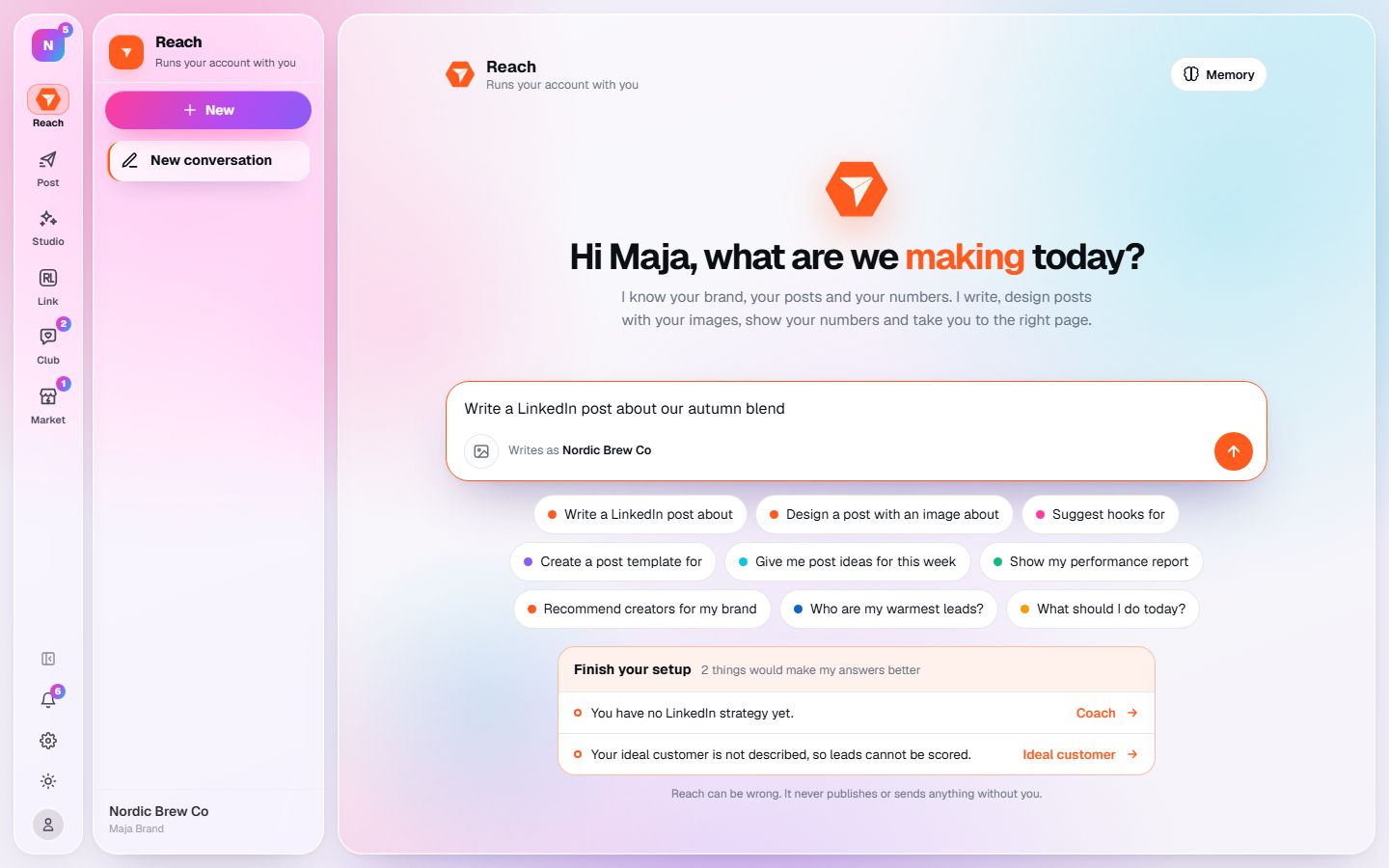
What you should see: Your request is in the box and the send button lights up.
-
Click the send button.
What you should see: Reach answers in the conversation and lists what it did, for example a draft it saved for you.
-
Click New conversation in the sidebar to start over on another subject.
What you should see: An empty conversation opens. Your earlier conversations stay listed in the sidebar.