
How do I see what Reach remembers about my brand?
Reach keeps short notes about you and your brand, so you do not repeat yourself. You can read them and remove any of them.
Open this page 2 steps
-
Open Reach and click Memory in the top right corner.
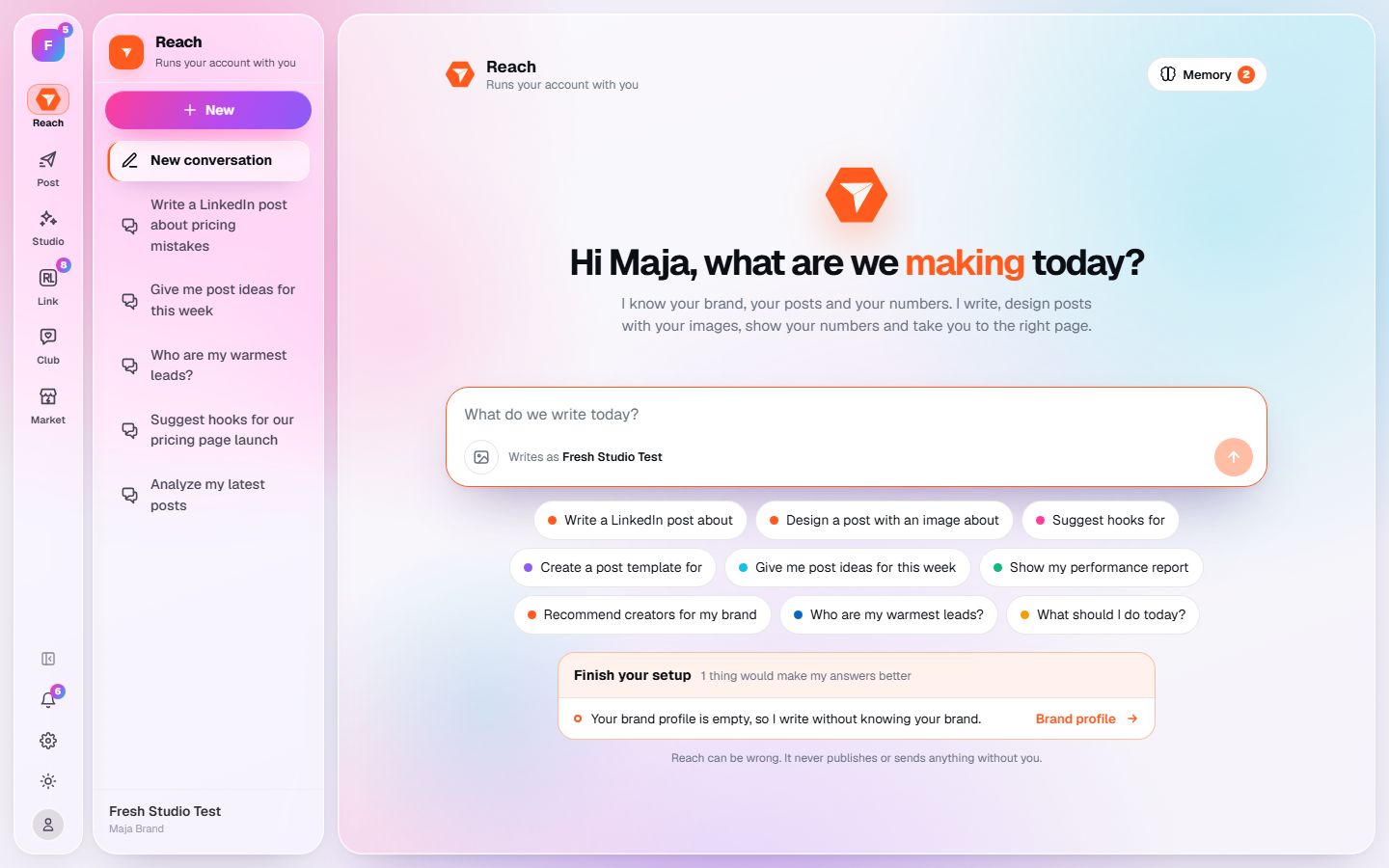
What you should see: The conversation makes room for a list of everything Reach has noted.
-
Read the notes. Click the cross next to one to make Reach forget it.
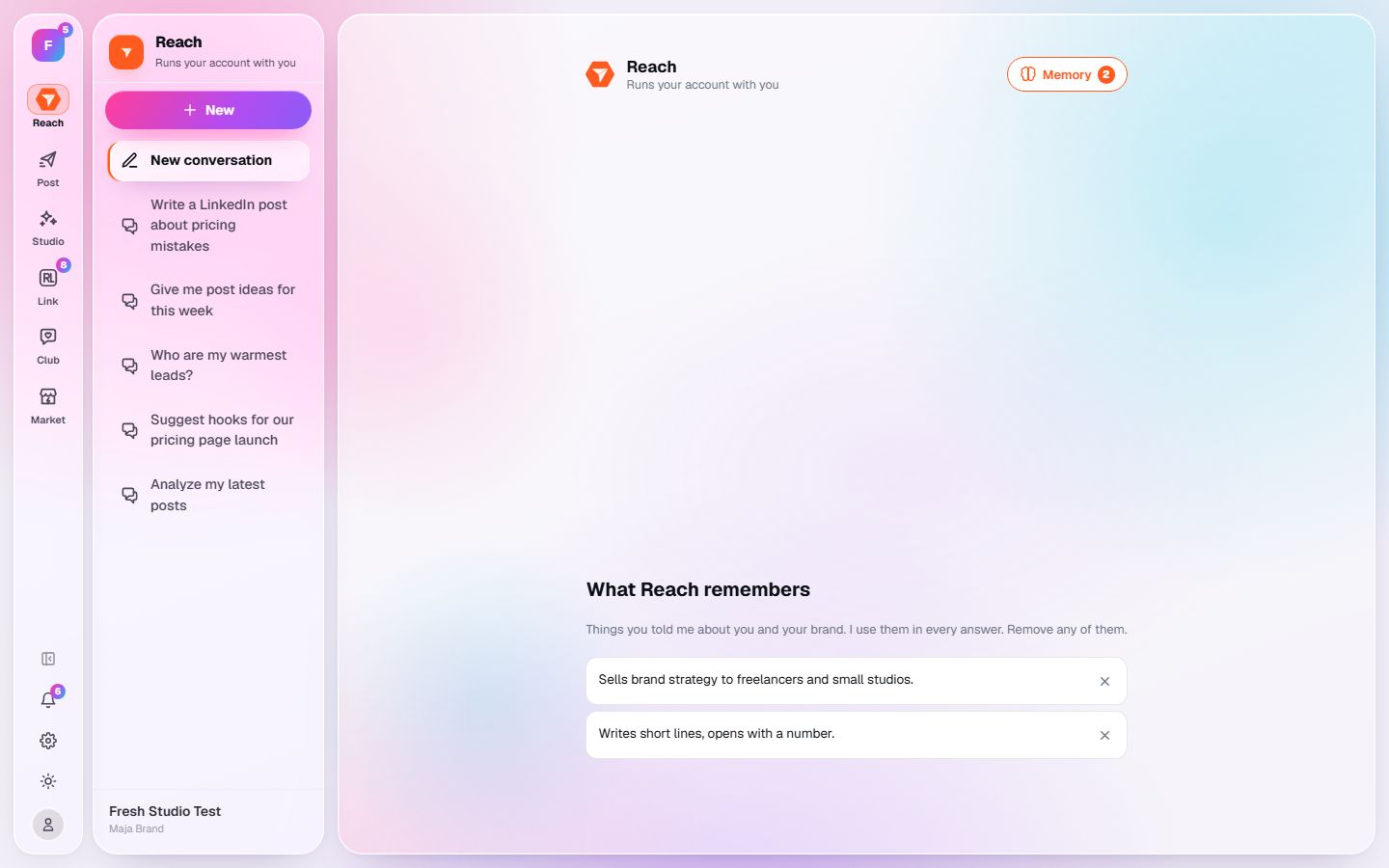
What you should see: The note is gone and the next answer no longer builds on it.