
How do I check a LinkedIn post before I publish it?
Check reads your post the way your audience would and tells you what to fix first.
Open this page 3 steps
-
Open Link in the left rail and click Check.
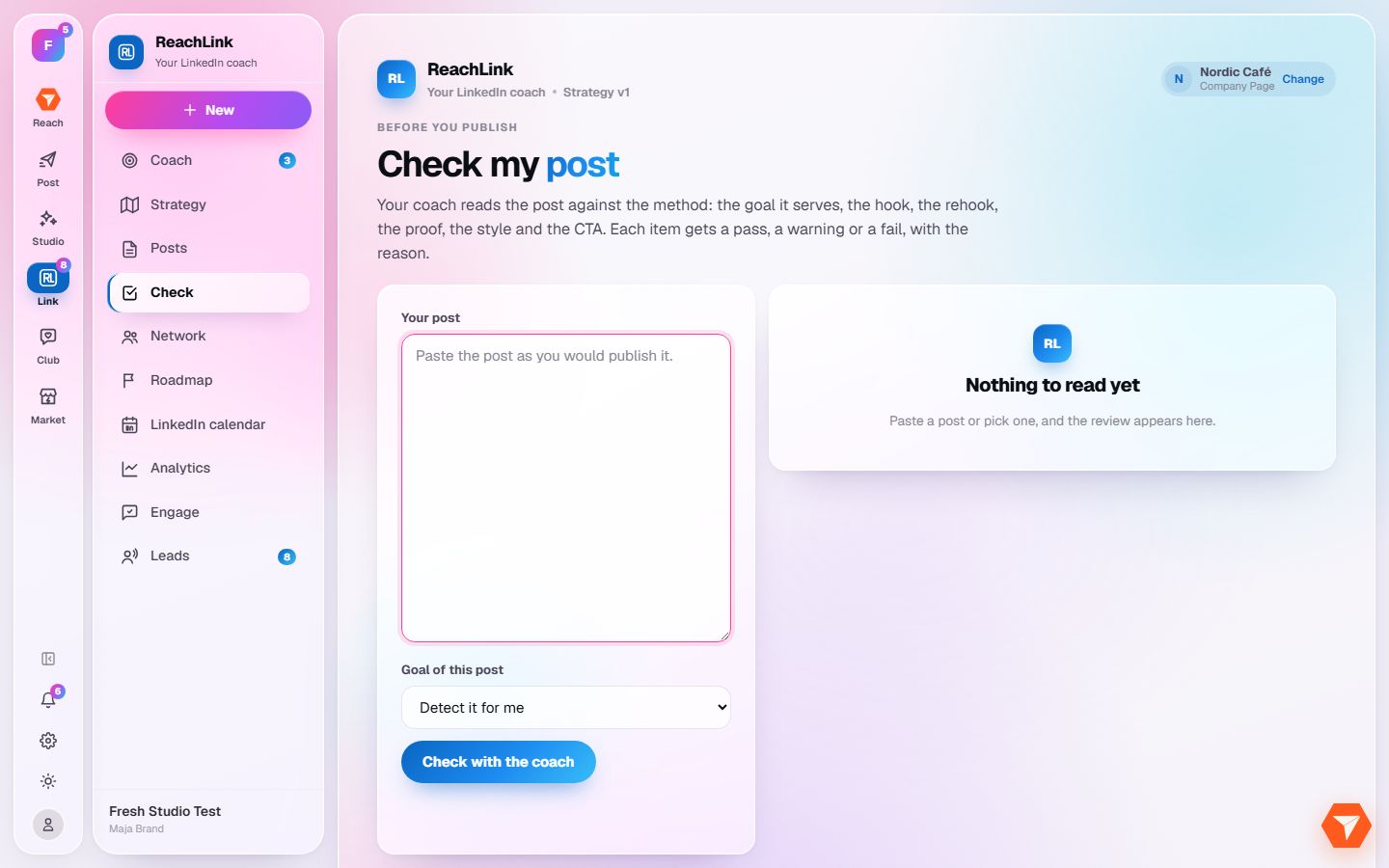
What you should see: The check page opens.
-
Paste the post exactly as you would publish it.
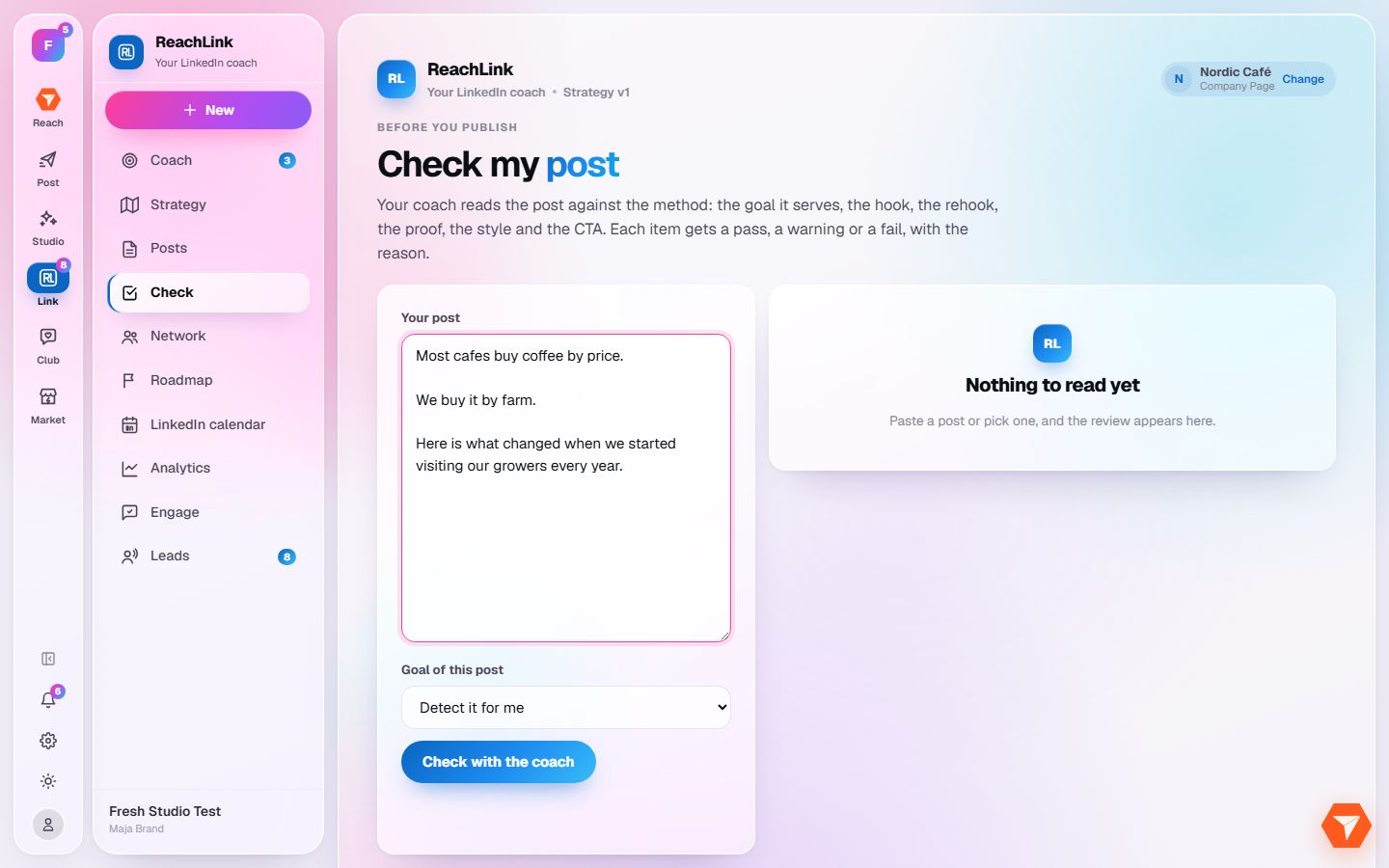
What you should see: Your post is in the box.
-
Click Check with the coach.
What you should see: The coach's read of your post shows on the right, with what to fix before you publish.