
How do I turn a suggested LinkedIn post into a real one?
Posts lists the post ideas from your strategy, week by week. Each one can become a draft with one click.
Open this page 4 steps
-
Open Link in the left rail and click Posts.
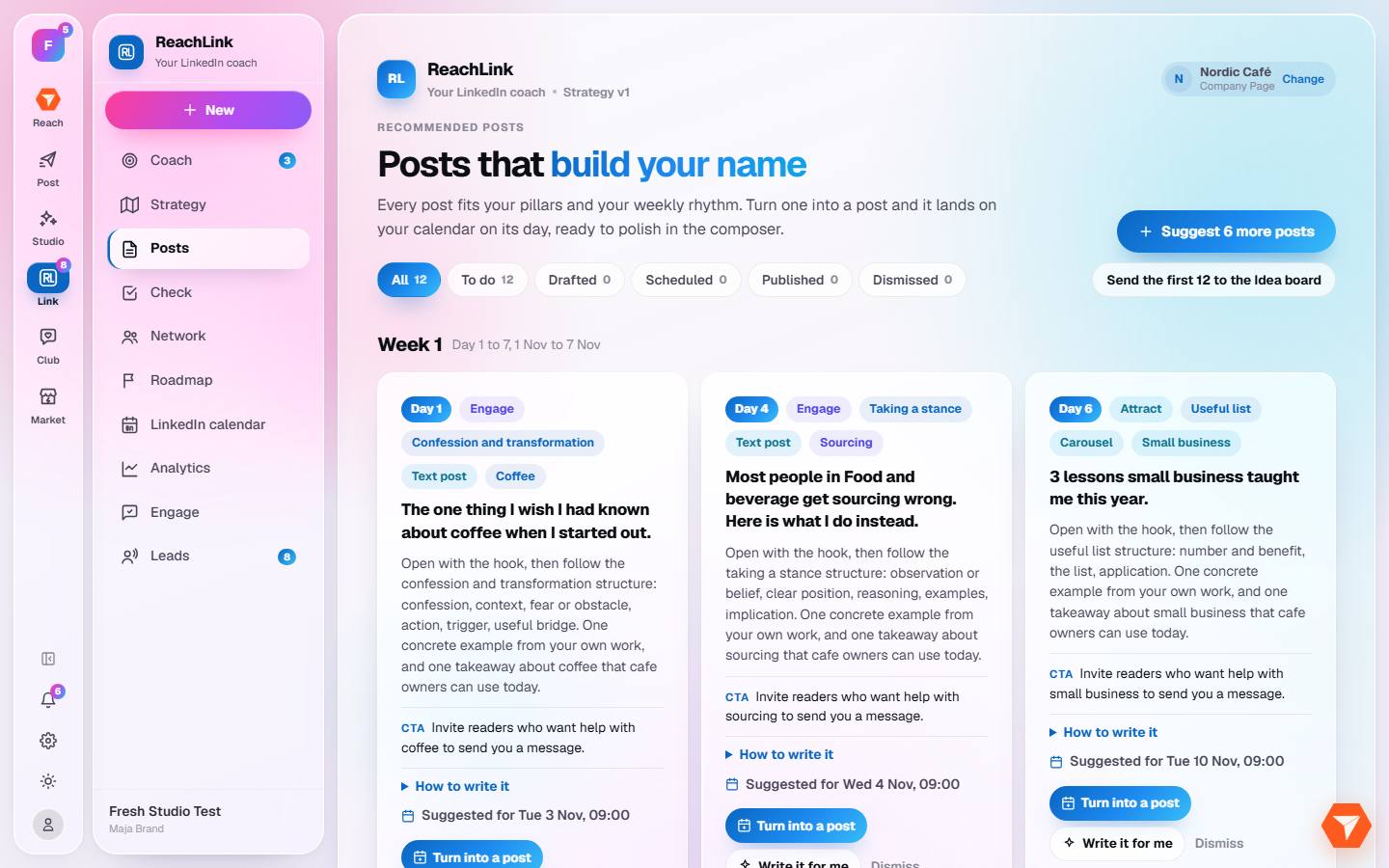
What you should see: Your post ideas are shown by week, with a tip on how to write each one.
-
Click Turn into a post on an idea and choose draft or schedule.
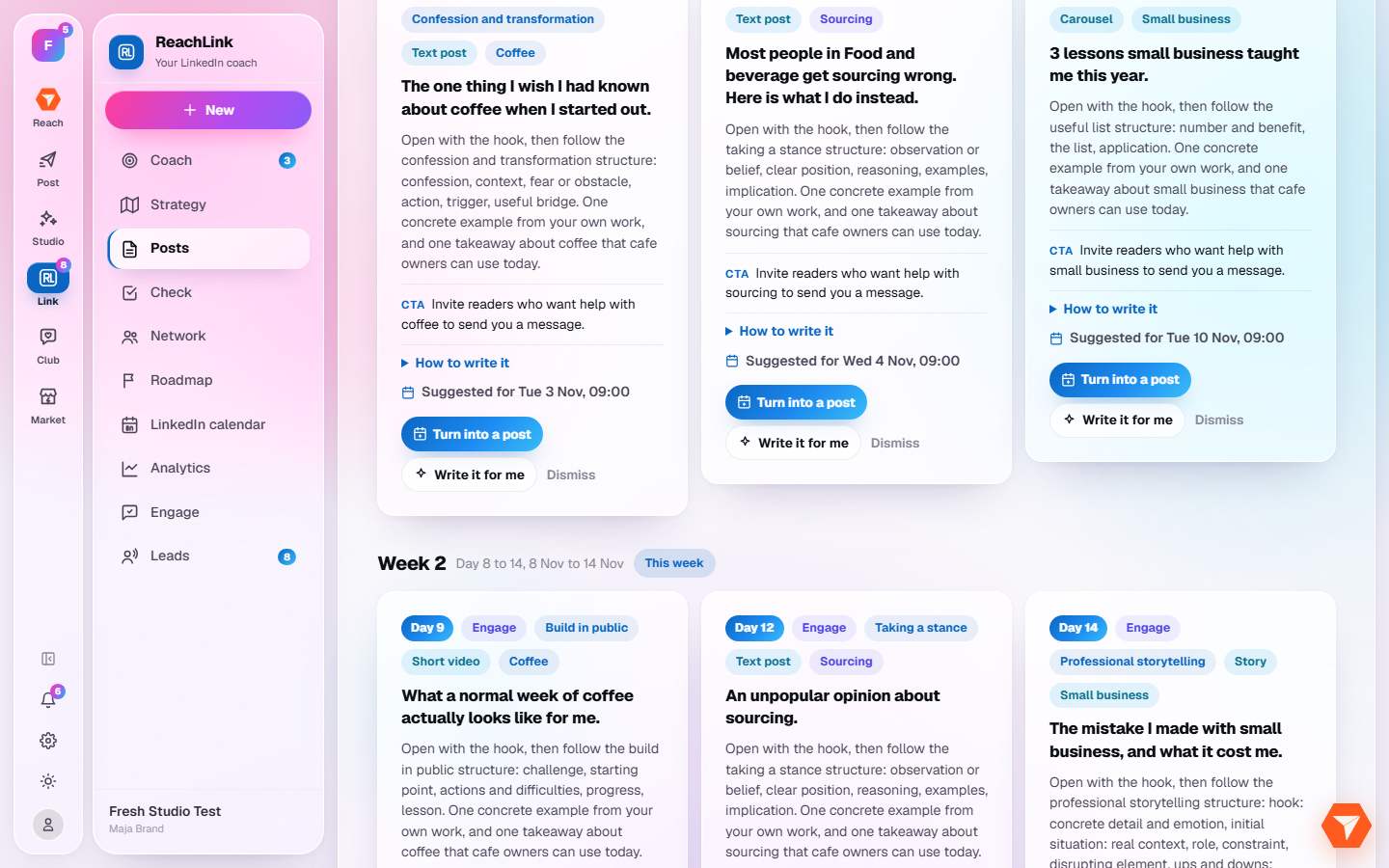
What you should see: The post opens in the composer with the idea filled in.
-
Click Write it for me to get a full first draft.
What you should see: A draft written in your voice is saved. Edit it before you publish.
-
Click Suggest 6 more posts when you run out of ideas.
What you should see: Six new ideas are added to the list.