
How do I let a client approve posts without an account?
The client portal gives a client a private link to review and approve posts. No password, no seat.
Open this page 2 steps
-
Click the gear in the left rail, then Client portal.
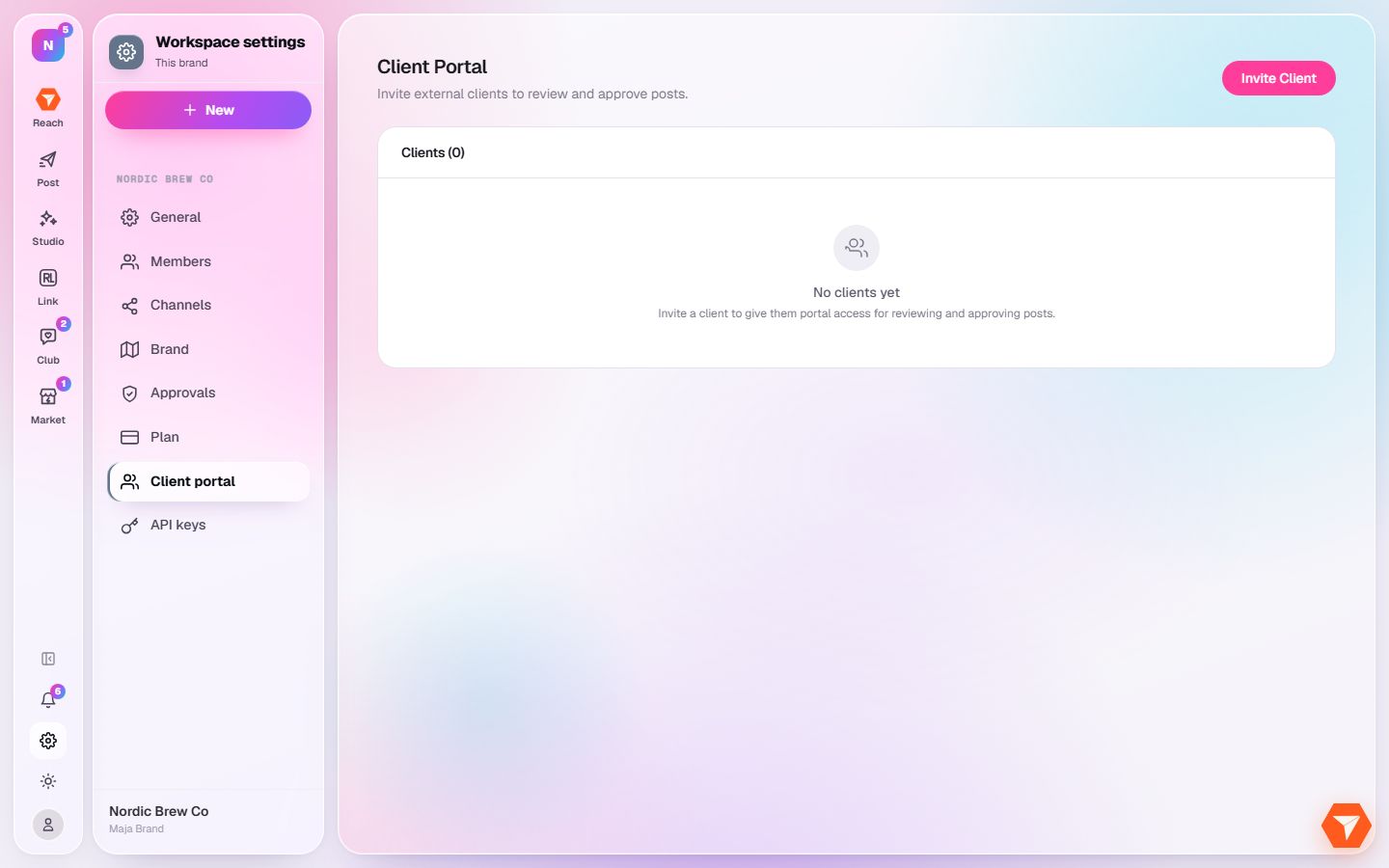
What you should see: Your clients are listed.
-
Click Invite Client and enter the client's name and email.
What you should see: The client gets an email with their private link to the portal.