
How do I connect a social media account?
Channels are the social accounts the workspace publishes to. Connect one and it shows up in the composer.
Open this page 3 steps
-
Click the gear in the left rail, then Channels.
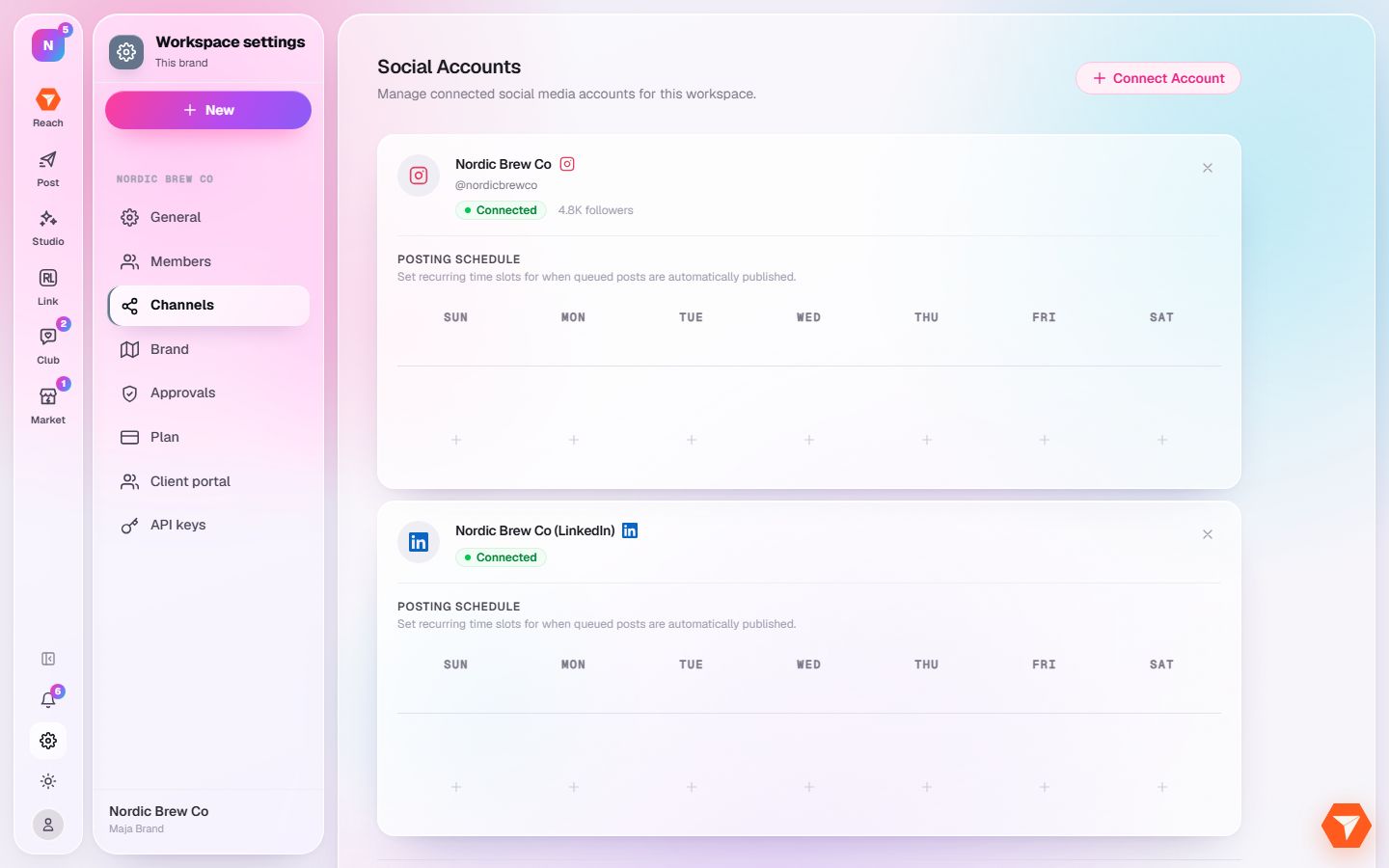
What you should see: Your connected accounts are listed.
-
Click Connect Account and pick the platform. Sign in there to approve the connection.
What you should see: You come back to ReachClub and the account is in your list.
-
Click a plus under a weekday to add a posting time for that account.
What you should see: Posts you add to the queue take the next free time slot.