
How do I invite a teammate or a client?
Members lists who can work in the workspace and what each person may do.
Open this page 4 steps
-
Click the gear in the left rail, then Members.

What you should see: The members of the workspace are listed.
-
Type the email address of the person you want to invite.
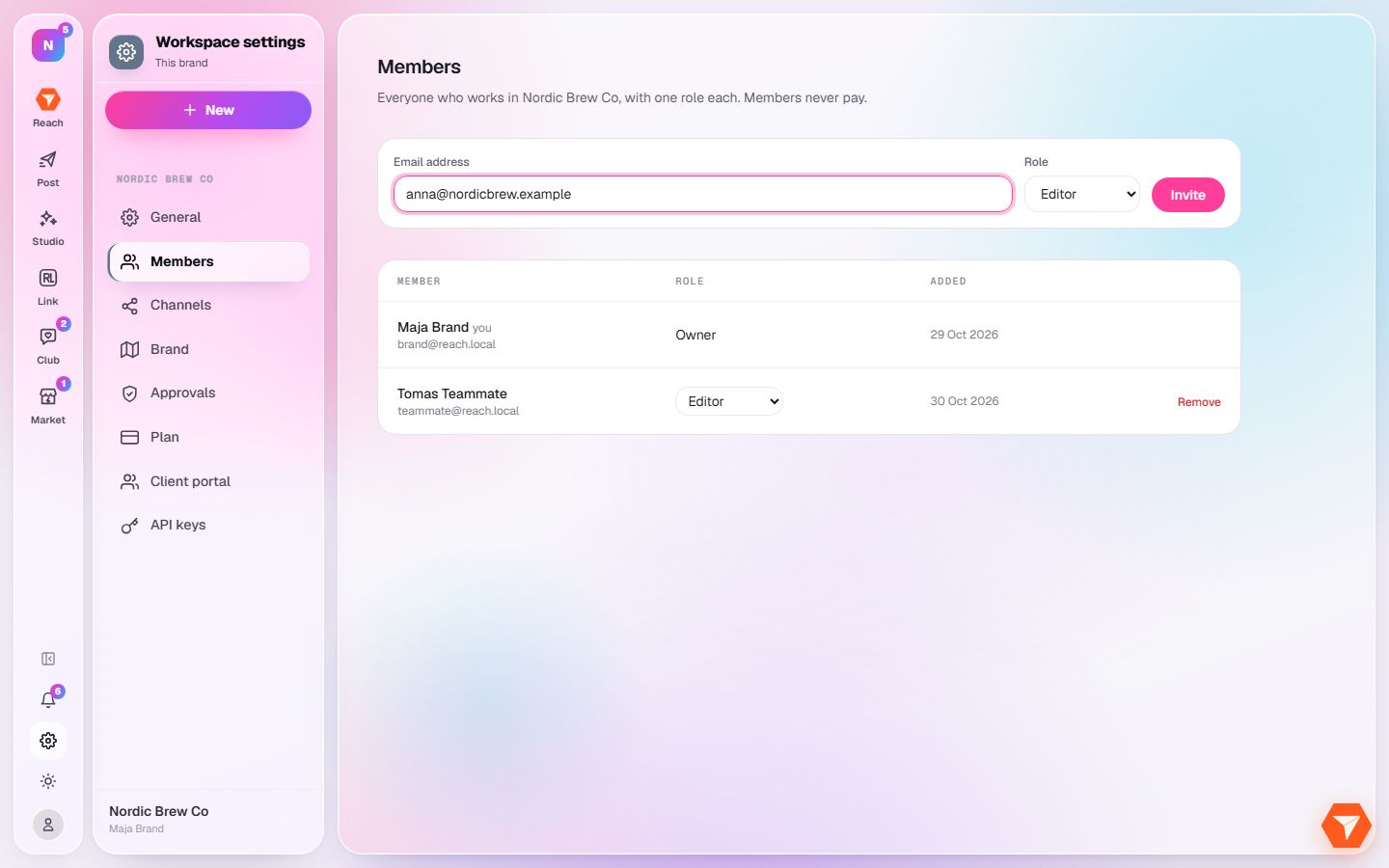
What you should see: The address is in the box.
-
Pick a role. It decides what the person can see and do.
What you should see: The role is selected.
-
Click Invite.
What you should see: An invitation is sent by email. The person appears in the list once they accept.