
How do I find creators for my brand?
Explore lists every approved creator on ReachMarket. Filter by platform, country and topic, then invite the ones you like.
Open this page 4 steps
-
Open Market in the left rail and click Explore.
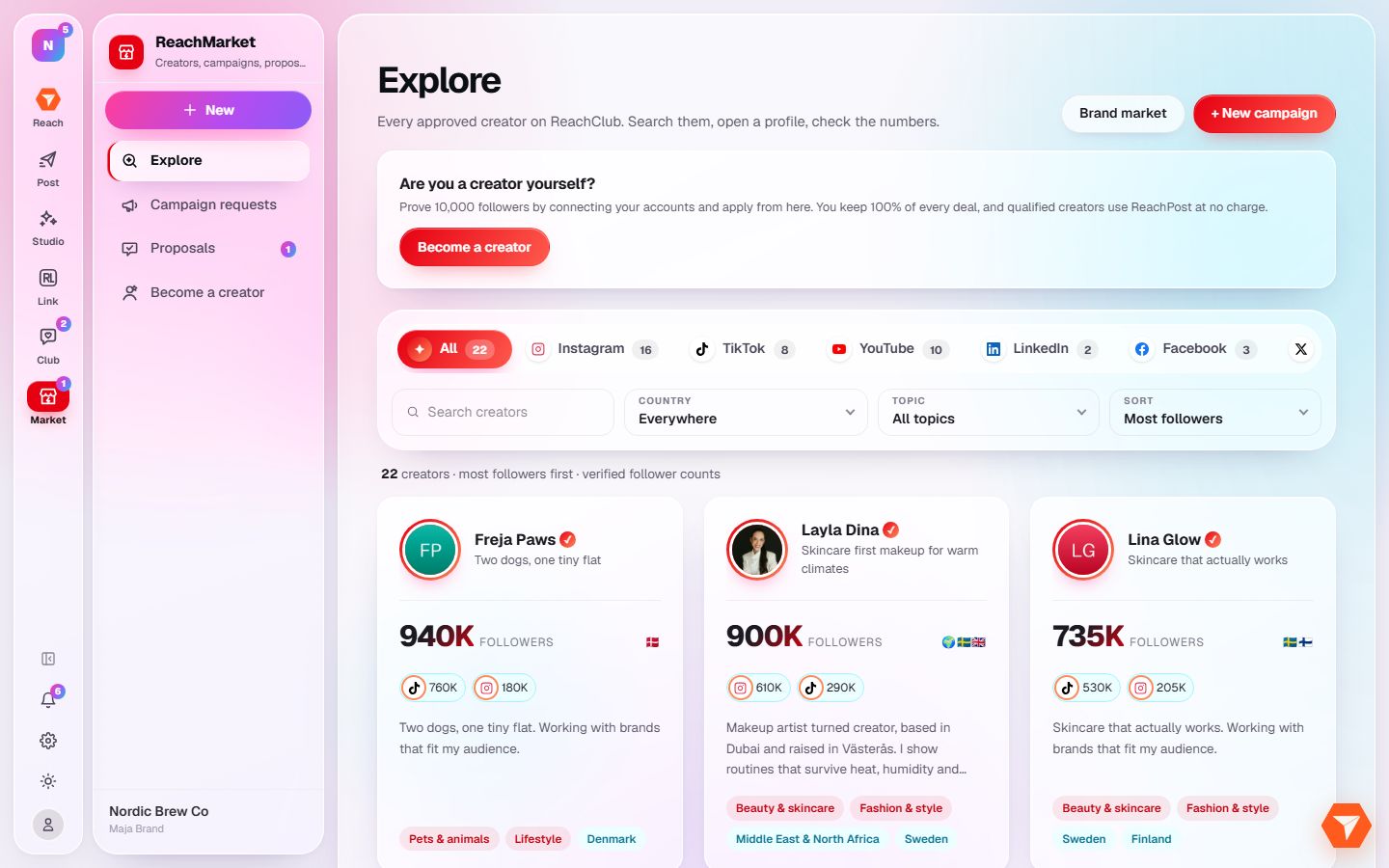
What you should see: Approved creators are listed, largest audience first.
-
Pick a platform.
What you should see: Only creators on that platform are shown.
-
Narrow by country or topic, or sort by best match for your brand.
What you should see: The list follows your filters.
-
Click a creator to open their profile.
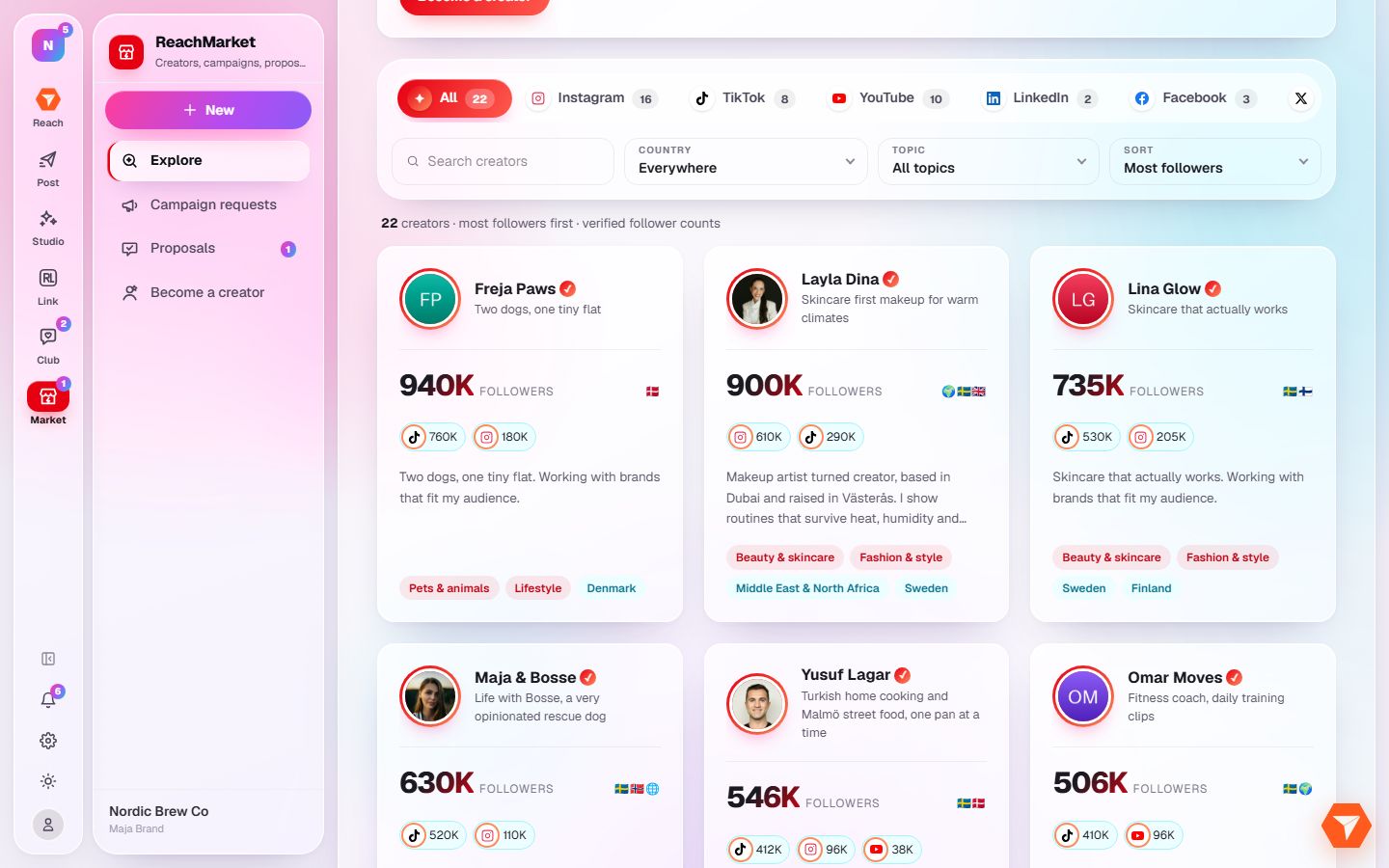
What you should see: You see their channels, audience and past work. Use Invite to a campaign to send them a brief.