
How do I ask the ReachClub community for help?
The community is where every ReachClub member meets: announcements, guides, support and open talk, by channel.
Open this page 4 steps
-
Open Club in the left rail and click Community.
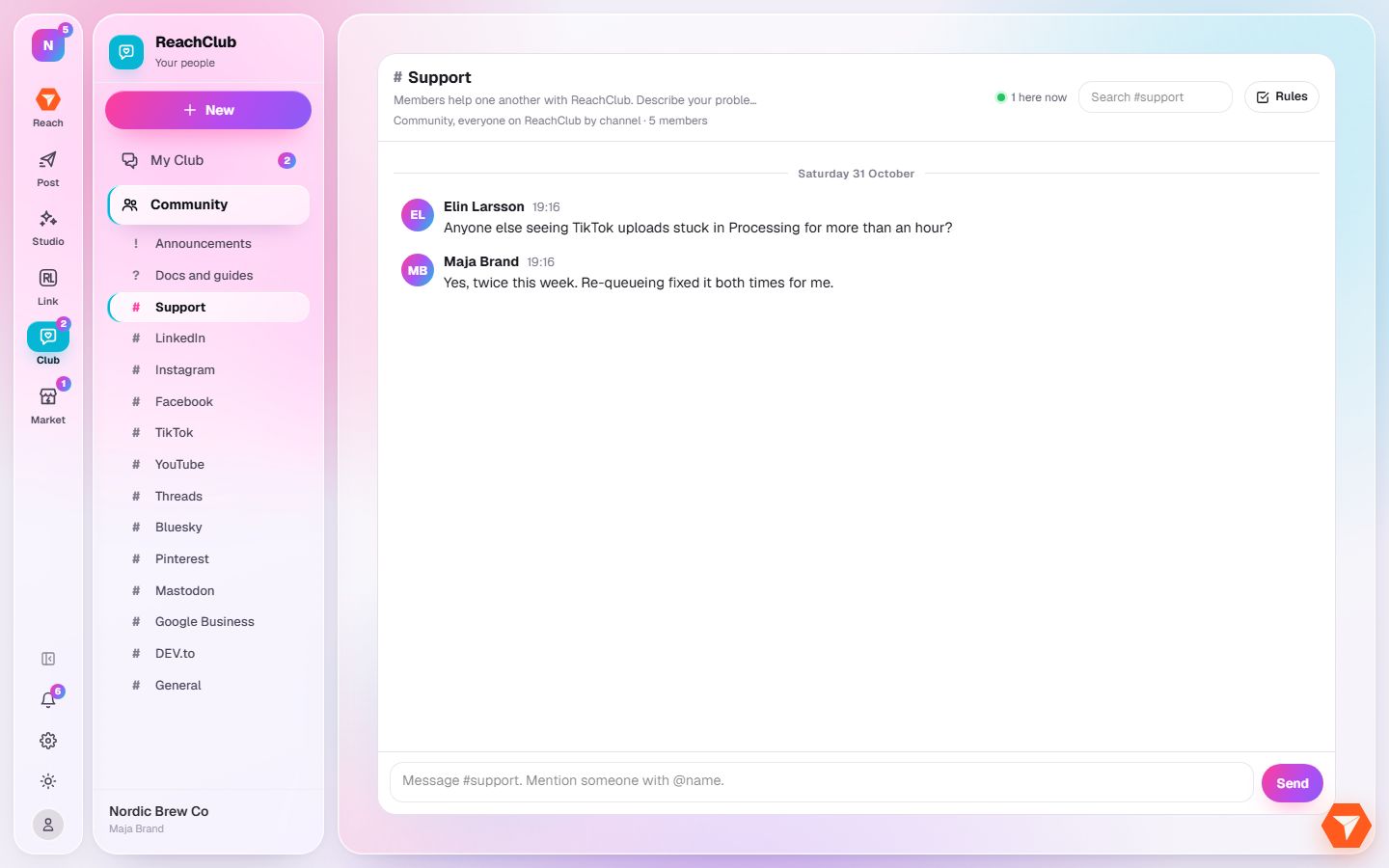
What you should see: The channels are listed under it in the sidebar.
-
Click a channel, for example Support.
What you should see: The channel opens with its latest messages.
-
Click Rules and accept them. You do this once per channel.
What you should see: The message box unlocks.
-
Write your question and click Send.
What you should see: Your message is in the channel. Members and the team answer there.