
How do I see only my LinkedIn posts on the calendar?
The LinkedIn calendar is the Publish calendar with only your LinkedIn channels ticked.
Open this page 2 steps
-
Open Link in the left rail and click LinkedIn calendar.
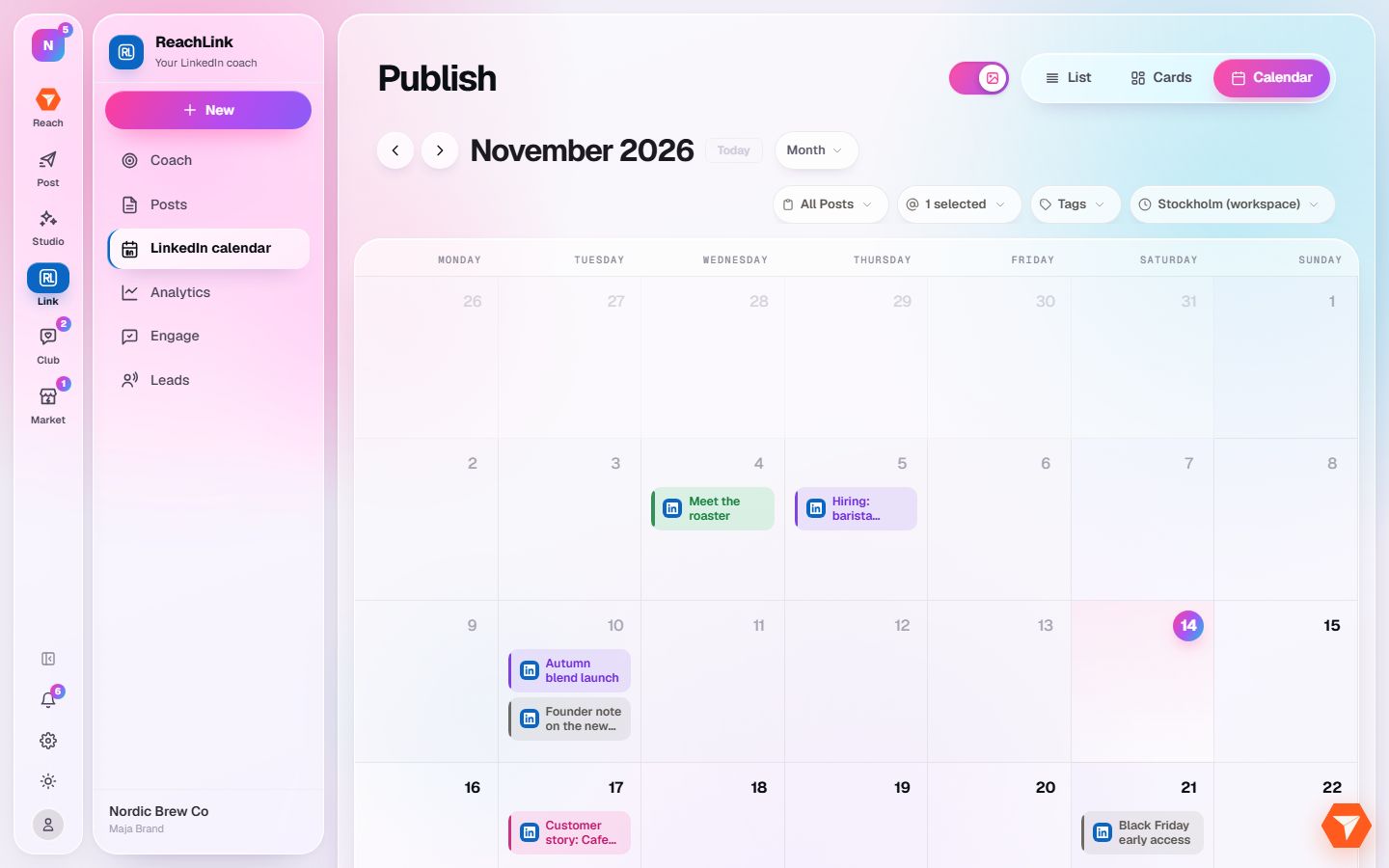
What you should see: The calendar opens with LinkedIn posts only.
-
Click the channel filter to add or remove a channel.
What you should see: The calendar follows the channels you tick.