
How do I get my LinkedIn numbers into ReachLink?
LinkedIn shares only part of your numbers through its API. Upload your analytics export and ReachLink reads the rest.
Open this page 3 steps
-
Open Link in the left rail and click Analytics.
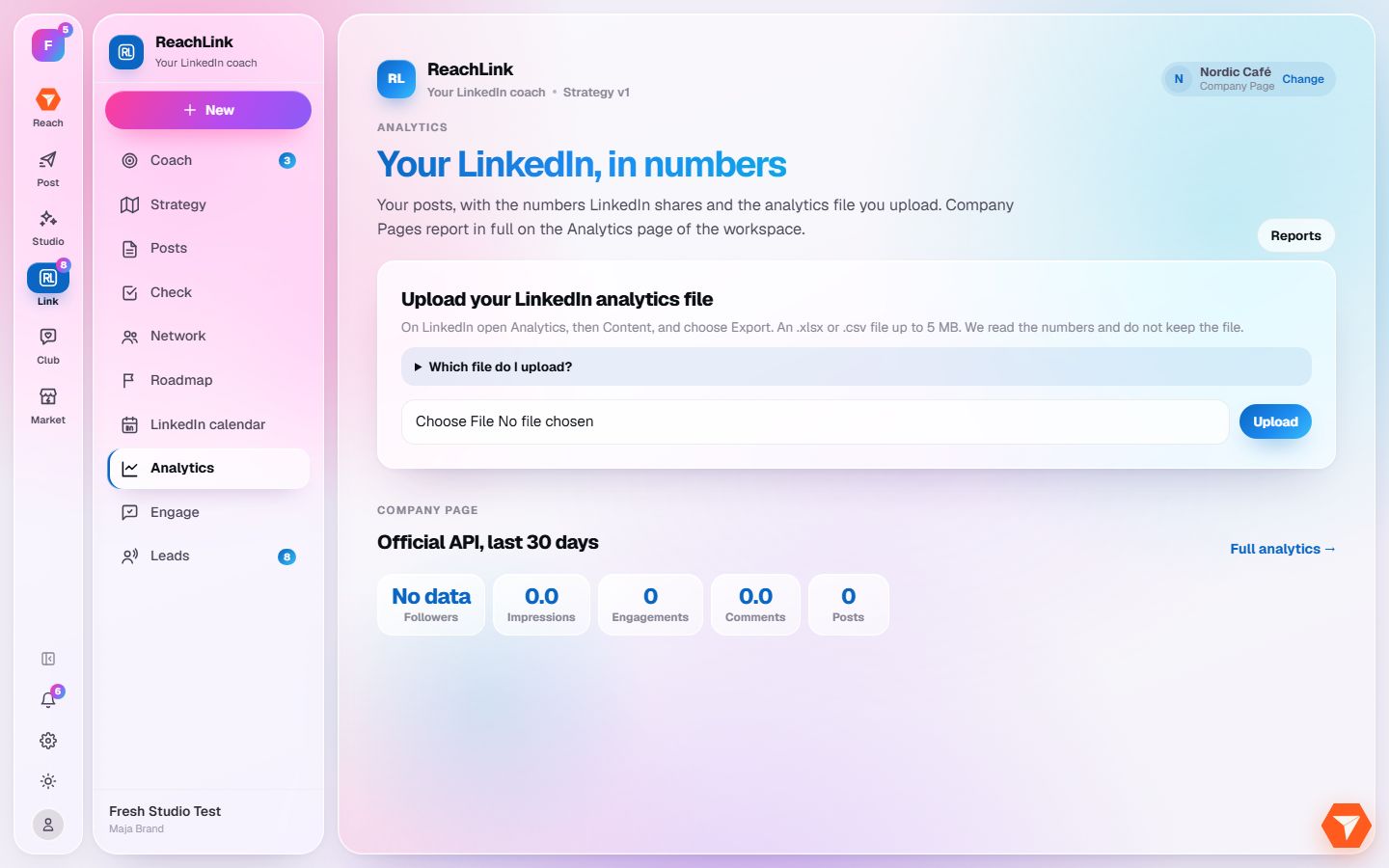
What you should see: Your LinkedIn numbers open.
-
Click Which file do I upload? to see where to download the export on LinkedIn.
What you should see: Short instructions open under the question.
-
Choose the file you downloaded and click Upload.
What you should see: ReachLink reads the file and fills in impressions, followers and your top posts.