
How do I change my name, photo or password?
Your profile is about you, not the workspace. It follows you into every workspace you belong to.
Open this page 4 steps
-
Click your avatar at the bottom of the left rail, then My account.
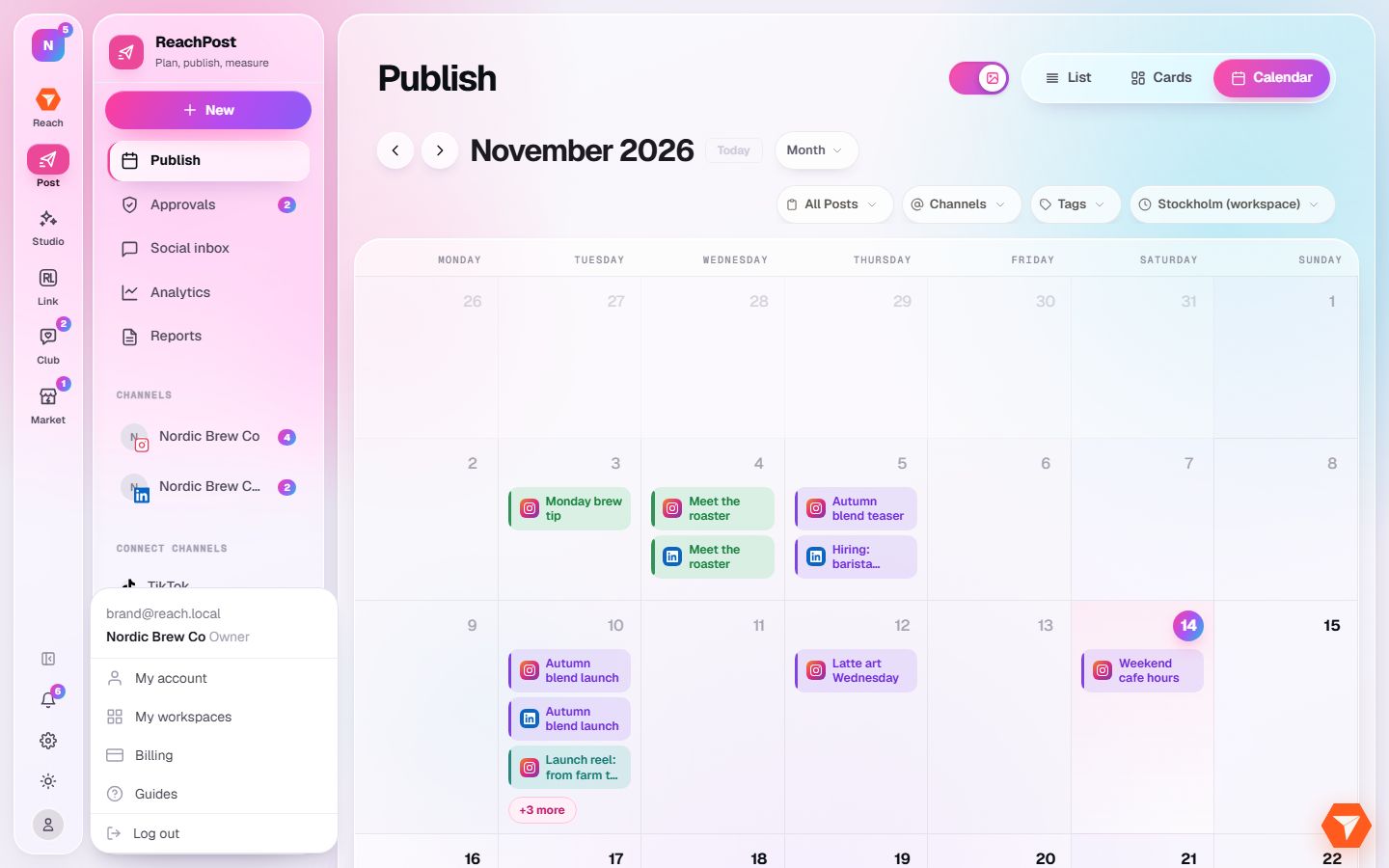
What you should see: Your profile opens.
-
Change your name and click Save Changes.
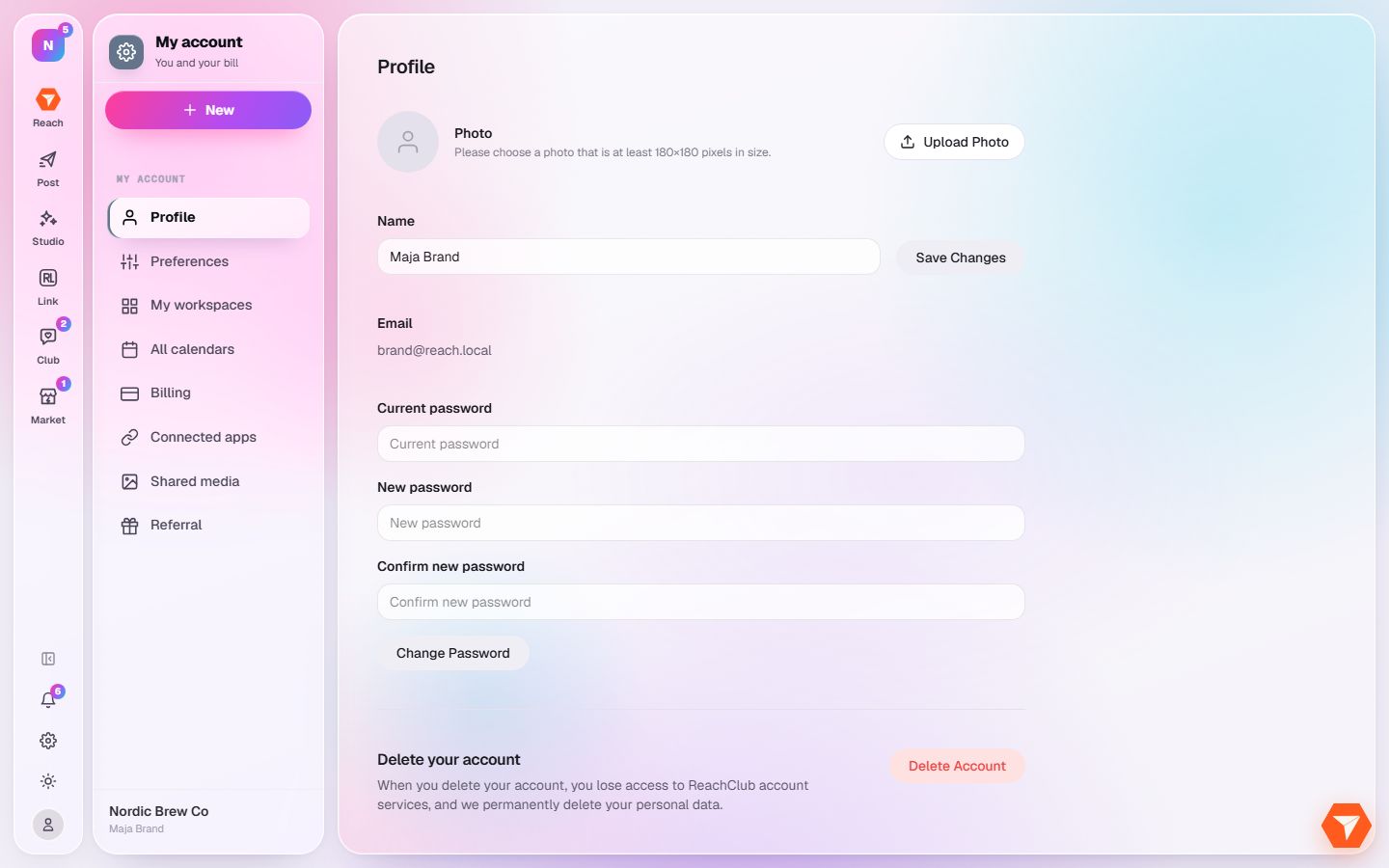
What you should see: Your new name shows on your posts, comments and messages.
-
Click Upload Photo to set your picture.
What you should see: Your photo replaces the icon in the left rail.
-
To change your password, type the current one, then the new one twice, and click Change Password.
What you should see: The new password works from your next sign in.