
How do I share images across all my workspaces?
Shared media is one library for every workspace you own. Good for logos and brand material.
Open this page 2 steps
-
Open My account and click Shared media.
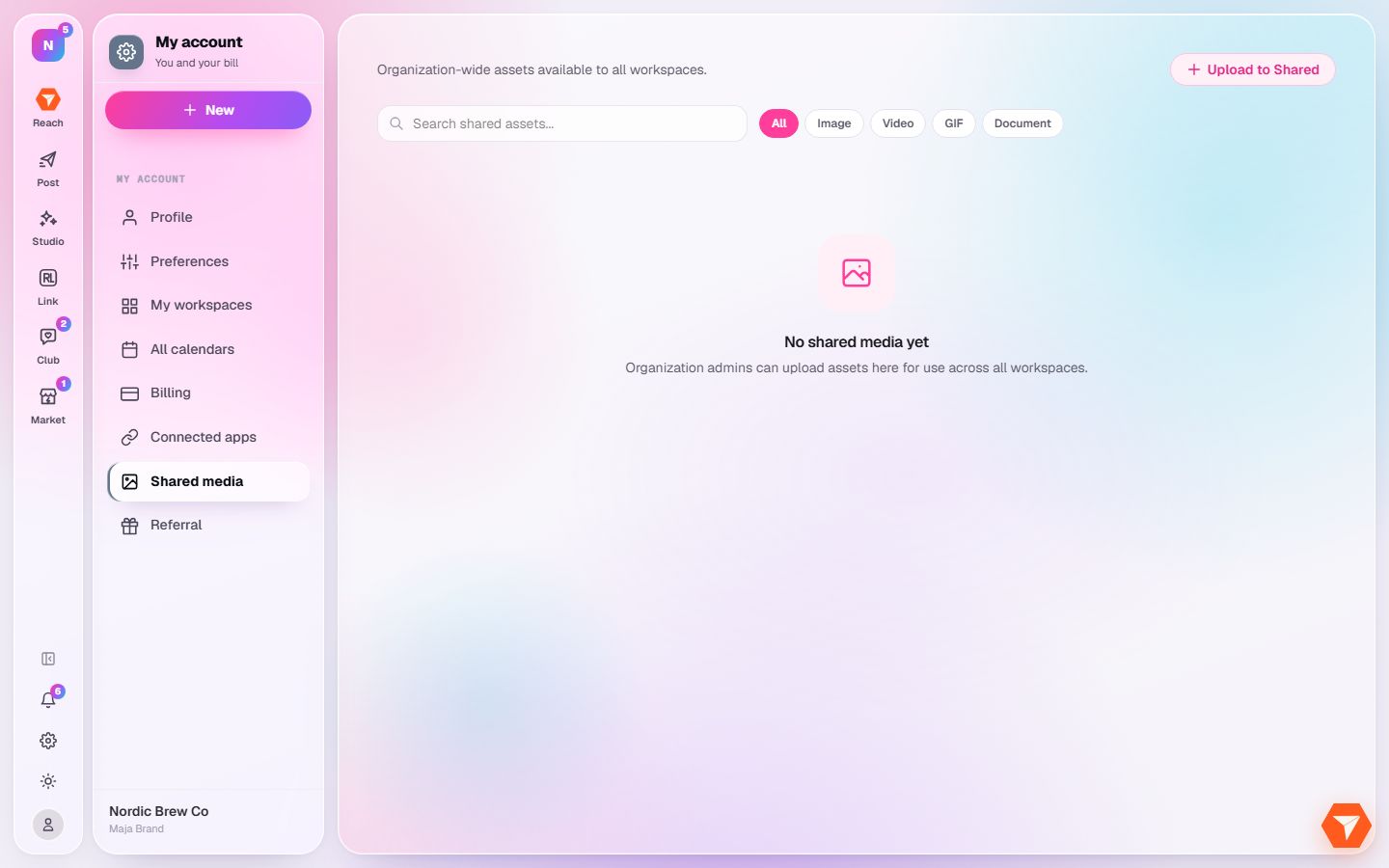
What you should see: The shared library opens.
-
Click Upload to Shared and choose your files.
What you should see: The files can be picked from the media library of every workspace.