
How do I connect ReachClub to Claude or another assistant?
Connected apps lets an AI assistant work with your ReachClub account. You choose which workspaces it may touch.
Open this page 2 steps
-
Open My account and click Connected apps.
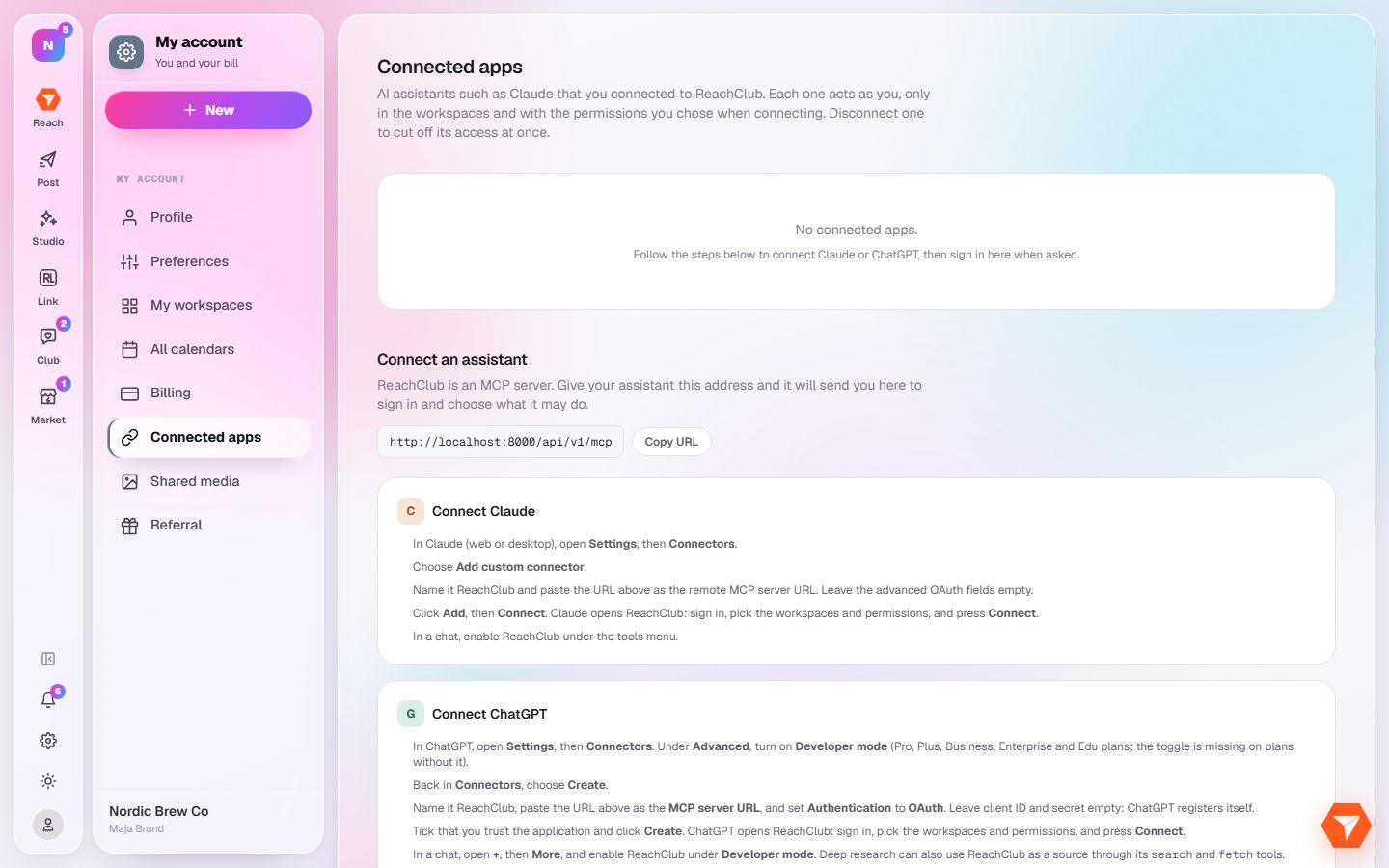
What you should see: The assistants you connected are listed, with how to add one.
-
Click Copy URL and paste the address into your assistant as a new connector.
What you should see: The assistant sends you back here to sign in and pick the workspaces it may use.