
How do I reuse a post for another format?
Adapt takes a post you already have and reshapes it: shorter, longer, another tone, a thread, a carousel outline or another language.
Open this page 4 steps
-
Open Studio in the left rail and click Adapt and repurpose.
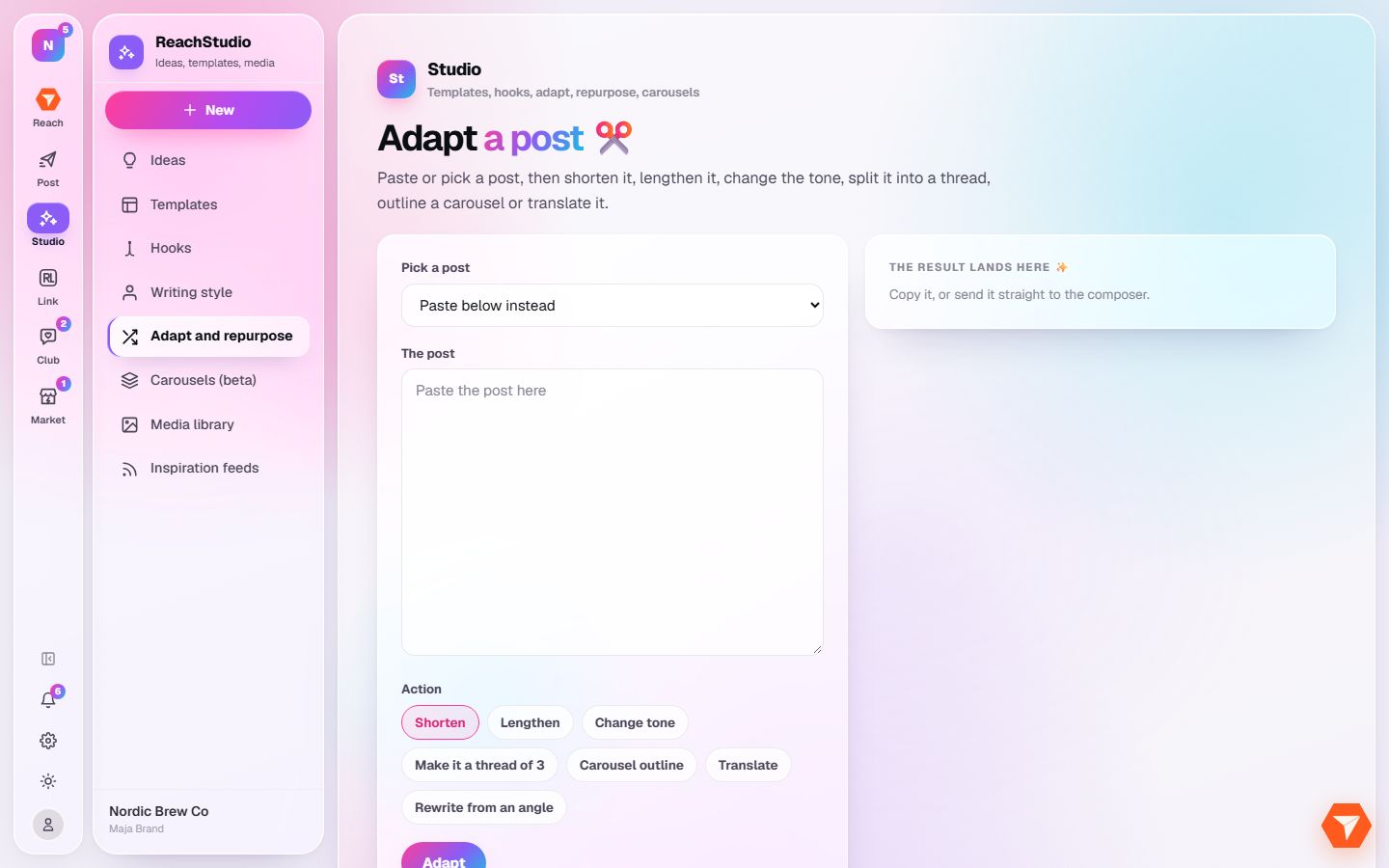
What you should see: The Adapt page opens.
-
Pick one of your posts, or paste any text in the box below.
What you should see: The post is in the box.
-
Choose what to do with it.
What you should see: The chosen action is highlighted.
-
Click Adapt.
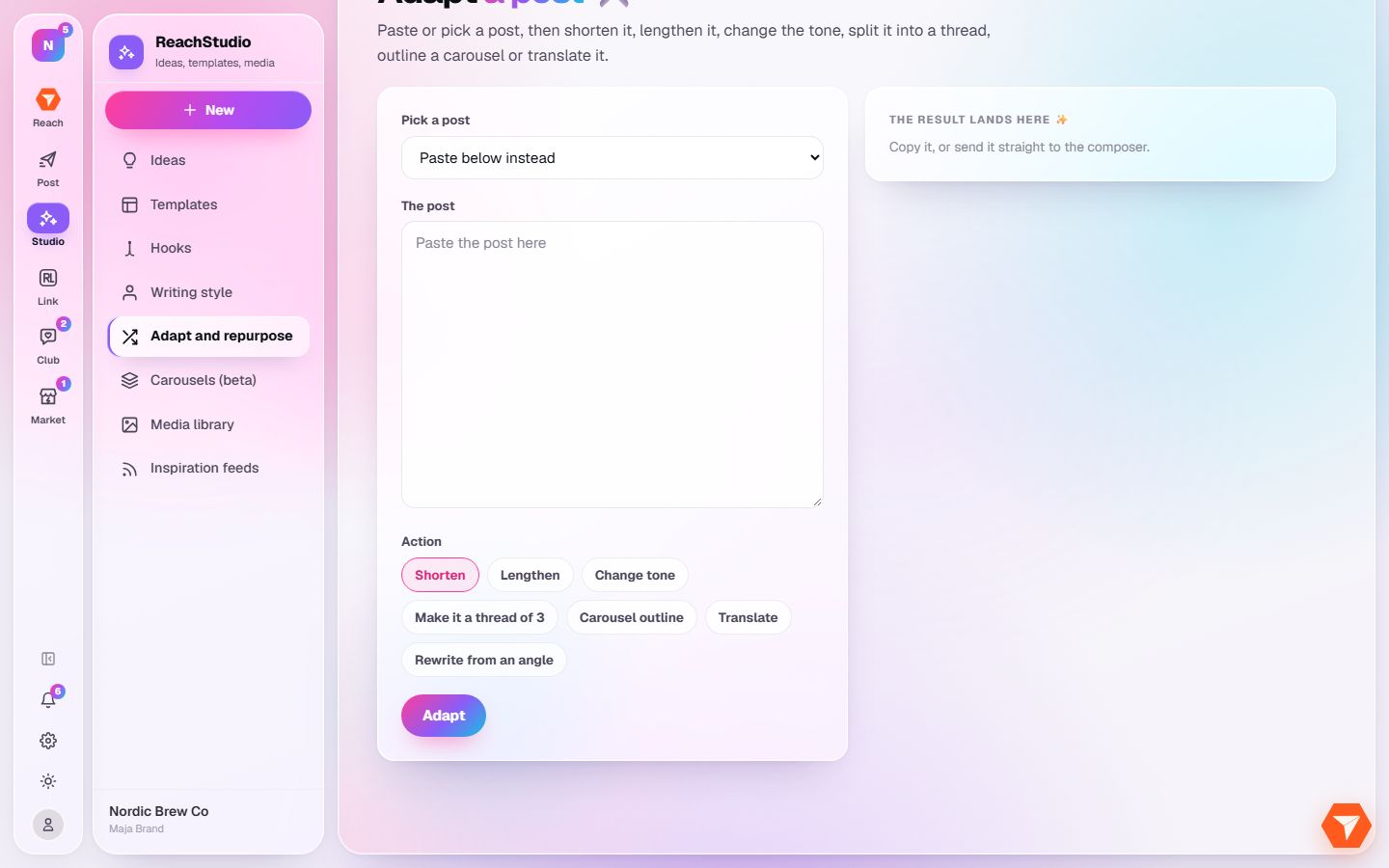
What you should see: The new version appears next to the original. Copy it or send it to the composer.