
How do I make a carousel?
Carousels are swipeable slides for LinkedIn and Instagram. Write one idea per slide and export the result as a PDF.
Open this page 2 steps
-
Open Studio in the left rail and click Carousels.
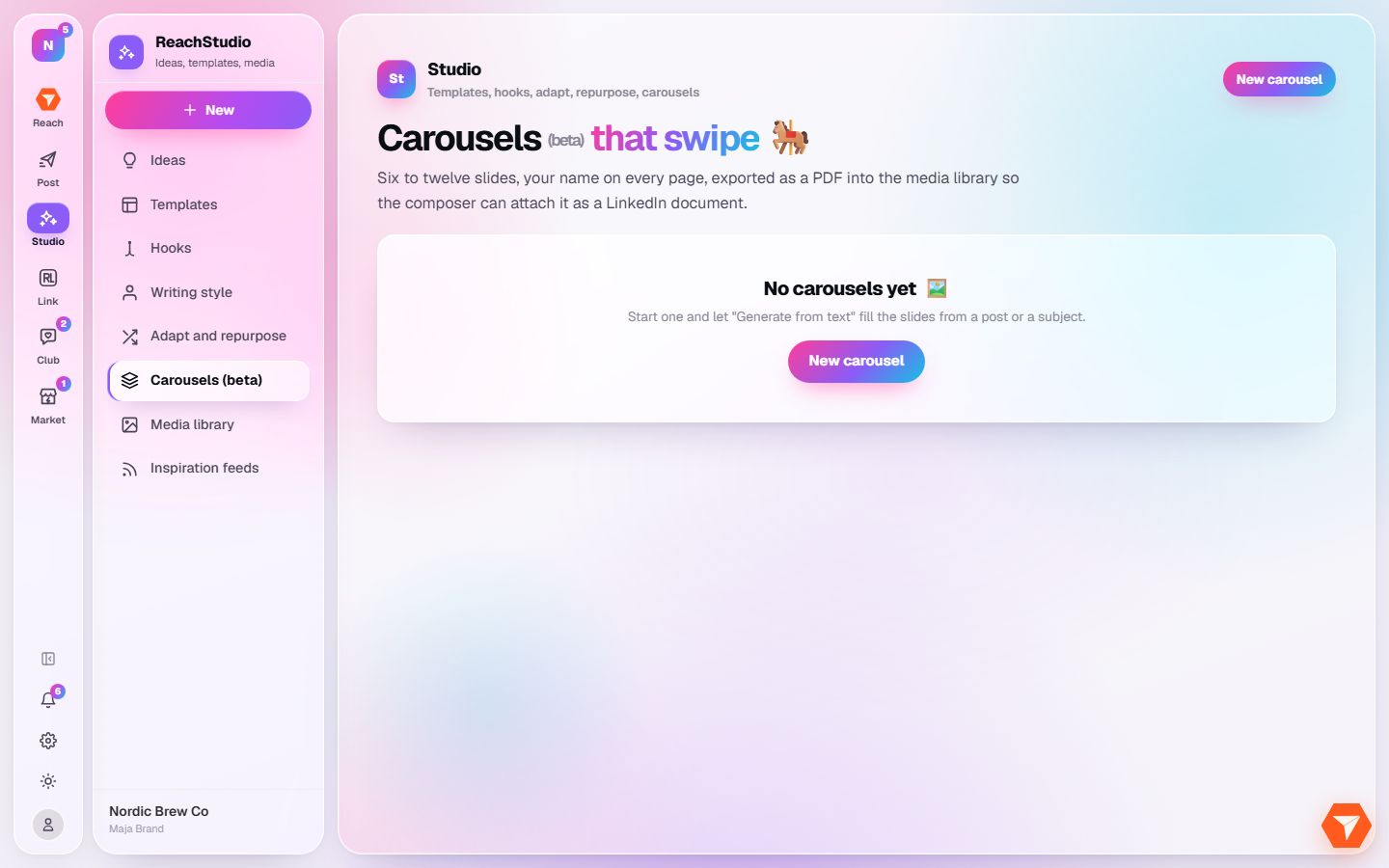
What you should see: Your carousels are listed. The first time the list is empty.
-
Click New carousel.
What you should see: The carousel editor opens. Write the slides yourself or let it draft them from a subject, then export the PDF.