
How do I make the writing sound like me?
Writing style decides how closely generated text follows your own voice. You can also import the style of a creator you admire.
Open this page 4 steps
-
Open Studio in the left rail and click Writing style.
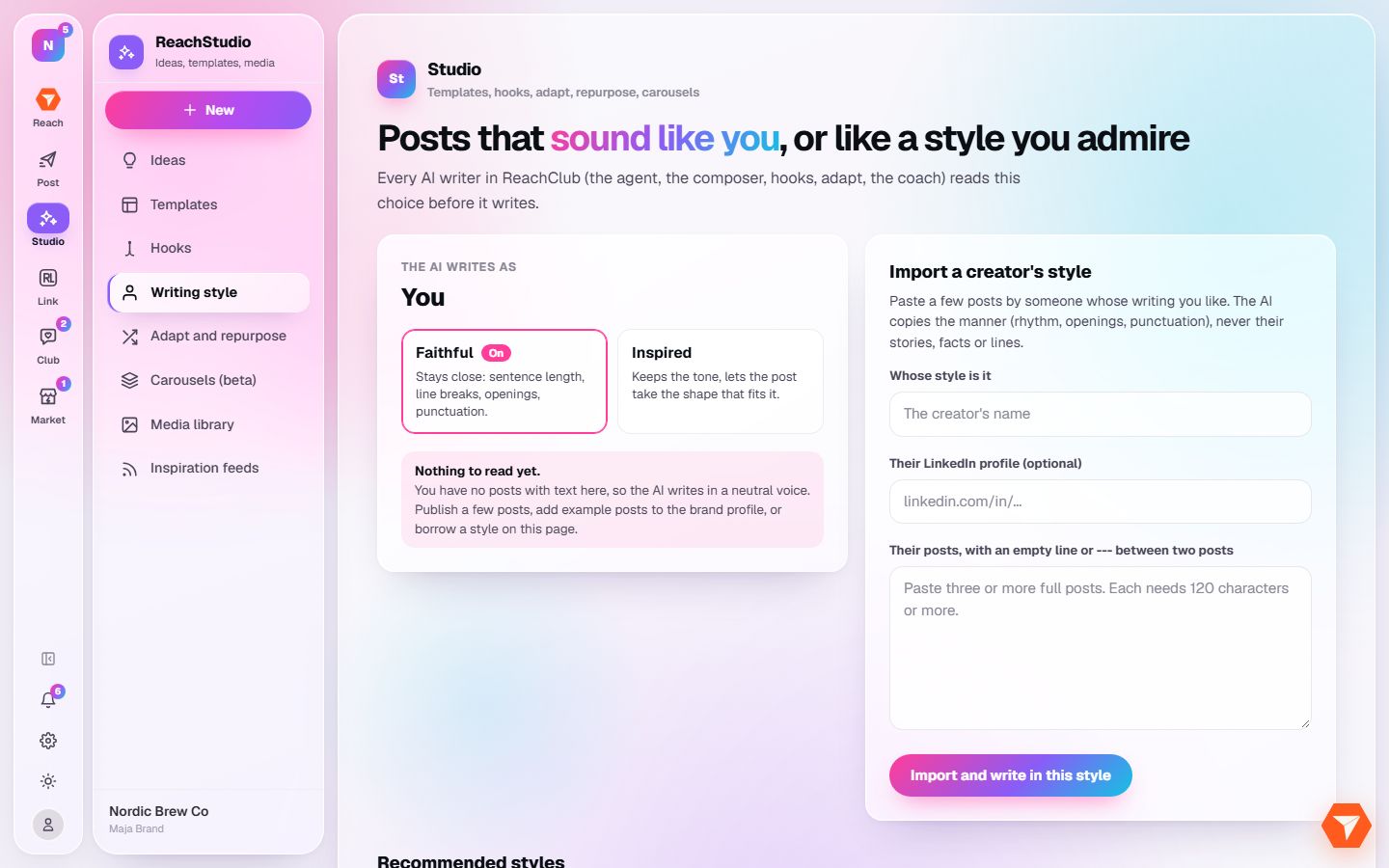
What you should see: Your own style is on the left, imported styles on the right.
-
Choose Faithful to stay close to how you write, or Inspired to keep only the tone.
What you should see: The chosen mode is highlighted and used from the next generation on.
-
To write like someone else, enter their name and paste three or more of their posts.
What you should see: The posts are in the box.
-
Click Import and write in this style.
What you should see: The style is saved. Pick it whenever you generate a post or a hook.