
How do I see the posts of all my workspaces at once?
All calendars puts every workspace you belong to on one calendar. Handy when you run several brands.
Open this page 3 steps
-
Open My account and click All calendars.
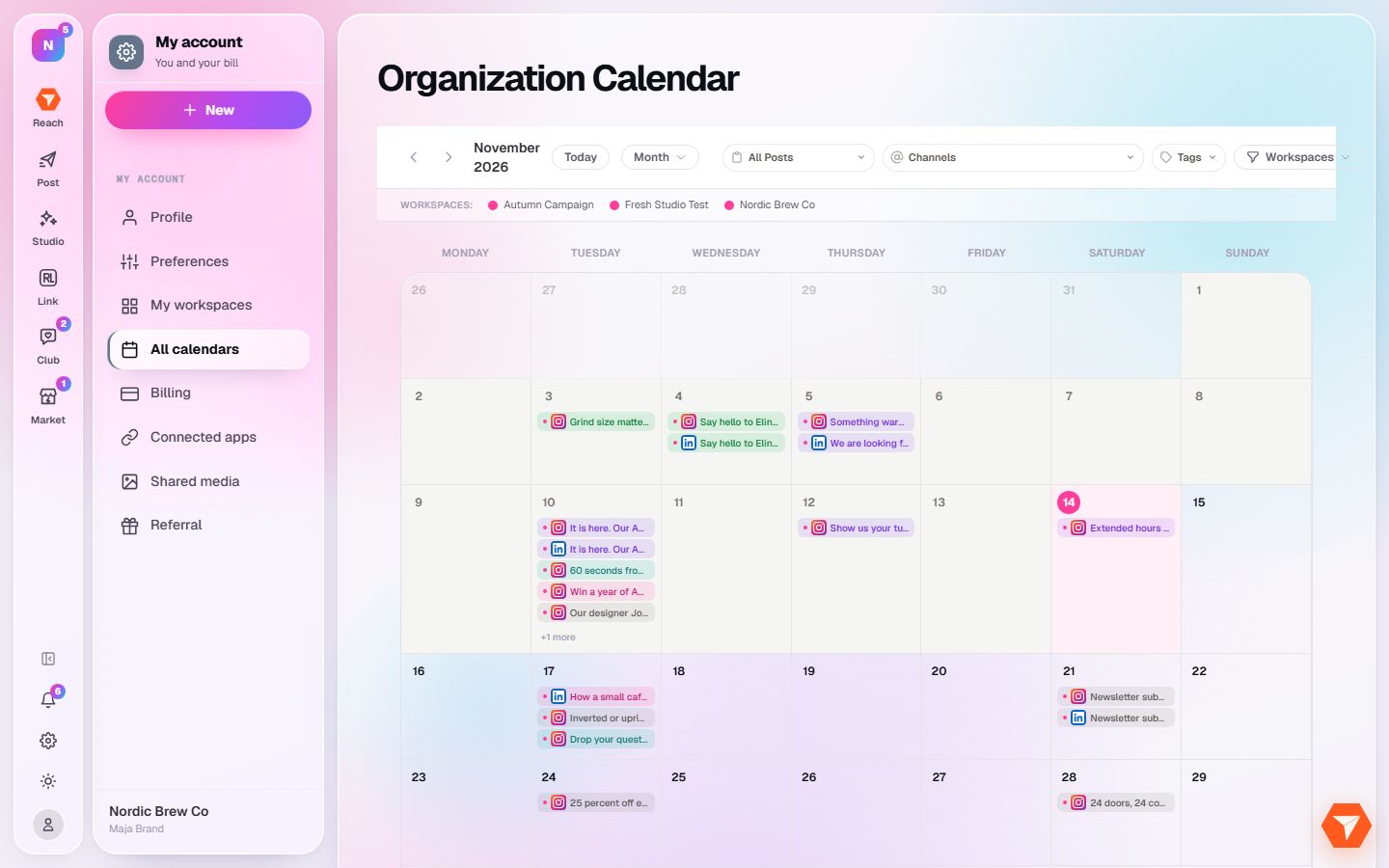
What you should see: One calendar shows the posts of every workspace.
-
Click Workspaces to choose which ones to show.
What you should see: Only the ticked workspaces stay on the calendar.
-
Click a post to open it in its own workspace.
What you should see: The post opens in the composer of the workspace it belongs to.