
Where do I find my invoices and payment details?
Billing shows what you pay for, per workspace, and leads to your invoices and payment method.
Open this page 2 steps
-
Open My account and click Billing.
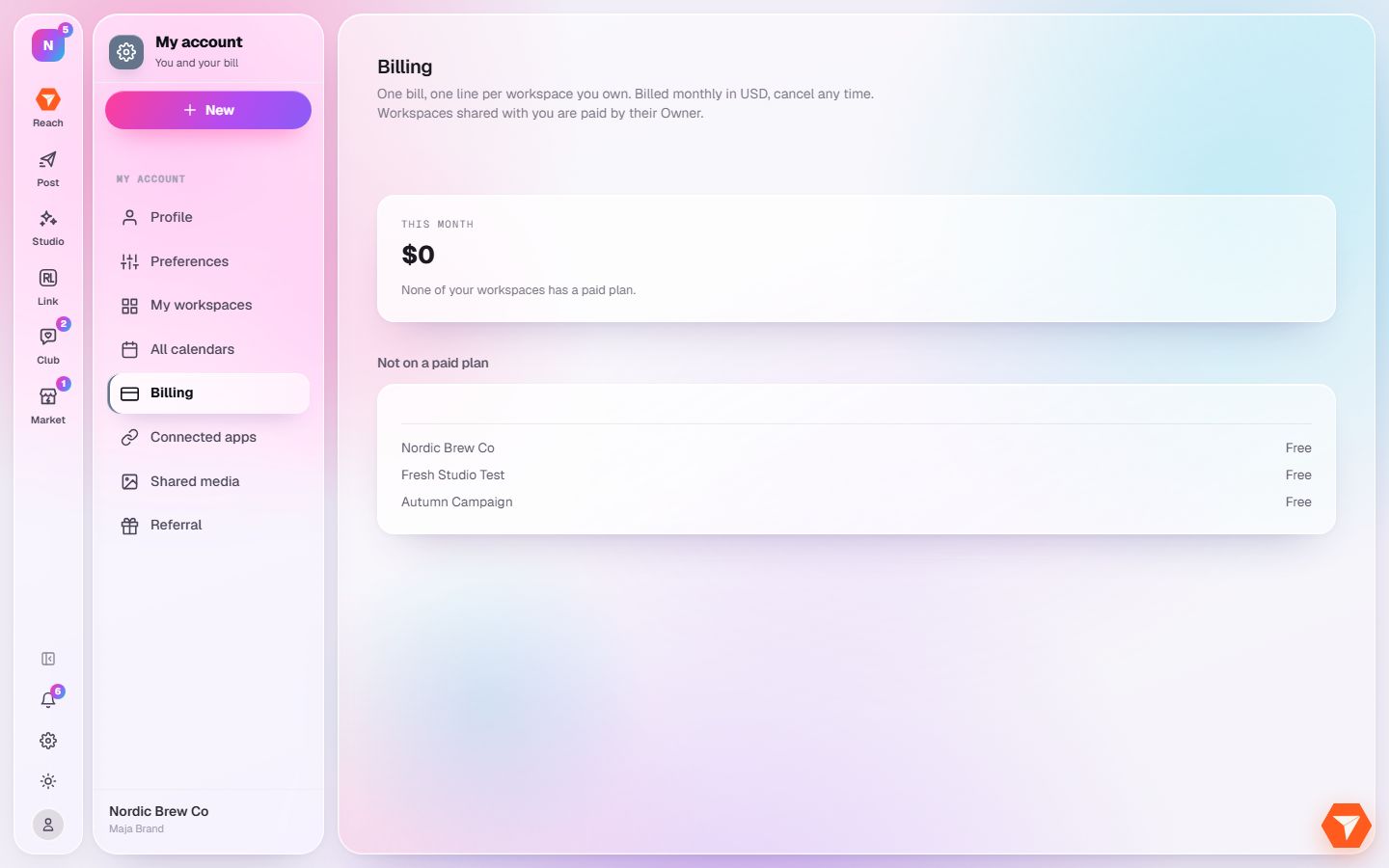
What you should see: Your plans and what they cost are listed per workspace.
-
Click a workspace to choose or change its plan.
What you should see: The Plan page of that workspace opens.