
How do I add a workspace or switch to another one?
A workspace is one brand: its channels, posts and team. You can own several and move between them.
Open this page 3 steps
-
Open My account and click My workspaces.
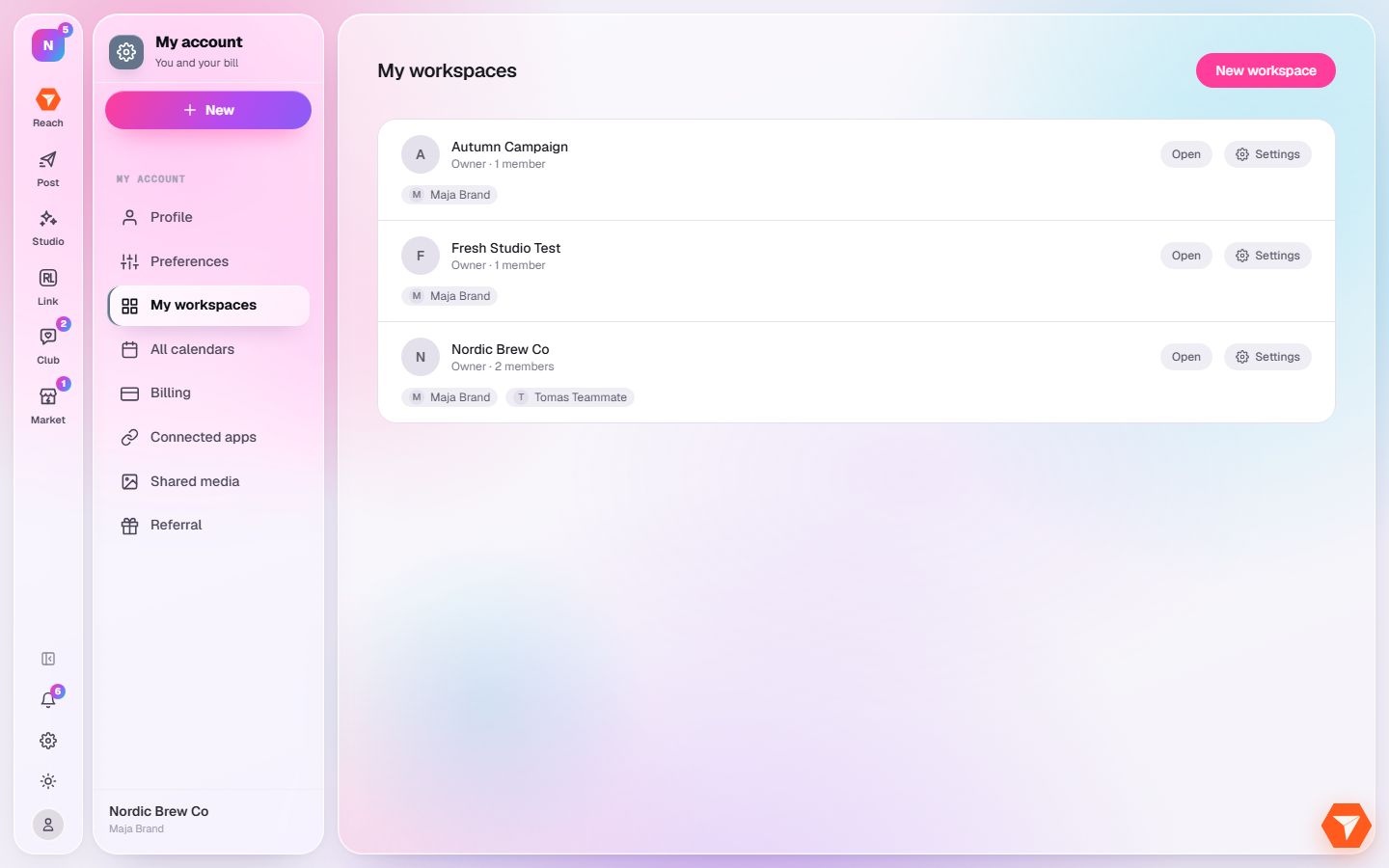
What you should see: Every workspace you belong to is listed with your role.
-
Click Open to work in a workspace.
What you should see: The app switches to that workspace and opens its calendar.
-
Click New workspace to add a brand.
What you should see: A window asks for its name. The new workspace starts with its own plan.