
How do I approve or send back a post?
When your workspace uses approvals, posts wait here for a decision before they can go out.
Open this page 3 steps
-
Open Post in the left rail and click Approvals.
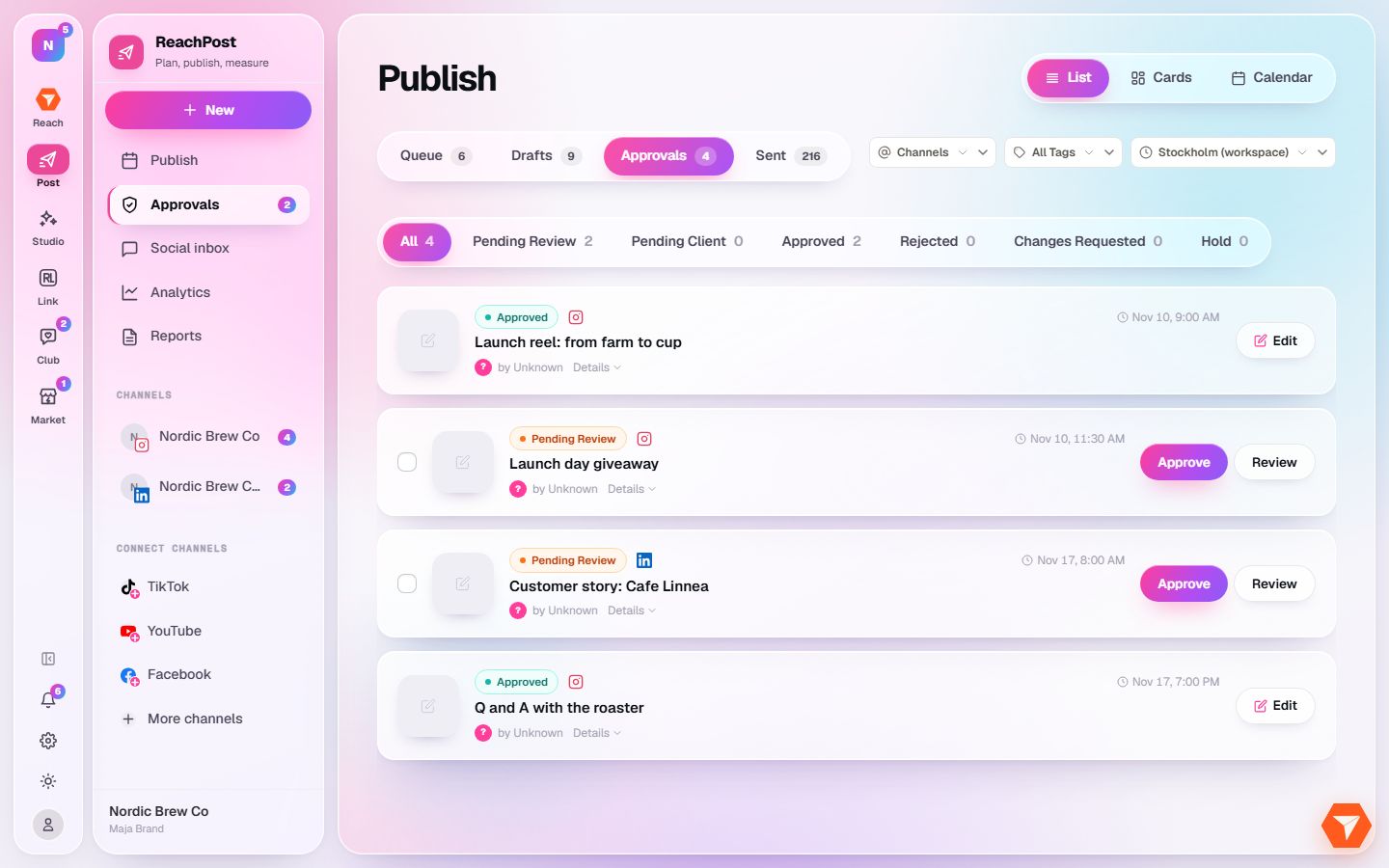
What you should see: Posts that need a decision are listed. The badge in the sidebar counts the ones still waiting.
-
Click a status to see only those posts, for example Pending Review.
What you should see: The list narrows to posts in that state.
-
Click Approve. Click Review instead to read the post first and leave a comment.
What you should see: The post moves to Approved and can be scheduled. The author gets a notification.