
How do I answer comments and messages?
The social inbox collects comments, mentions and direct messages from your connected channels in one list.
Open this page 4 steps
-
Open Post in the left rail and click Social inbox.
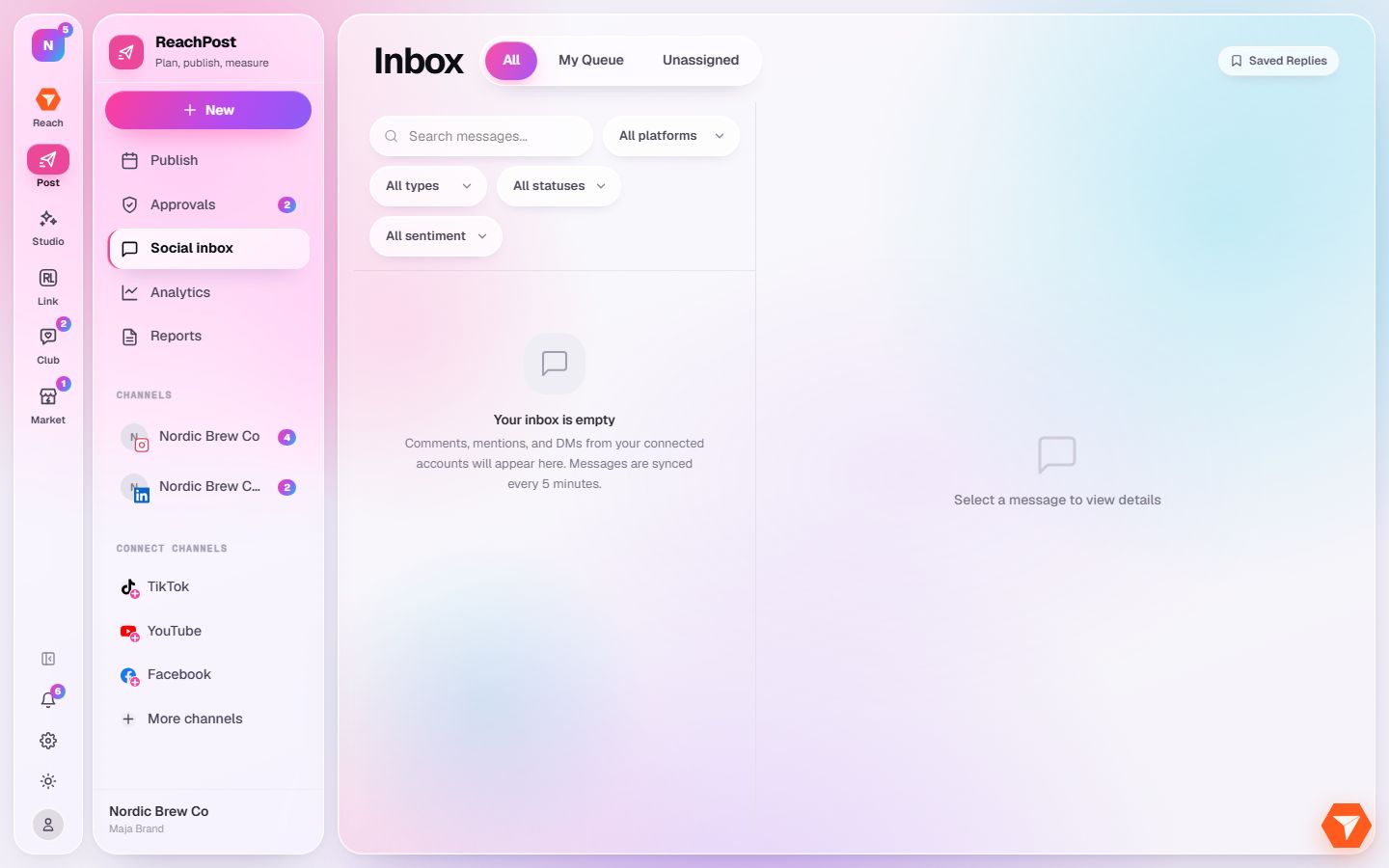
What you should see: New comments, mentions and messages are listed, newest first. An empty inbox means you are up to date.
-
Click My Queue for what is assigned to you, or Unassigned for what nobody has picked up.
What you should see: The list shows only those conversations.
-
Narrow the list by platform, type, status or sentiment.
What you should see: Only the messages that match are listed. Click one to read it and reply.
-
Click Saved Replies to store answers you send often.
What you should see: Your saved replies open. You can insert one when you answer a message.