
How do I save a content idea?
Ideas is a board for everything you might post one day. Capture a thought in seconds and turn it into a post when it is ready.
Open this page 4 steps
-
Open Studio in the left rail and click Ideas.
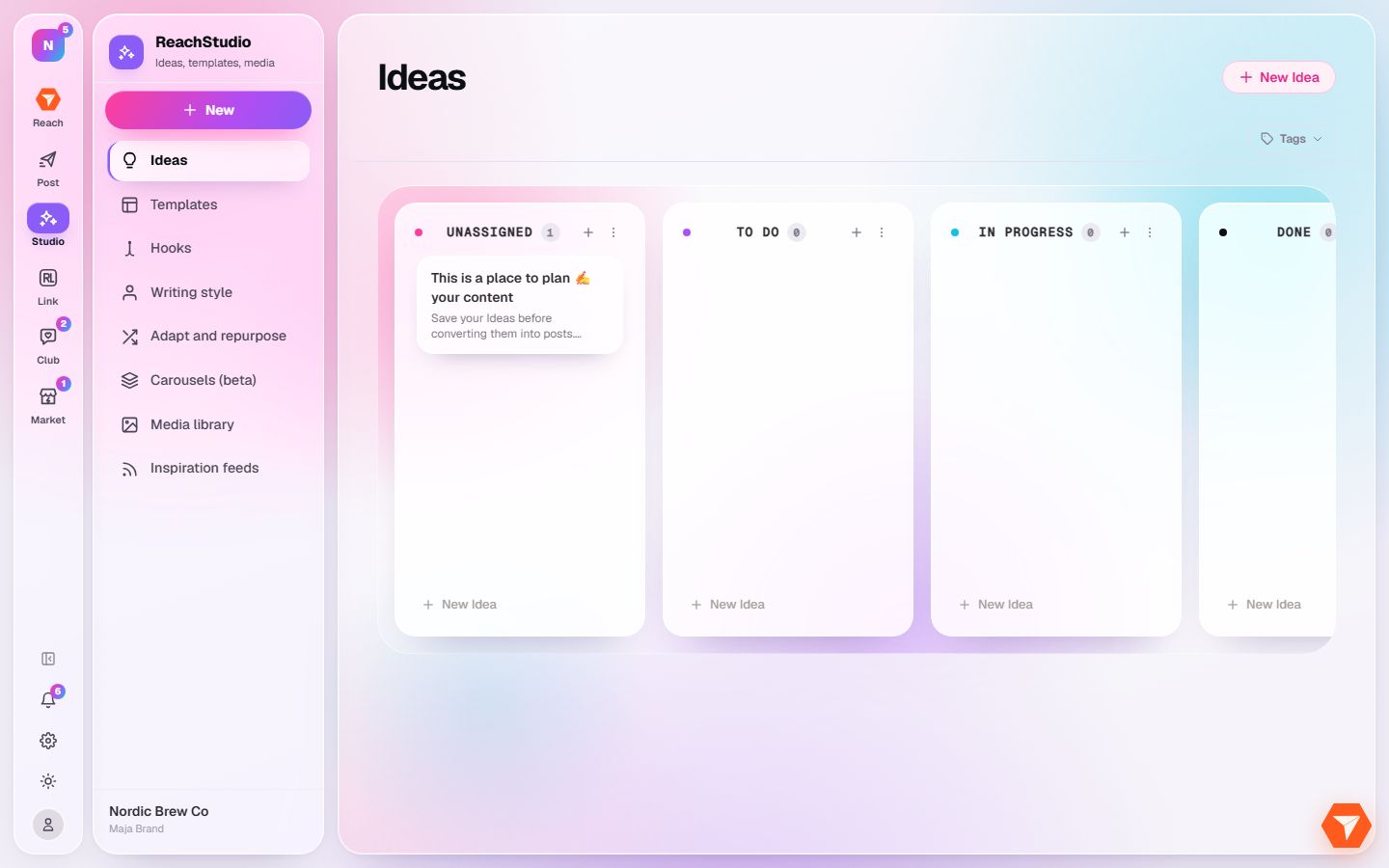
What you should see: The idea board opens with one column per stage.
-
Click New Idea at the top right.
What you should see: A window opens for the new idea.
-
Give the idea a title and write a few notes. Add tags or an image if you like.
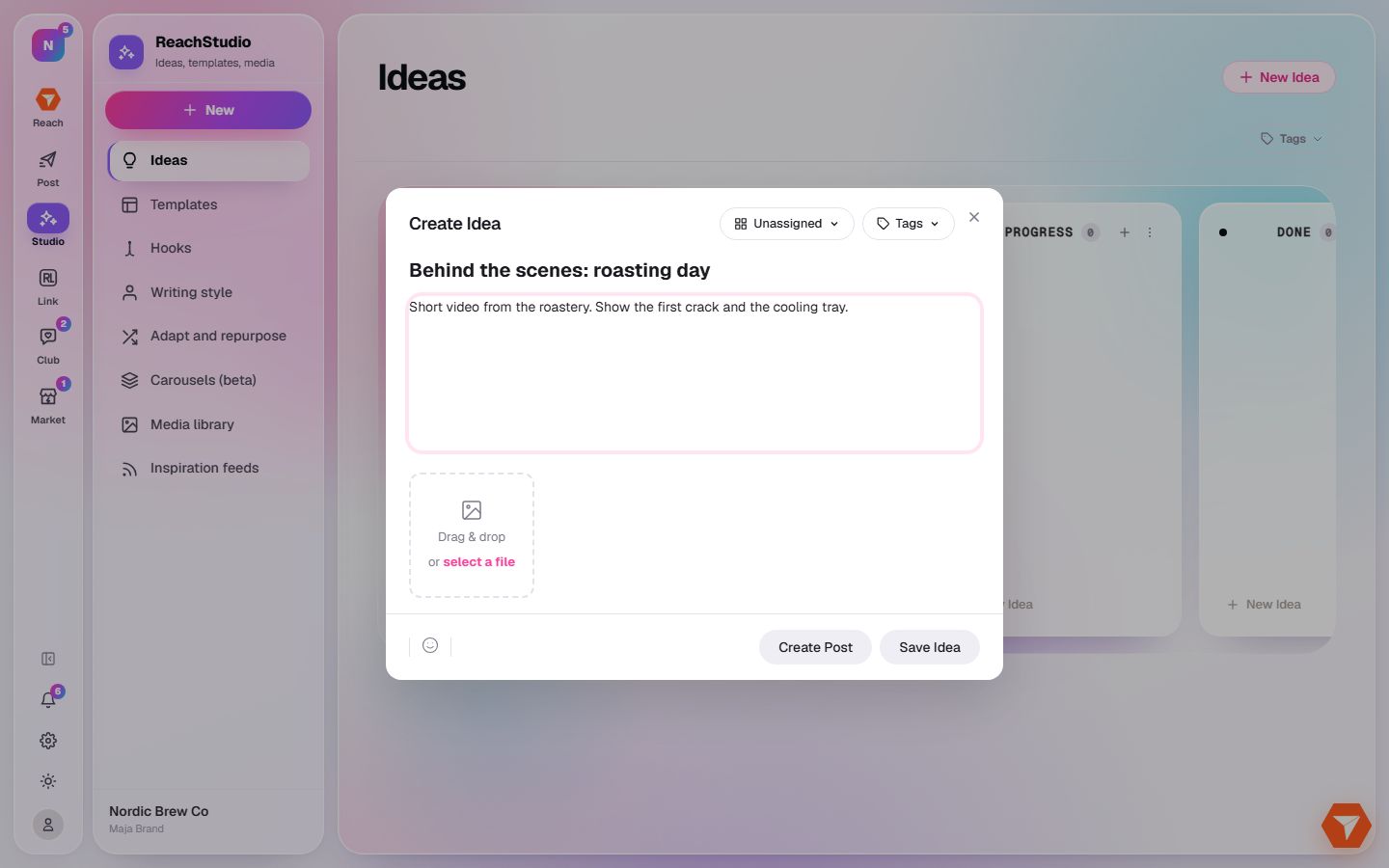
What you should see: Your text is in the window.
-
Click Save Idea. Click Create Post instead to start writing right away.
What you should see: The idea is on the board. Drag it to another column as it matures.