
How do I make a report I can share?
A report is one clean page with the numbers of a profile for a period. Send the link, print it or save it as a PDF.
Open this page 4 steps
-
Open Post in the left rail and click Reports.
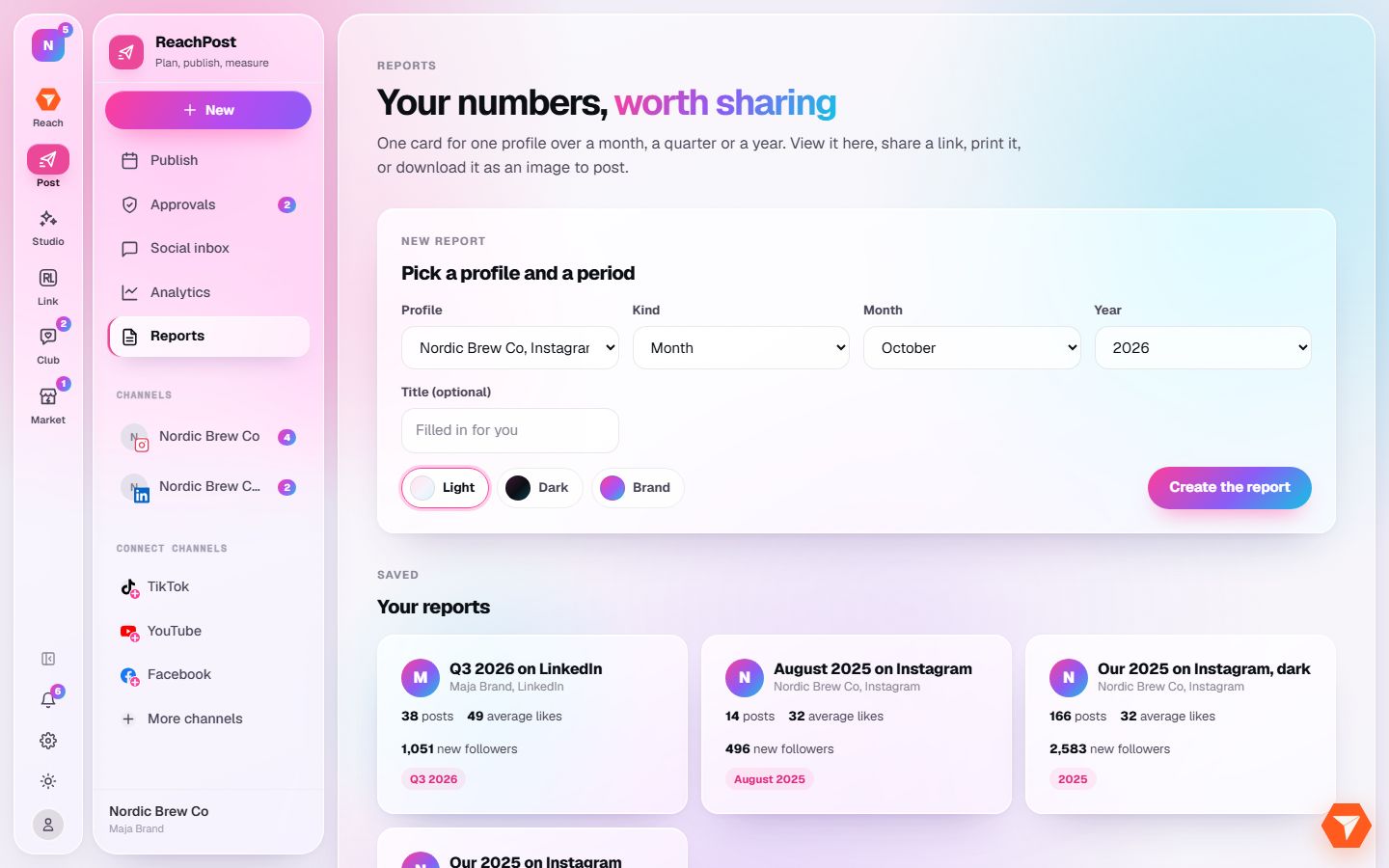
What you should see: The report builder opens, with your earlier reports under it.
-
Pick the profile and the period the report covers.
What you should see: The form shows the profile and period you chose.
-
Pick a look: Light, Dark or Brand.
What you should see: The chosen look is highlighted.
-
Click Create the report.
What you should see: The report opens. From there you can copy its link, print it or save it as a PDF.