
How do I chat with my team?
My Club is the chat of your workspace: channels for the team and direct messages, right next to the work.
Open this page 4 steps
-
Open Club in the left rail and click My Club.
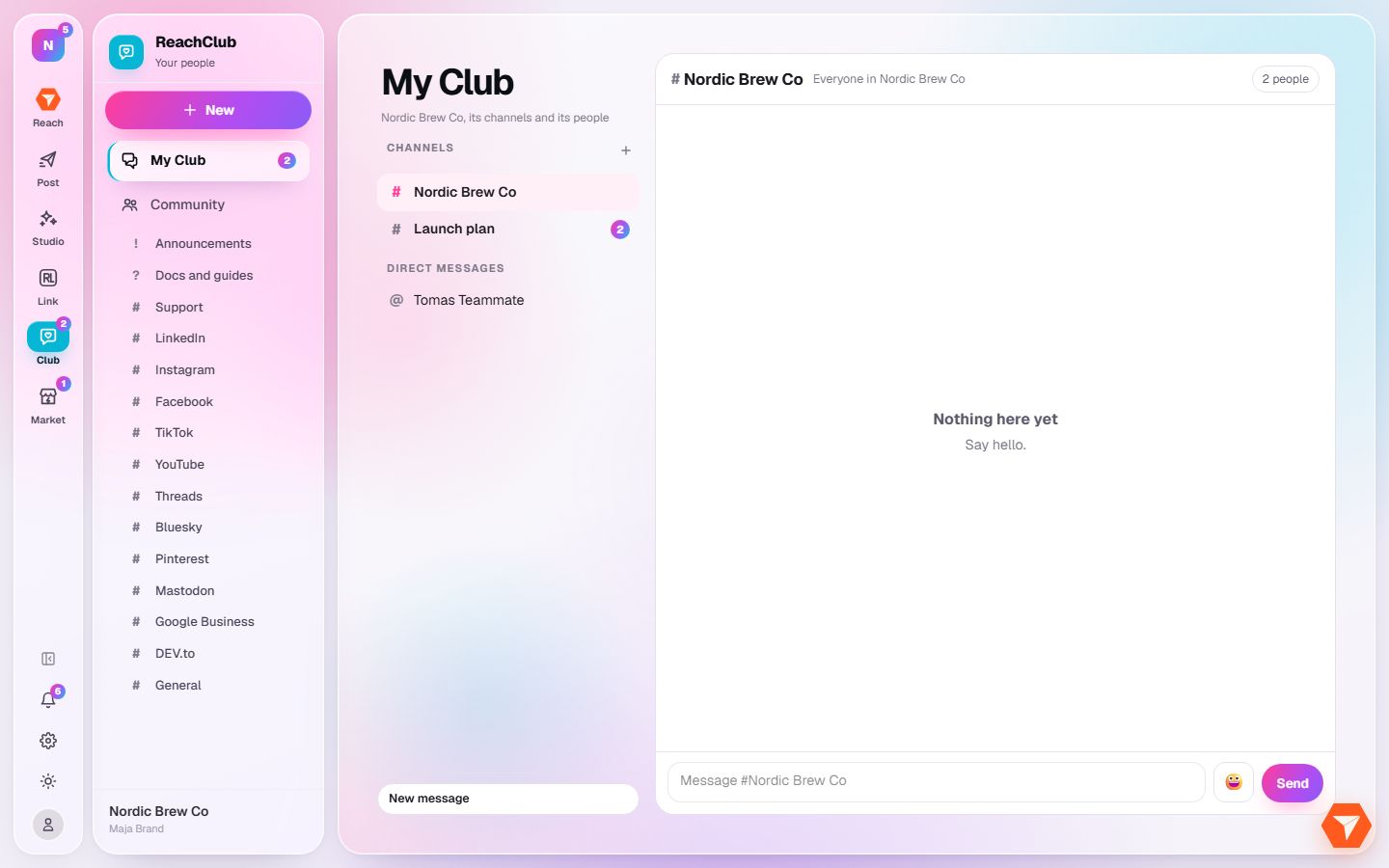
What you should see: Your channels and teammates are listed on the left.
-
Click a channel or a teammate.
What you should see: The conversation opens on the right.
-
Type your message and click Send.
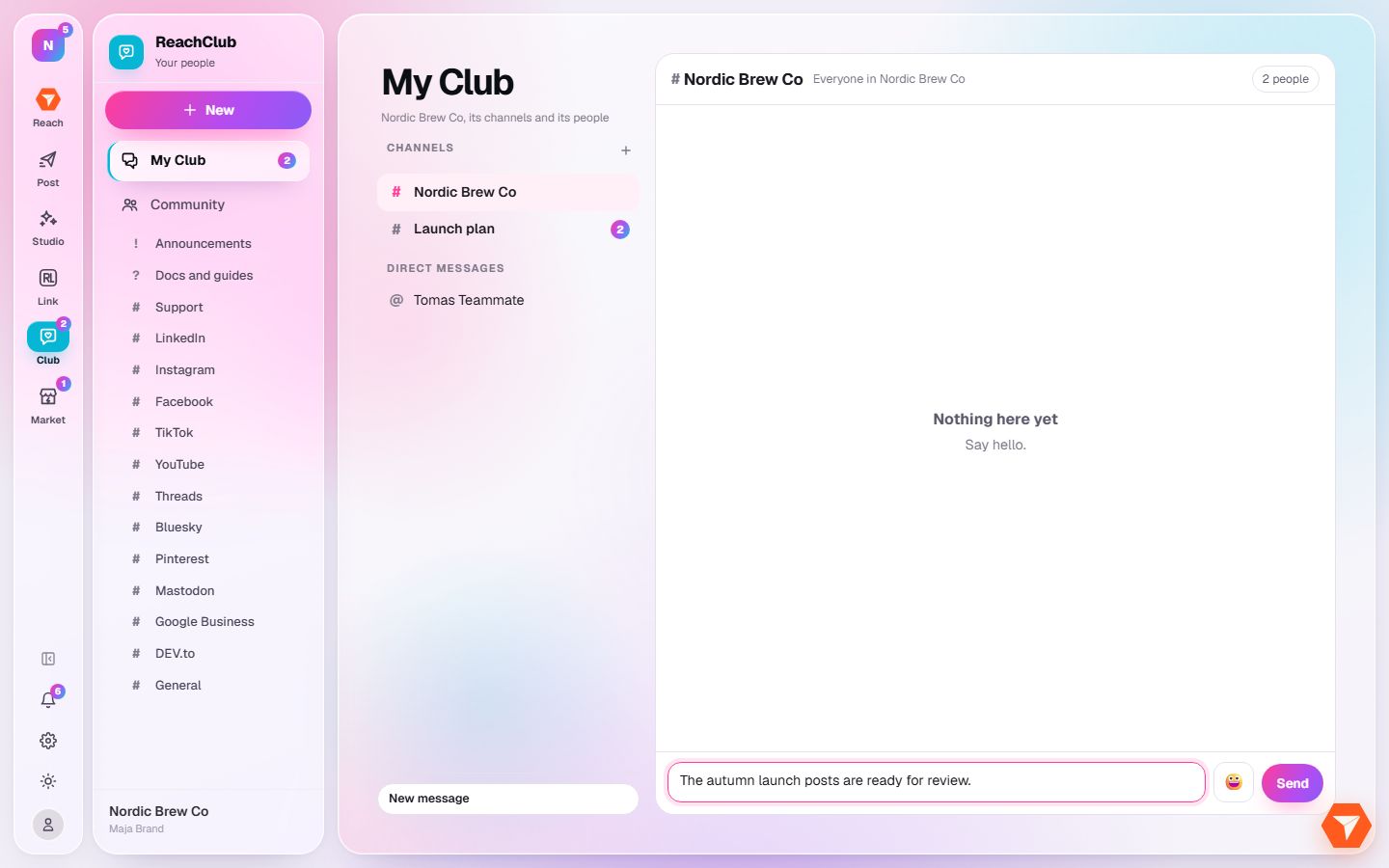
What you should see: The message is posted. Everyone in the conversation gets a notification.
-
Click the plus next to Channels to make a new channel.
What you should see: A window asks for a name and who to invite.