
How do I get paid as a creator?
The wallet shows what you earned from campaigns and lets you withdraw it to your bank account.
Open this page 2 steps
-
Open Market in the left rail and click Wallet.
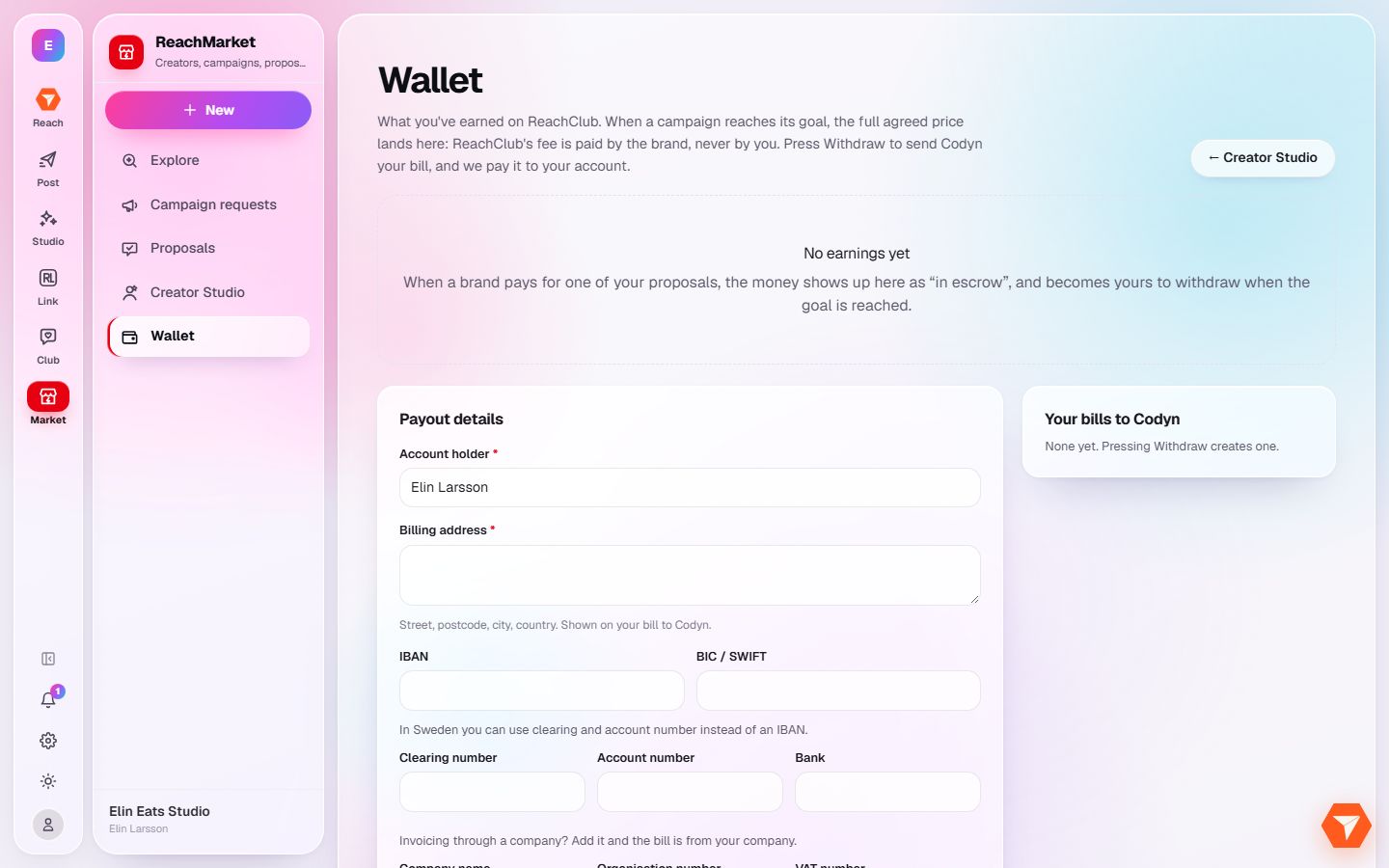
What you should see: Your balance and your earlier payouts are shown.
-
Fill in your payout details once: who holds the account, the address and the bank account.
What you should see: Your details are saved for every later payout.