
How do I rename my workspace or change its time zone?
General holds the basics of a workspace: its name, time zone and logo.
Open this page 4 steps
-
Click the gear at the bottom of the left rail.
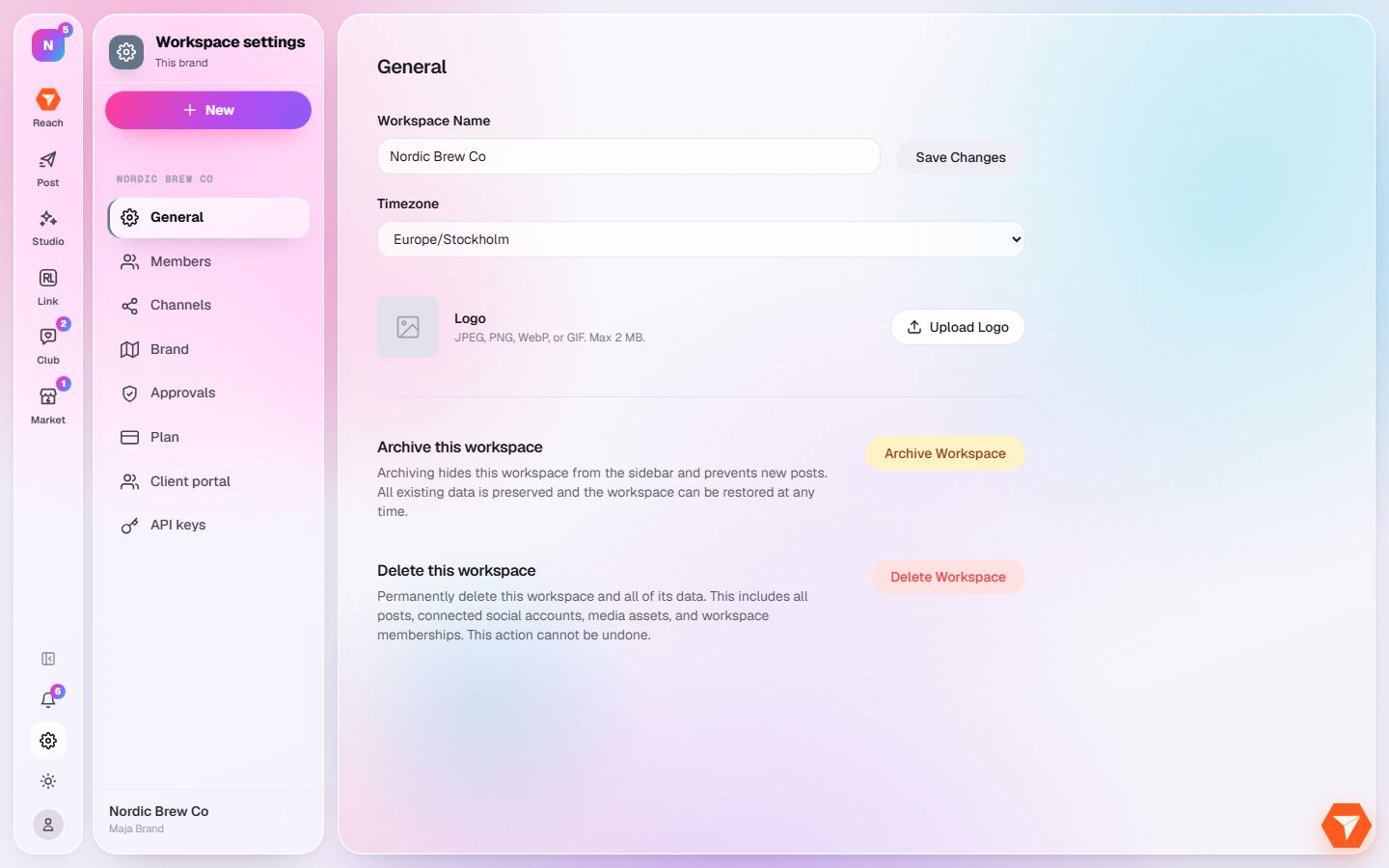
What you should see: Workspace settings opens on General.
-
Change the name and click Save Changes.
What you should see: The new name shows in the sidebar and in the workspace switcher.
-
Pick the time zone your posts are scheduled in.
What you should see: The calendar and every scheduled time follow this time zone.
-
Click Upload Logo to give the workspace its own picture.
What you should see: The logo replaces the letter in the top left corner.