
How do I run my daily LinkedIn engagement?
Engage prepares the posts to like and comment on each day, so showing up takes minutes.
Open this page 3 steps
-
Open Link in the left rail and click Engage.
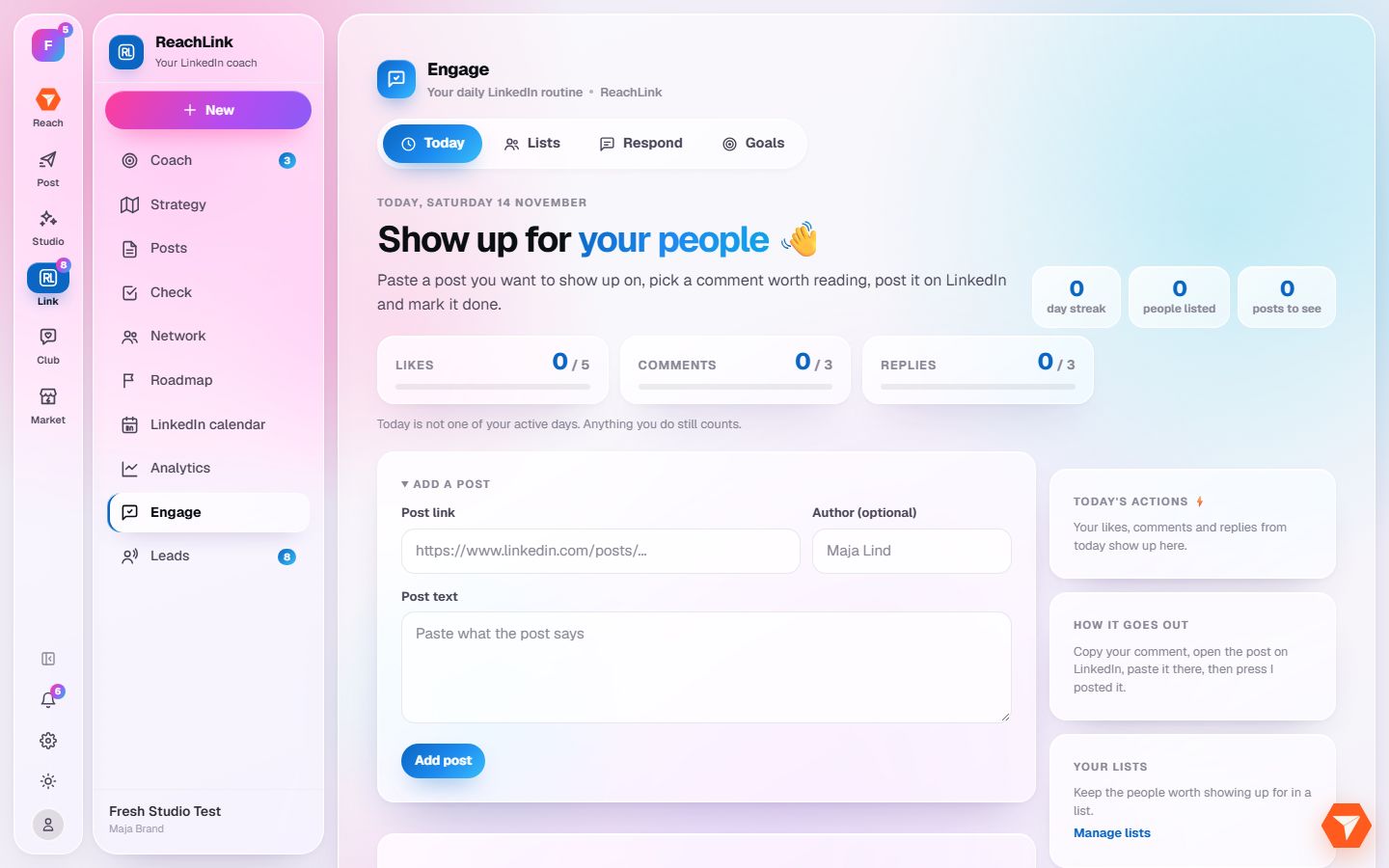
What you should see: Today's routine opens.
-
Click Lists to choose whose posts you want to follow.
What you should see: Your lists of people open. Add the profiles that matter to you.
-
Back on Today, paste the link of a post you want to react to and click Add post.
What you should see: The post joins today's routine with a prepared comment for you to edit.