
How do I find leads among the people who engage with me?
Leads shows who liked and commented on your LinkedIn posts, scored against your ideal customer.
Open this page 4 steps
-
Open Link in the left rail and click Leads.
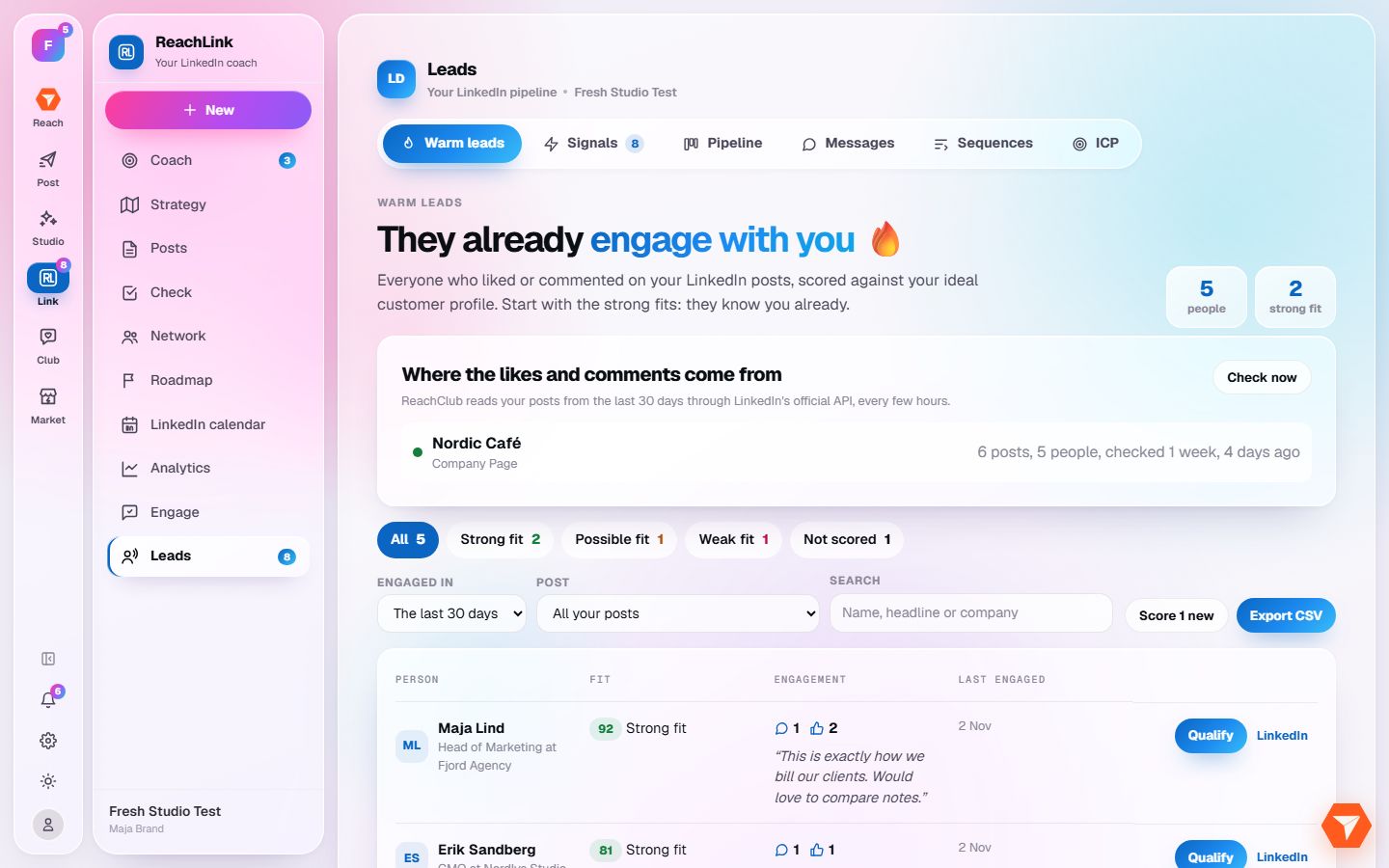
What you should see: Warm leads opens: the people who already engage with you.
-
Click a fit level to see the best matches first.
What you should see: The list narrows to that level.
-
Click Qualify on a person you want to follow up.
What you should see: The person moves into your pipeline.
-
Click Pipeline to work your qualified leads, stage by stage.
What you should see: Your pipeline opens. Messages and Sequences help you write to them.