
How do I follow sources for post ideas?
Inspiration feeds bring articles from blogs and news sites into Studio, so you always have something to react to.
Open this page 3 steps
-
Open Studio in the left rail and click Inspiration feeds.
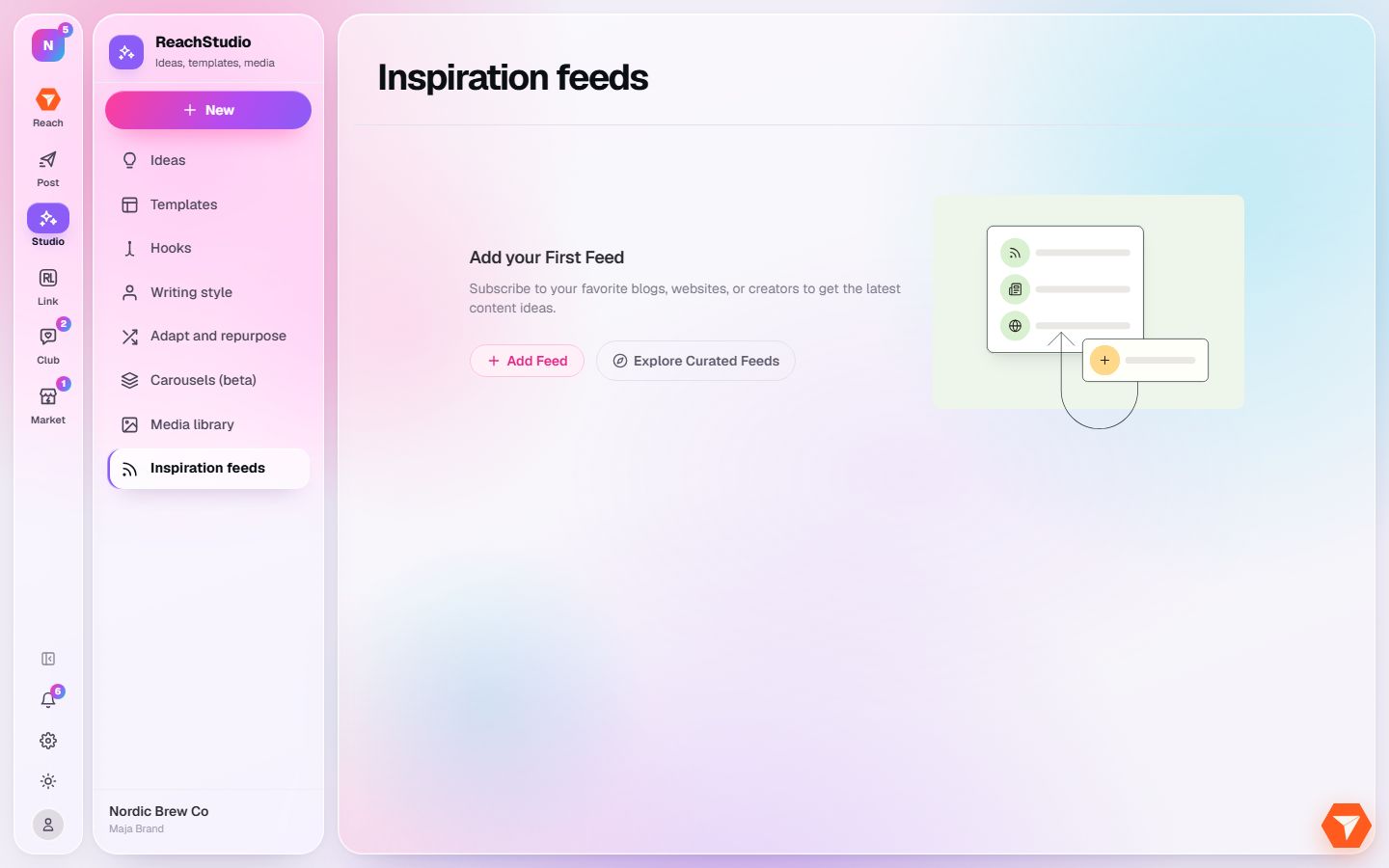
What you should see: Your feeds open. The first time you are asked to add one.
-
Click Add Feed and paste the address of a blog or news site.
What you should see: The feed is added and its latest articles are listed.
-
Click Explore Curated Feeds to pick from sources we selected by topic.
What you should see: A list of ready made feeds opens. Add the ones that fit your brand.