
How do I build my LinkedIn strategy?
ReachLink starts with a short interview. Seven answers later you have a strategy for your profile and your first 12 posts.
Open this page 4 steps
-
Click Link in the left rail.
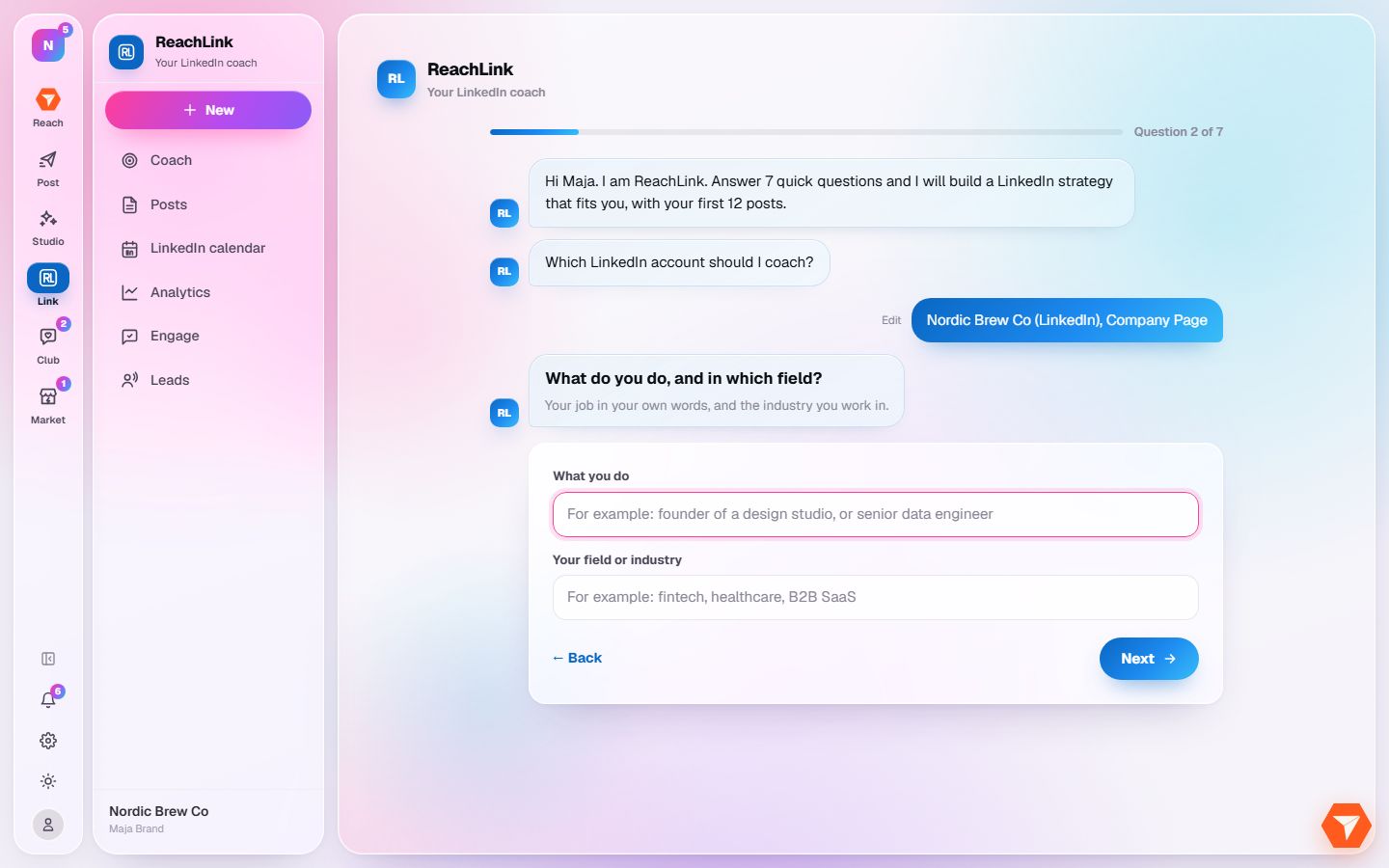
What you should see: The first time, ReachLink greets you and asks its first question.
-
Answer each question and click Next. There are seven.
What you should see: After the last answer ReachLink writes your strategy. It takes about a minute.
-
When it is ready, click Strategy in the sidebar to read it.
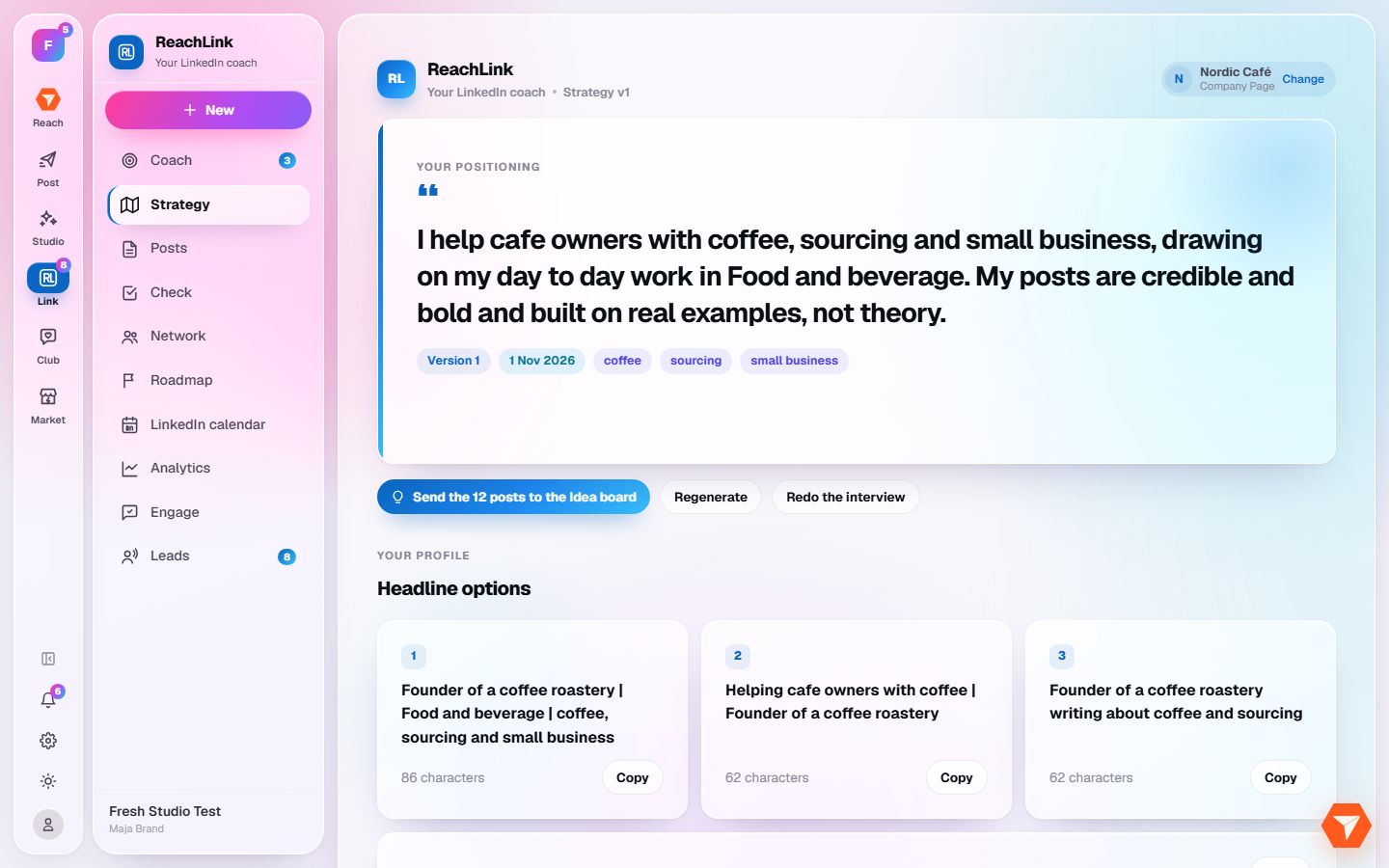
What you should see: You see your positioning, headline options, an About section and 12 post ideas.
-
Click Send the 12 posts to the Idea board to start working on them.
What you should see: The post ideas are on your Idea board in Studio.