
How do I upload and organise images and videos?
The media library holds every image, video, GIF and document of the workspace, ready to attach to a post.
Open this page 4 steps
-
Open Studio in the left rail and click Media library.
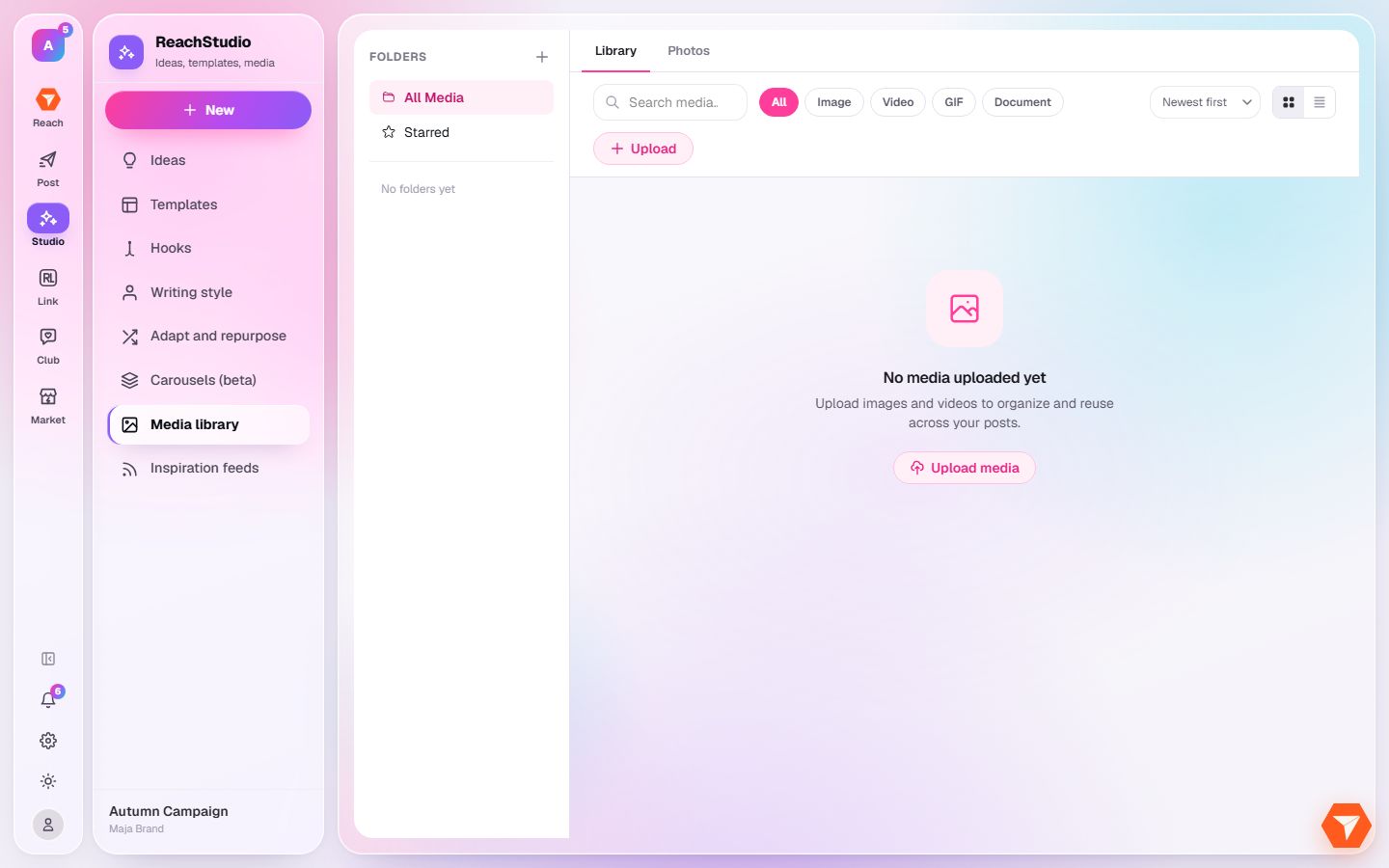
What you should see: Your files are shown, newest first.
-
Click Upload and choose files from your computer. You can also drag them onto the page.
What you should see: The files appear in the library once they are uploaded.
-
Click the plus next to Folders to make a folder, then drag files into it.
What you should see: The folder is in the list on the left.
-
Use the type filters or the search box to find a file.
What you should see: Only matching files are shown.