
What should I do on LinkedIn this week?
The coach turns your strategy into a short list of tasks for the week and tracks how it is going.
Open this page 3 steps
-
Open Link in the left rail and click Coach.
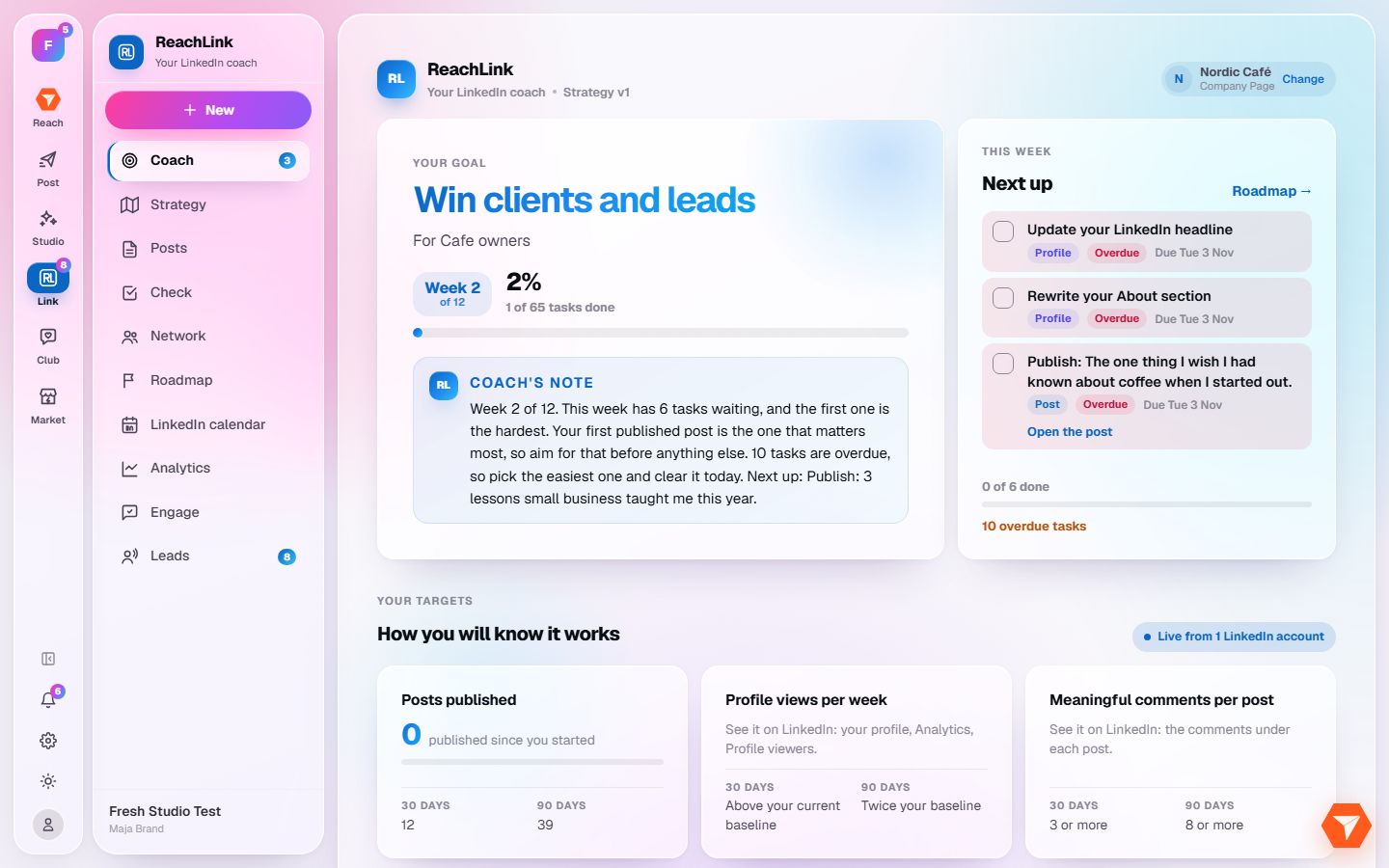
What you should see: Your goal is on the left and the next tasks are on the right.
-
Do a task, then tick its circle.
What you should see: The task is marked as done and the badge on Coach counts one less.
-
Click Roadmap to see all twelve weeks.
What you should see: The full plan opens, week by week.