
How do I see everything that is planned?
Publish is the calendar of the workspace. Every draft, scheduled and sent post is on it, on every channel.
Open this page 4 steps
-
Open Post in the left rail and click Publish.
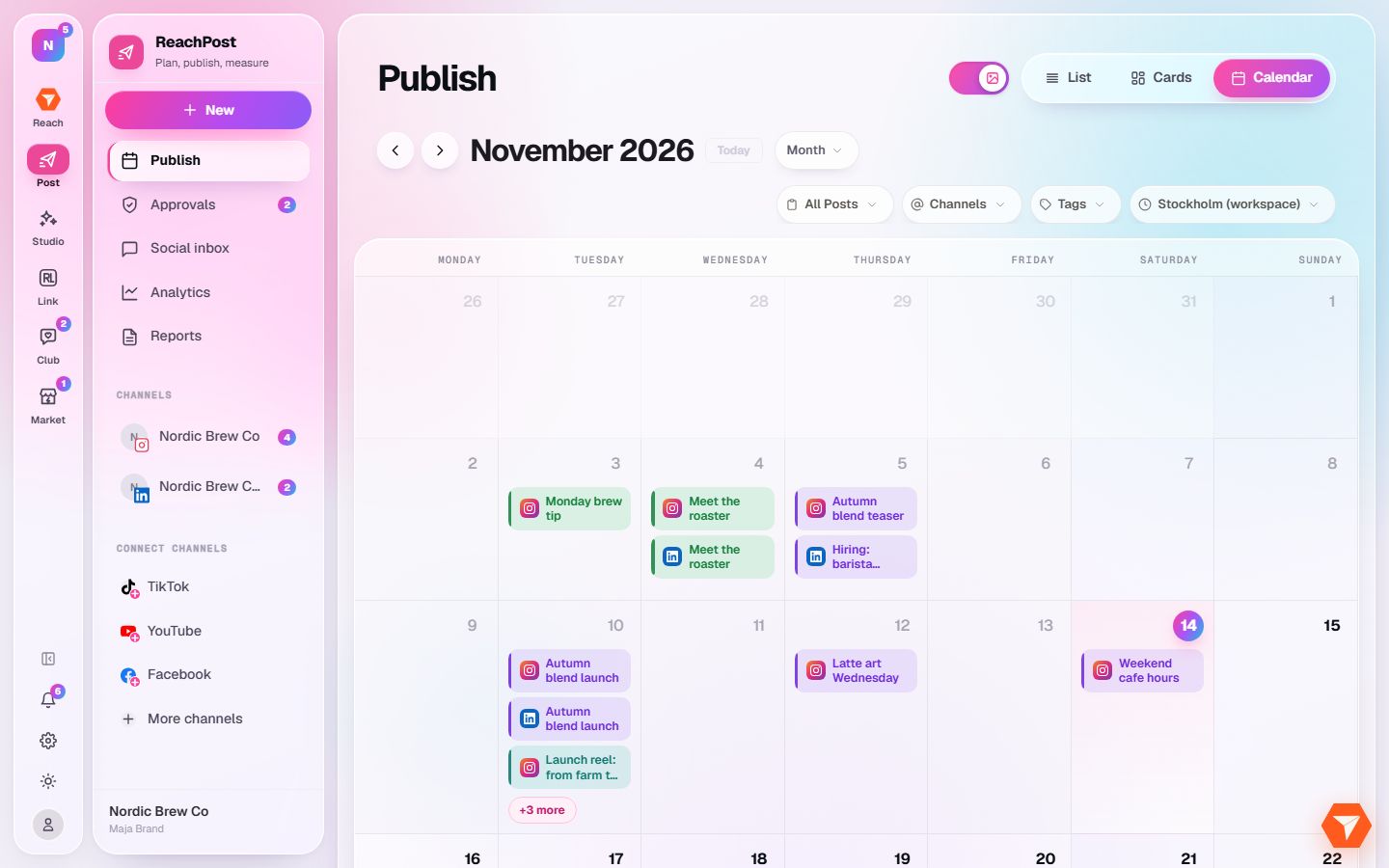
What you should see: The calendar shows the month with one chip per post. The colour of a chip tells its status.
-
Switch between List, Cards and Calendar at the top right.
What you should see: The same posts are shown as a list, as cards or on the calendar.
-
Use the filters to narrow the view to a status, a channel or a tag.
What you should see: Only the posts that match stay on the calendar.
-
Click a post to open it.
What you should see: The post opens in the composer, where you can edit it or move it to another time.