
How do I schedule a post?
Write once, pick the channels and choose when it goes out. This is the path from an empty composer to a post on the calendar.
Open this page 5 steps
-
Click New at the top of the sidebar, then click Post.
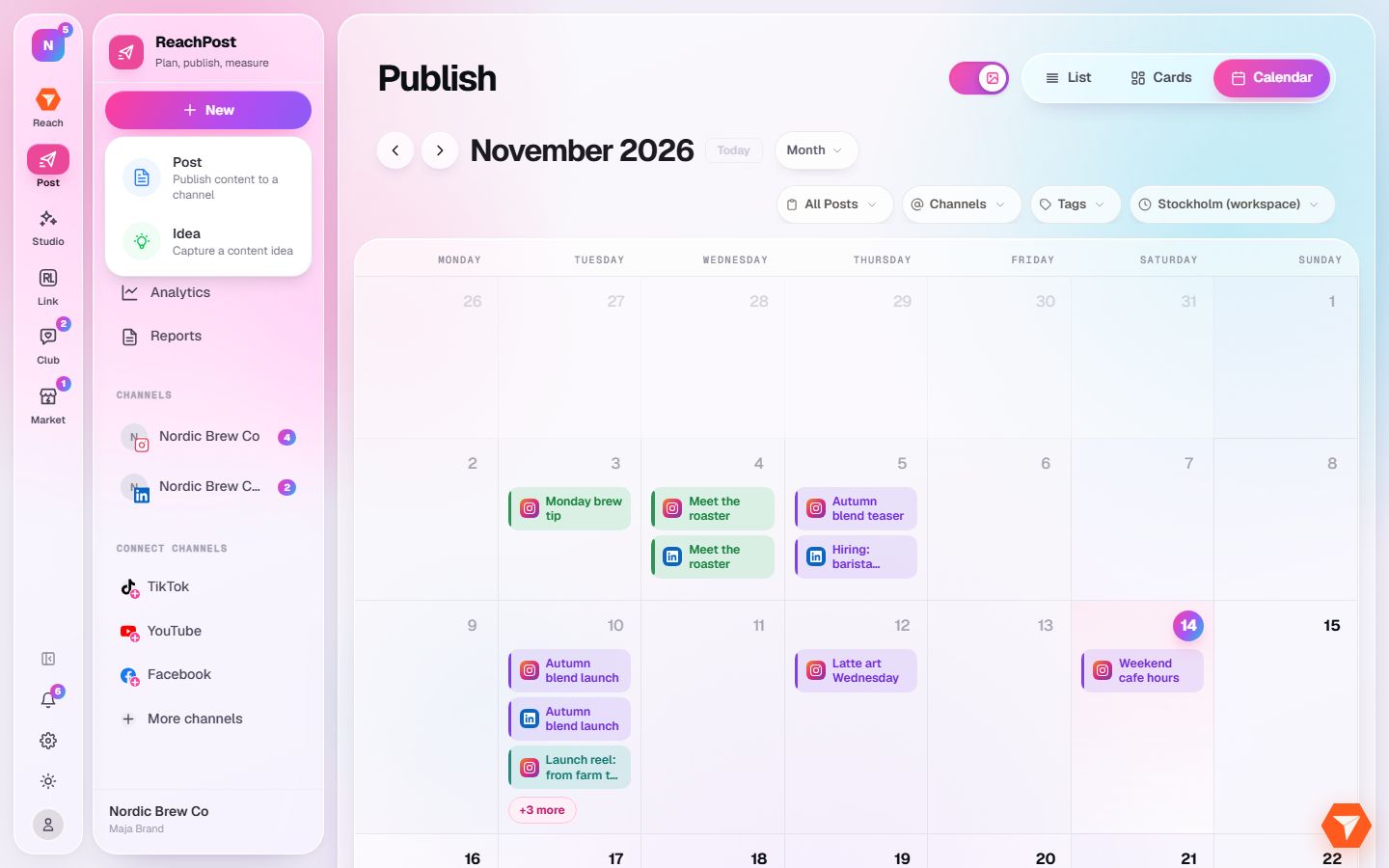
What you should see: The composer opens with your connected channels along the top.
-
Click each channel the post should go to.
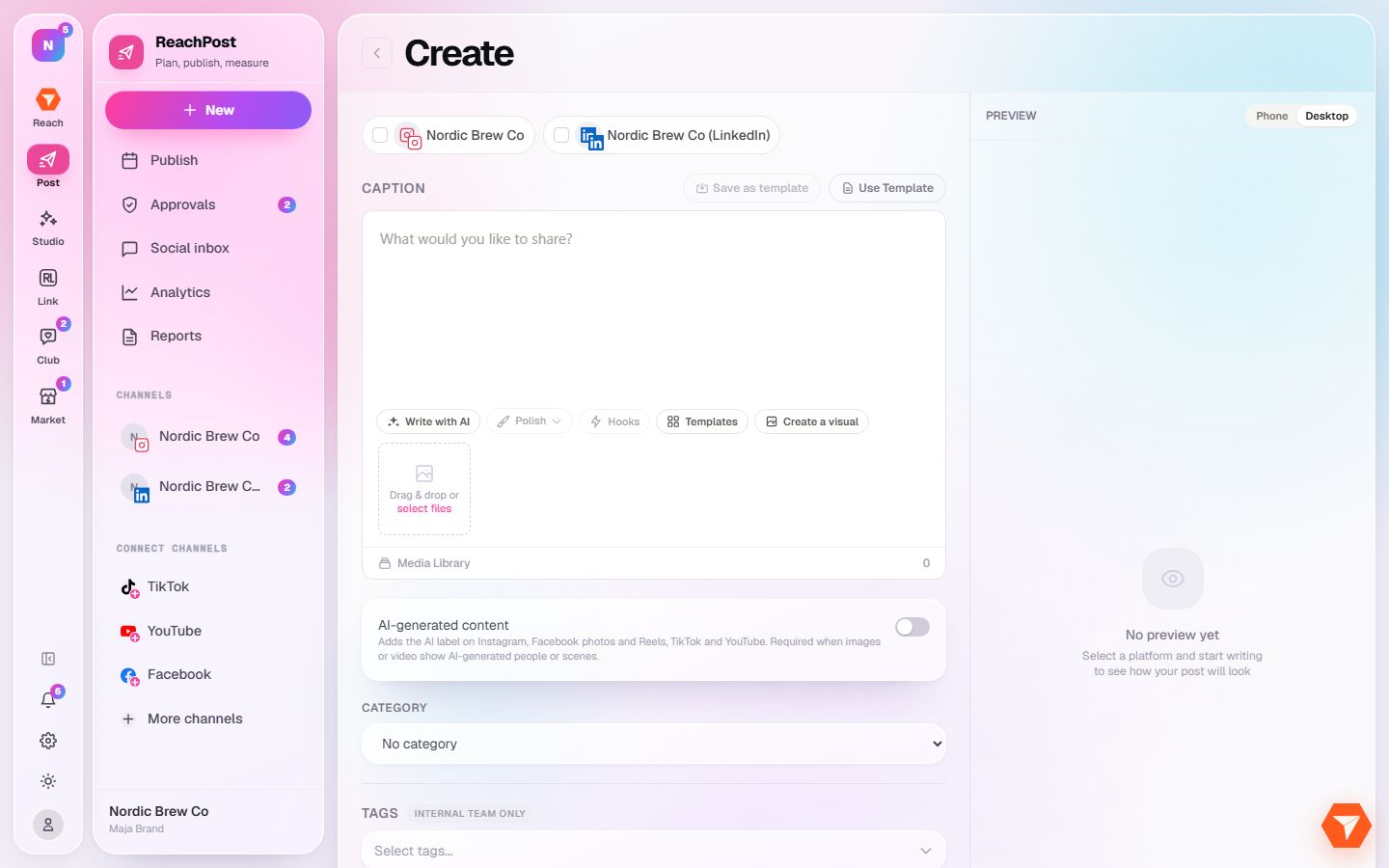
What you should see: The chosen channels are highlighted and the preview on the right shows the post for them.
-
Write your caption. The buttons under the box help you write, polish or add a hook.
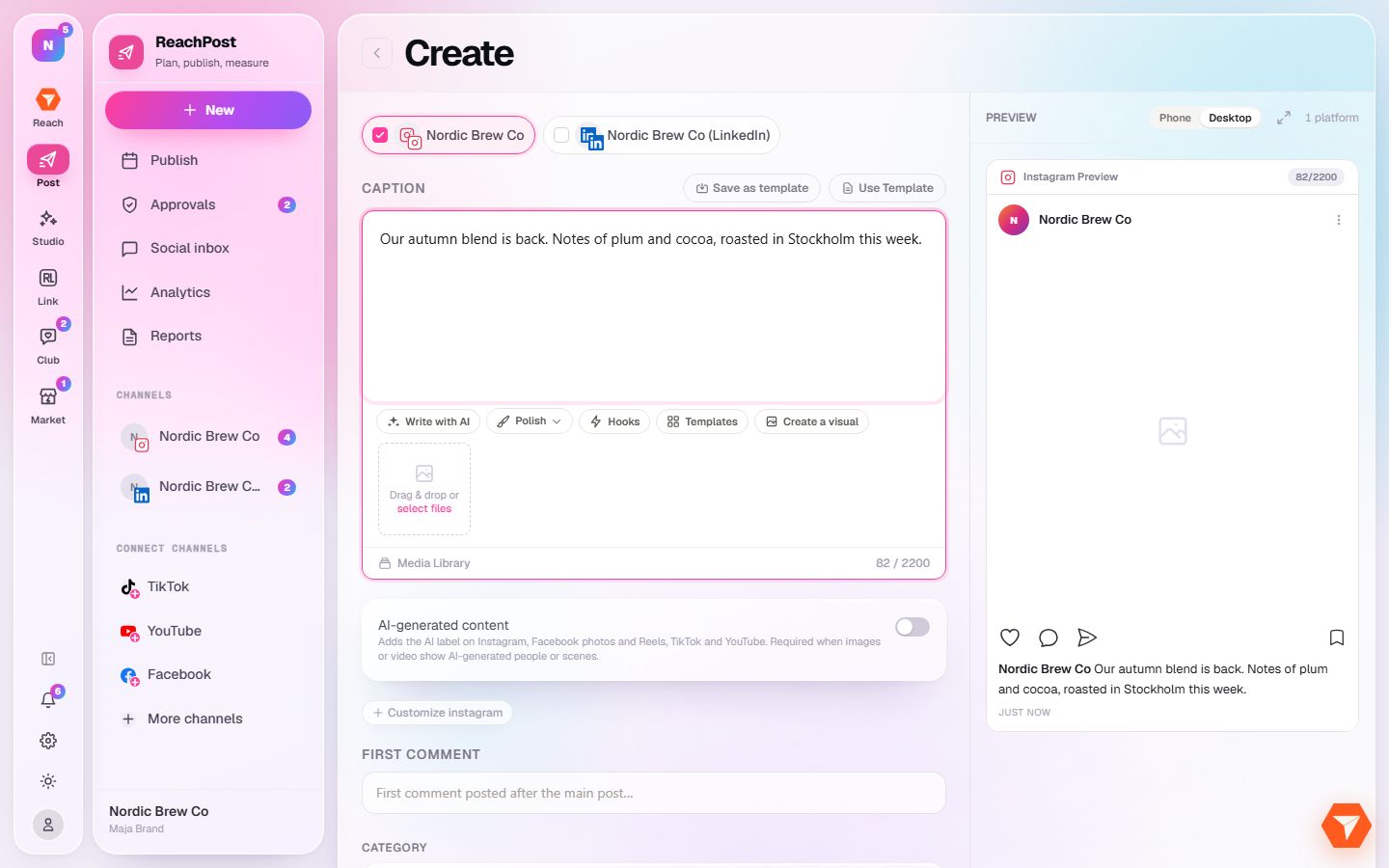
What you should see: The preview updates as you type.
-
Click Next available at the bottom right and choose Set Date and Time.
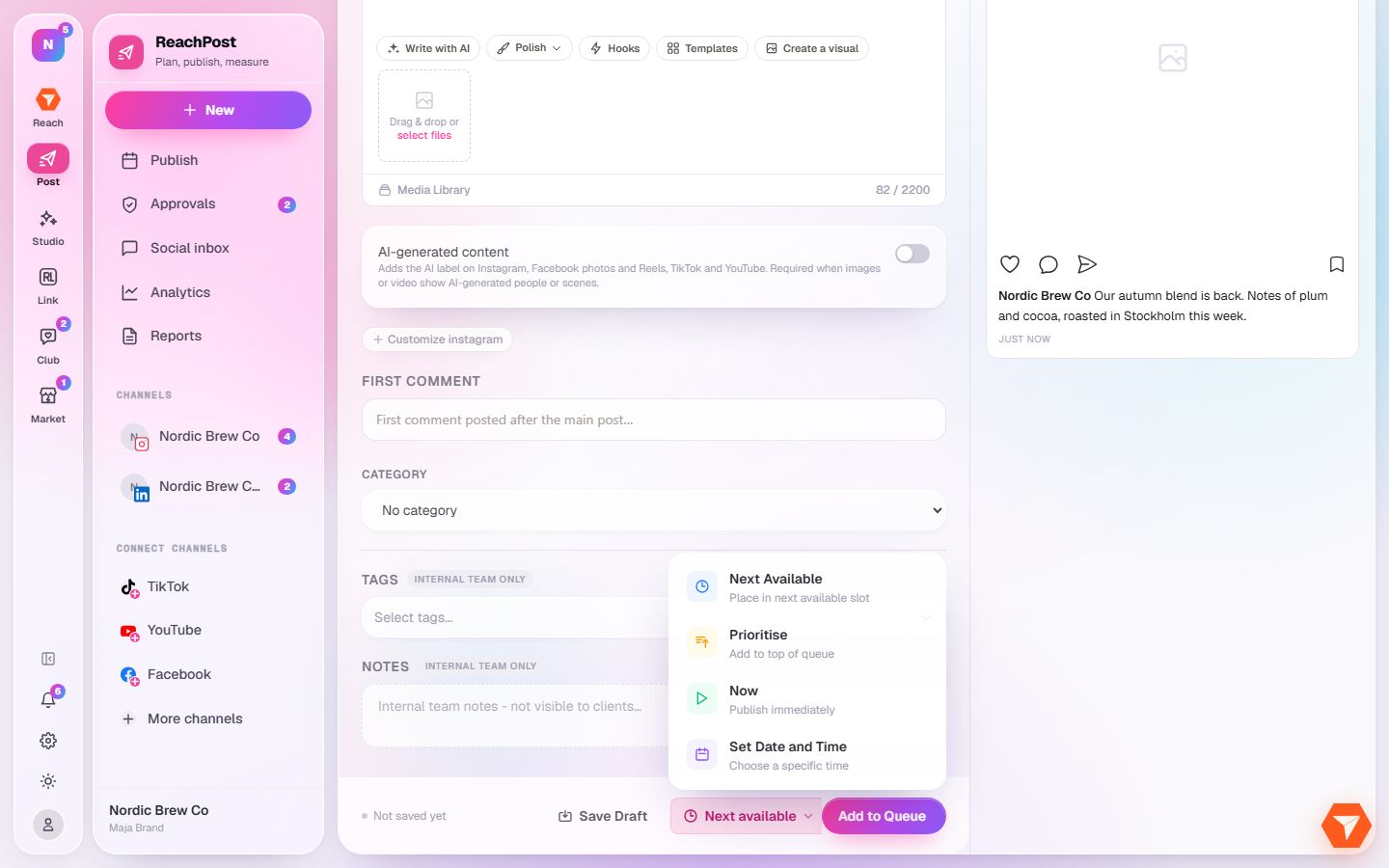
What you should see: A date and time picker opens.
-
Pick the date and time and click Set Schedule. The button next to it now says Schedule Post: click it.
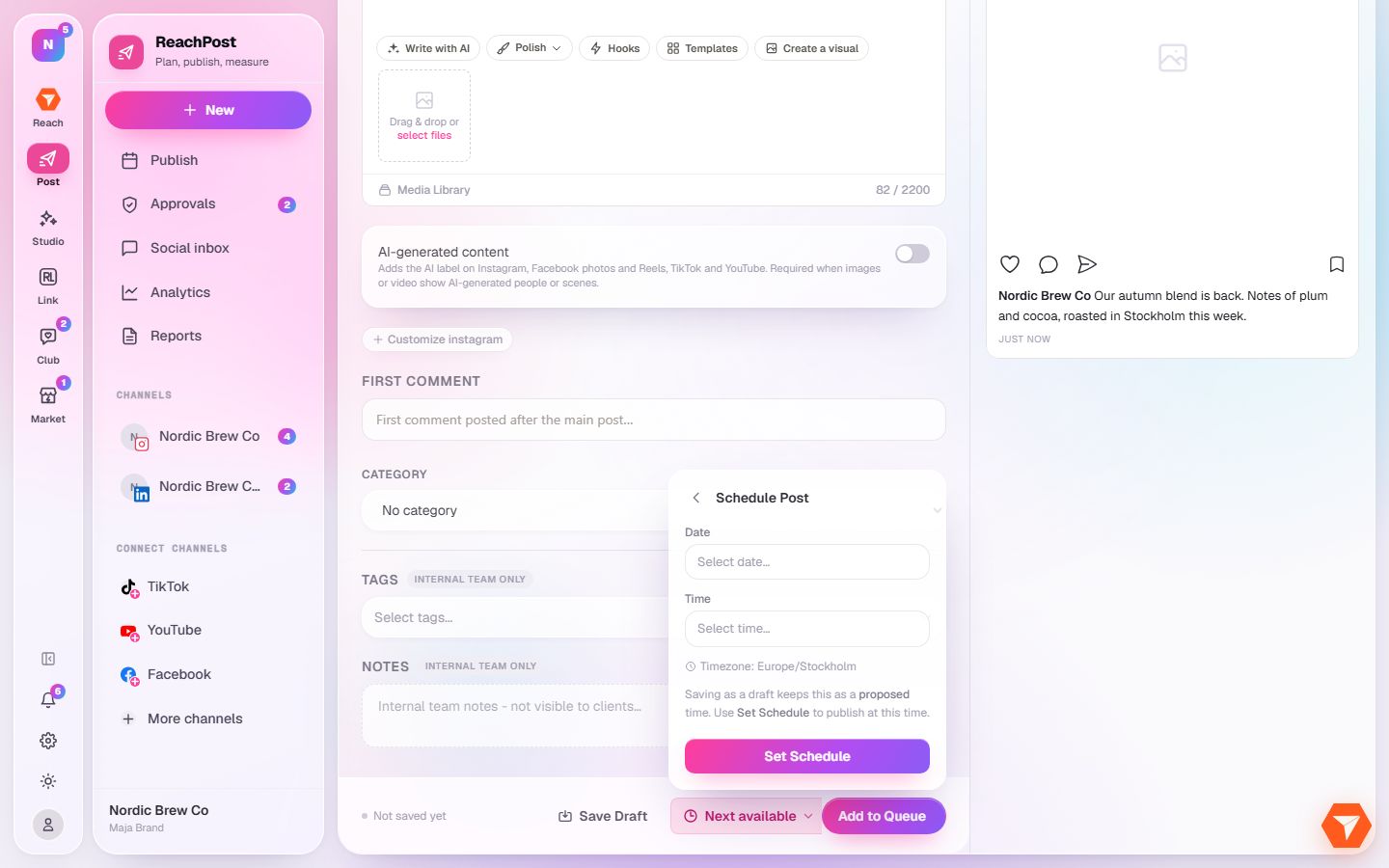
What you should see: The post is saved and shows on the calendar at the time you picked.