
How do I ask Reach without leaving the page I am on?
Reach sits in the bottom right corner of every page, so you can ask while you work.
Open this page 3 steps
-
Click the round Reach button in the bottom right corner.
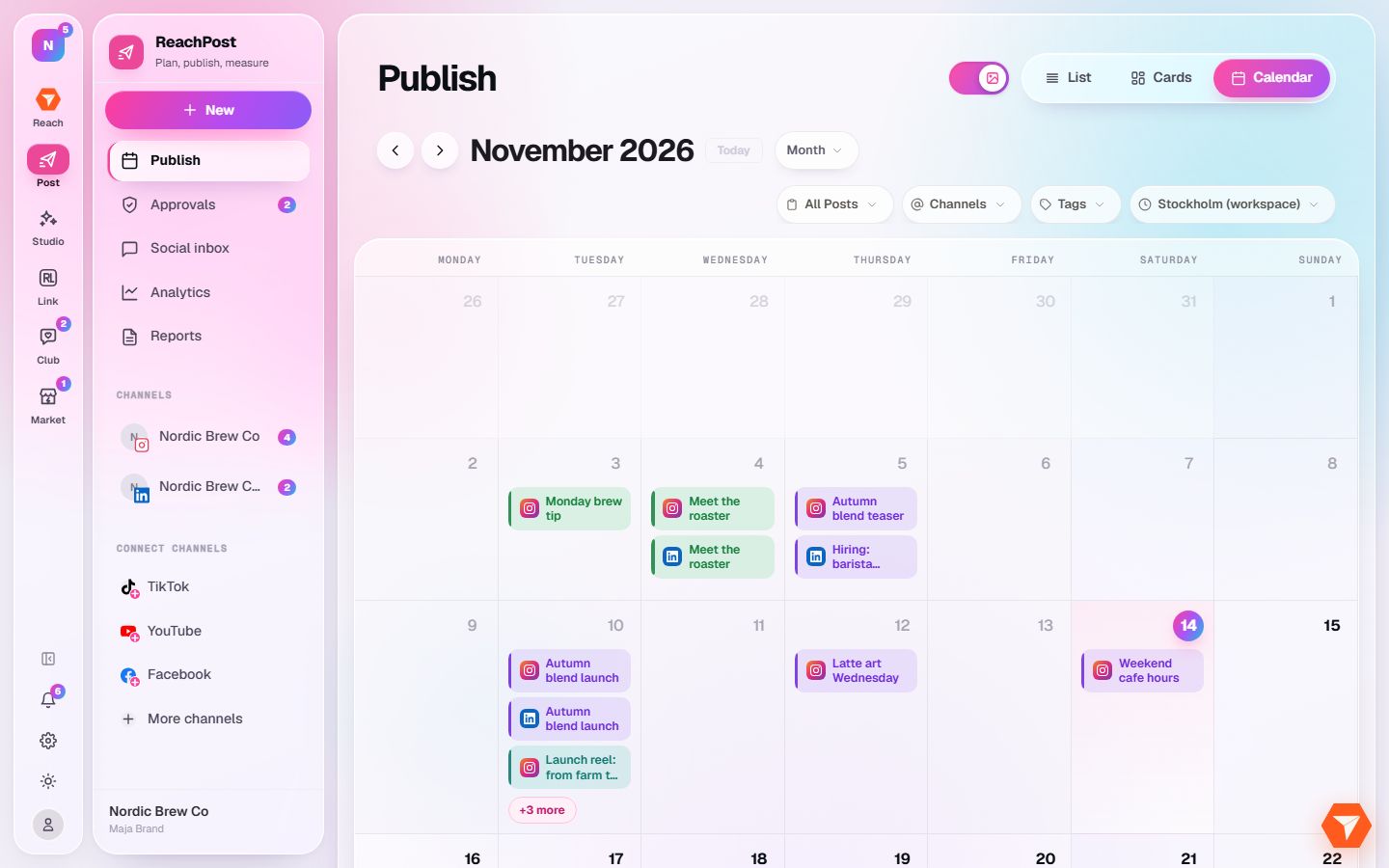
What you should see: A small chat panel opens above the button.
-
Type your question and press Enter.
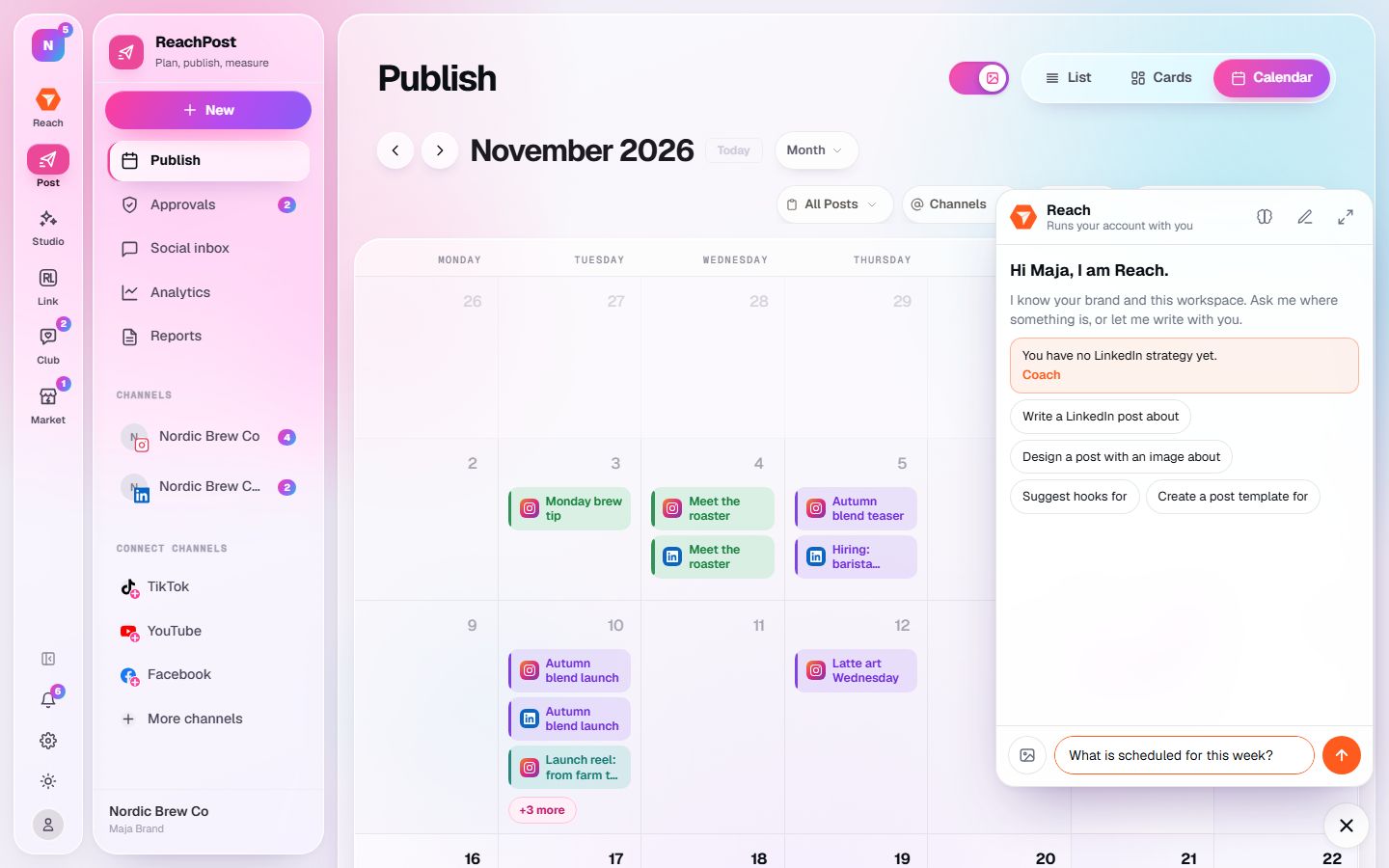
What you should see: Reach answers in the panel. It knows which workspace you are in.
-
Click the expand icon at the top of the panel to continue on a full page.
What you should see: The same conversation opens in Reach, with more room to read.