
How do I get a strong first line for a post?
Hooks writes six opening lines for a subject, in your voice. Pick the one that stops the scroll.
Open this page 4 steps
-
Open Studio in the left rail and click Hooks.
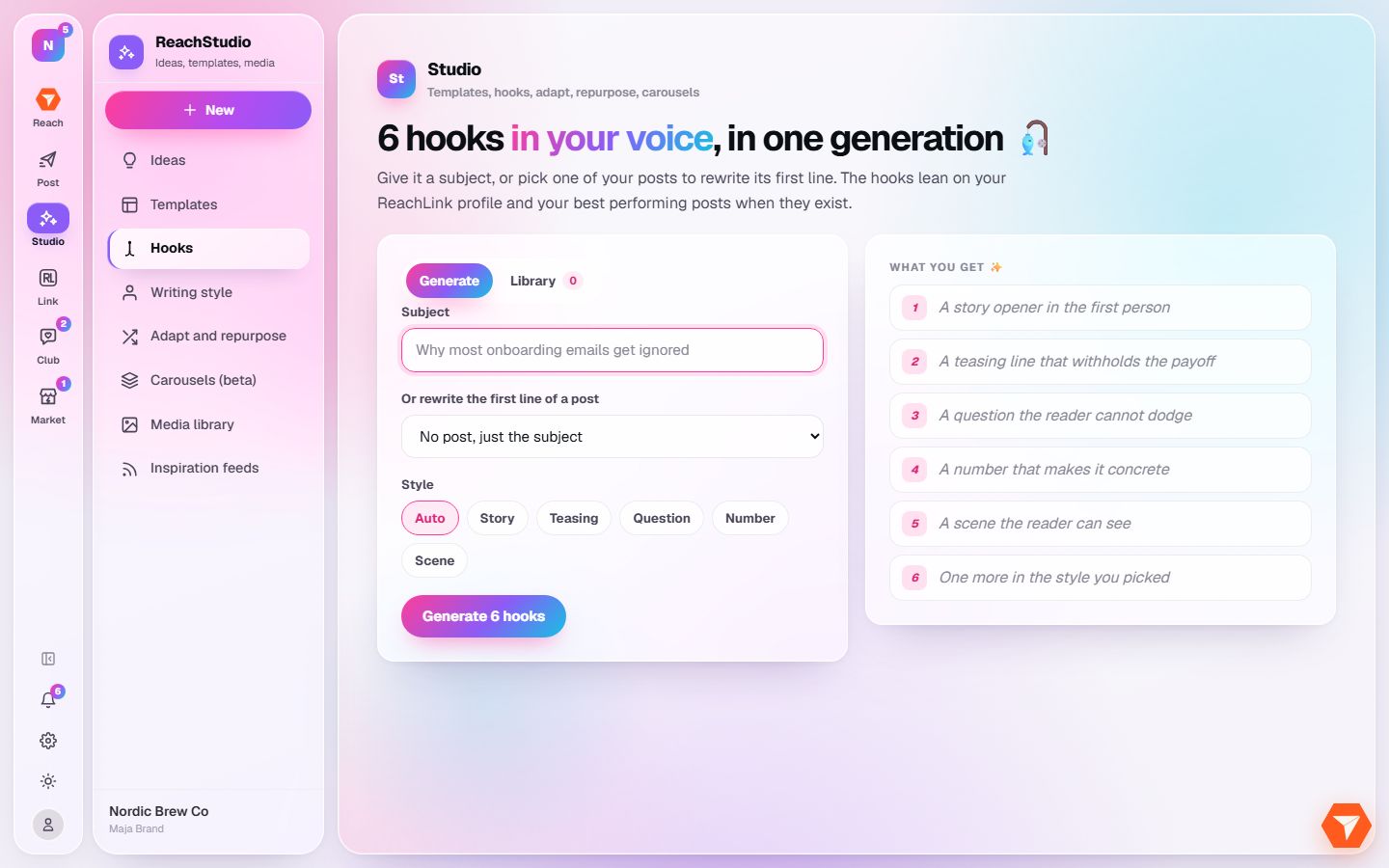
What you should see: The hook generator opens.
-
Type the subject of your post. You can also pick a post and rewrite its first line.
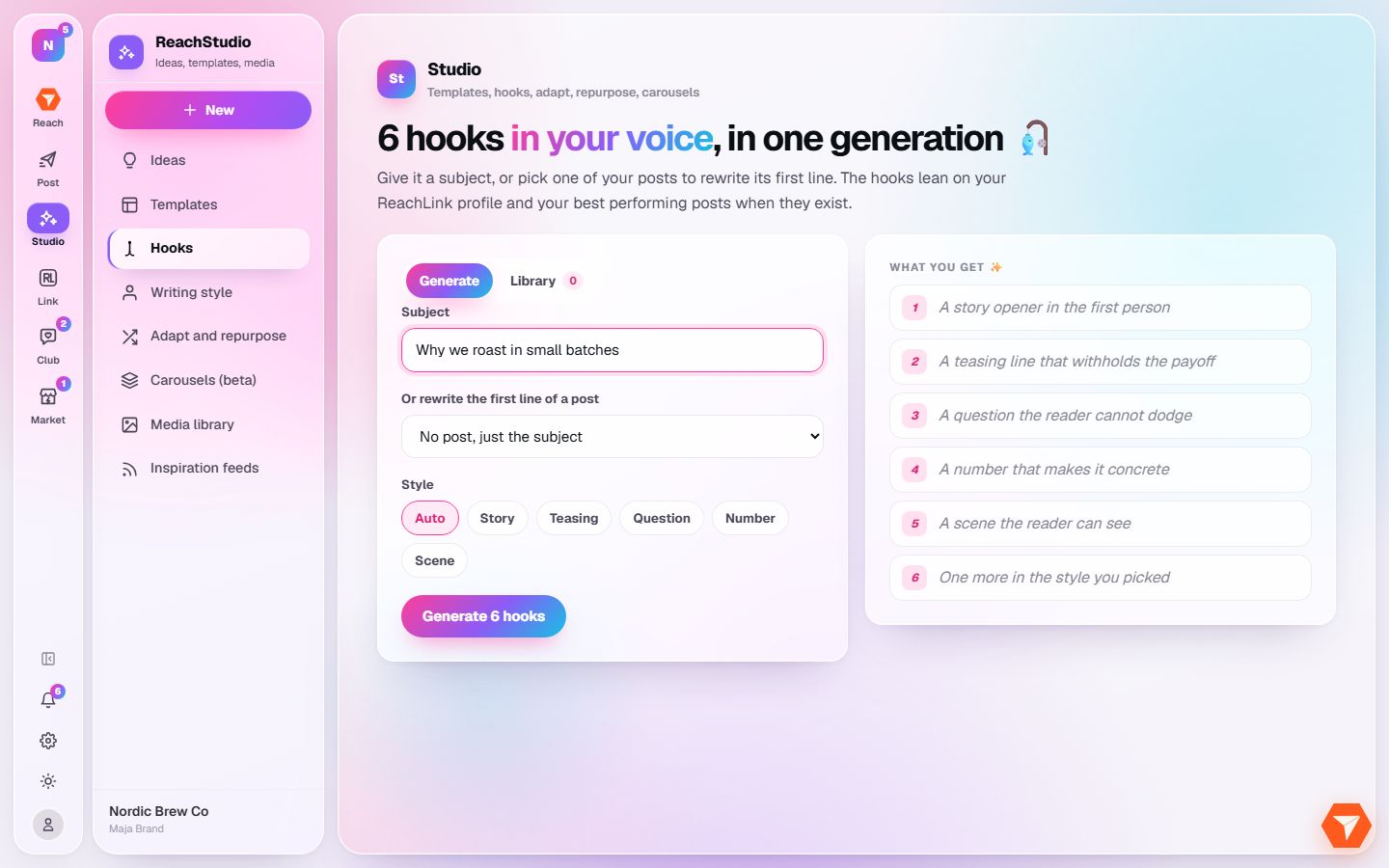
What you should see: Your subject is in the box.
-
Pick a style, or leave it on Auto.
What you should see: The chosen style is highlighted.
-
Click Generate 6 hooks.
What you should see: Six hooks appear. Save the ones you like to your Library, or start a post from one.